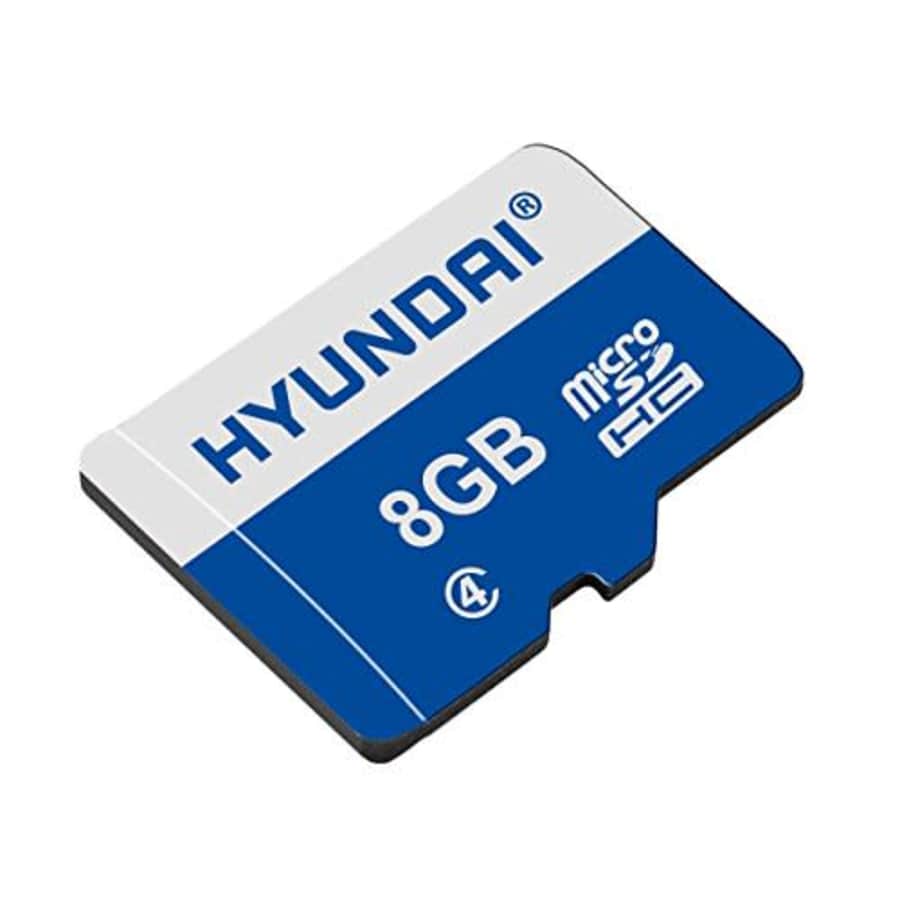
- Provides you with the ability to transfer images and videos from your sdcard to your PC and can also be used in cameras
- Read speed of up to 20MB/s and write speed of up to 6MB/s will save time when moving your files
- Water proof, temperature proof, shock proof, x-ray proof, and magnet proof for durability and long-term use
- High-performance for full HD video recording, high resolution pictures, mobile gaming, music and more
- Works with cellphones, smartphones, Android tablets, tablet PCs, and more
- Model: SDC8GC4
- UPC: 850525006786

- 14 inch Touchscreen Full HD 1920x1080 4-way NanoEdge display featuring ultra-narrow bezels (5mm thin) around each side of the display that allows for a 14-inch screen to fit in the body of a 13-inch laptop footprint
- The Full HD display has a durable 360 degree hinge that can be used to flip the touchscreen display to tent, stand, and tablet mode
- Powered by the Intel Core m3-8100Y Processor (up to 3.4 GHz) for super-fast and snappy performance. If you use a ton of tabs or run lots of apps, this has the power to get it all done with ease
- 8GB LPDDR3 RAM; 64GB eMMC storage and 2x USB Type-C (Gen 1) and 1x Type-A (Gen 1) ports plus a backlit chiclet keyboard (*USB Transfer speed may vary. Learn more at ASUS website)
- Chromebook runs on Chrome OS - an operating system by Google that is built for the way we live today. It comes with built-in virus protection, updates automatically*, boots up in seconds and continues to stay fast over time
- Model: C433TA-AS384T-cr
- UPC: 656942088370
It's $7 under list price. Buy Now at Amazon
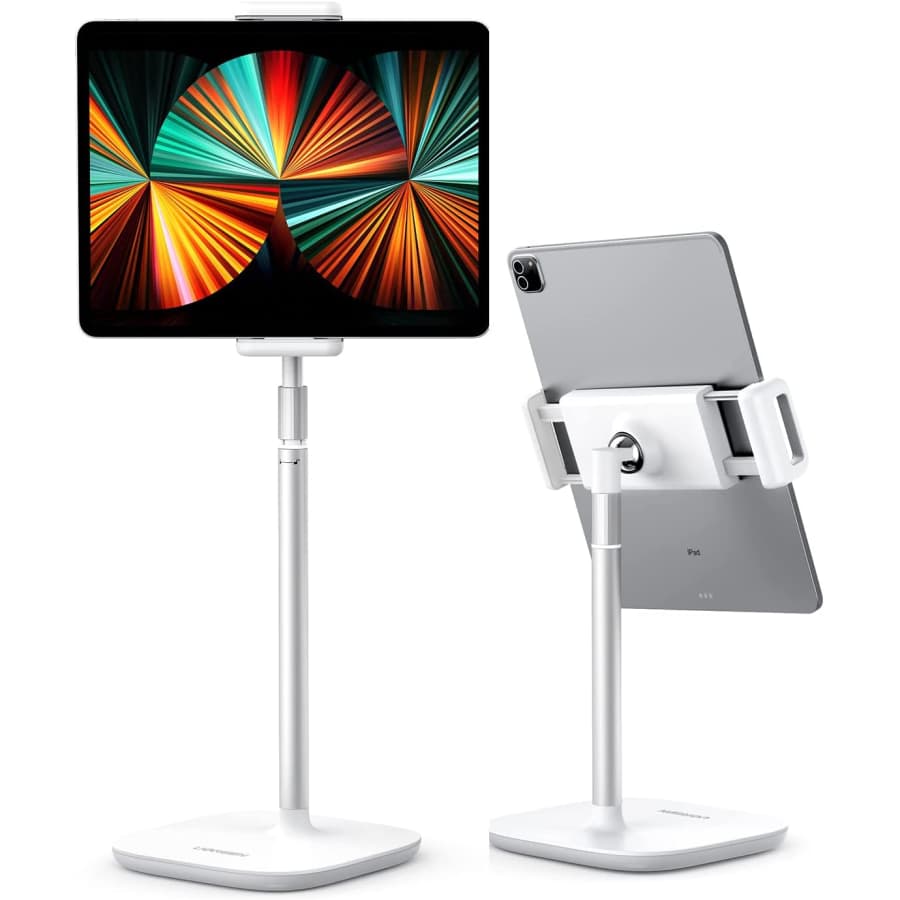
- weighted base
- adjustable angle & height
- can be used for 5" to 13" cellphones & tablets
It's $70 under list price. Buy Now at Amazon
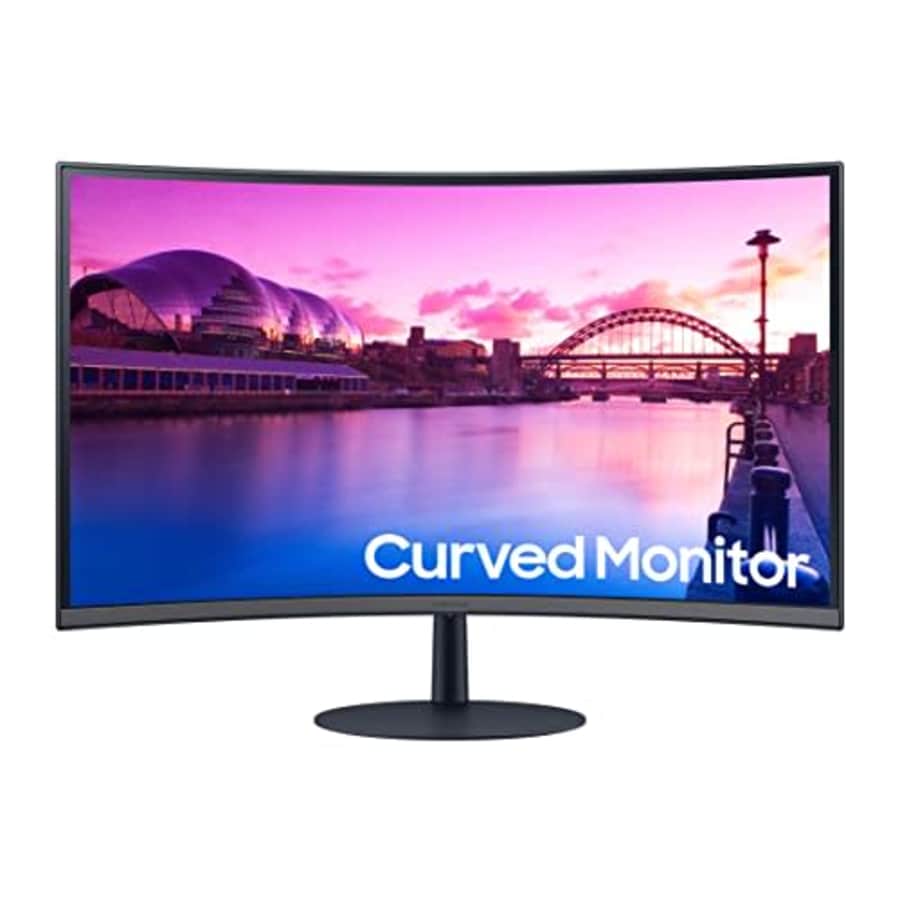
- EASY ON THE EYES: In comparison to conventional monitors that have less curve, 1000R fits the human field of view for less eye strain; A clinical study at Seoul National University showed that the closer to 1000R, the more eye fatigue is limited
- EASY ON THE EYES: In comparison to conventional monitors that have less curve, 1000R fits the human field of view for less eye strain; A clinical study at Seoul National University showed that the closer to 1000R, the more eye fatigue is limitedFOCUSED COMFORT: The S39C's advanced eye comfort technology reduces eye strain for more comfortable computing; Flicker Free technology continuously removes tiring and irritating screen flicker, while Eye Saver Mode minimizes emitted blue light
- READY TO ENTERTAIN: Connect to all your favorite devices with a convenient HDMI x2 and DP triple interface; The built-in 5 Watt speakers make it even easier to get lost in your favorite movies or TV shows, without plugging in a speaker
- VISIONARY MINIMALISM: The virtually bezeless display's striking aesthetic is enhanced by a fabric- textured backside and premium-quality slim metal stand; The result is a monitor that catches eyes and complements any interior, too
- WHAT GAMERS WANT: AMD FreeSyncTM delivers seamless gaming, while 75Hz makes scenes smooth; This flawless imagery comes together with Game Mode and the renowned 1000R curve for intensely realistic immersion
- Model: LS32C392EANXGO
- UPC: 887276722238
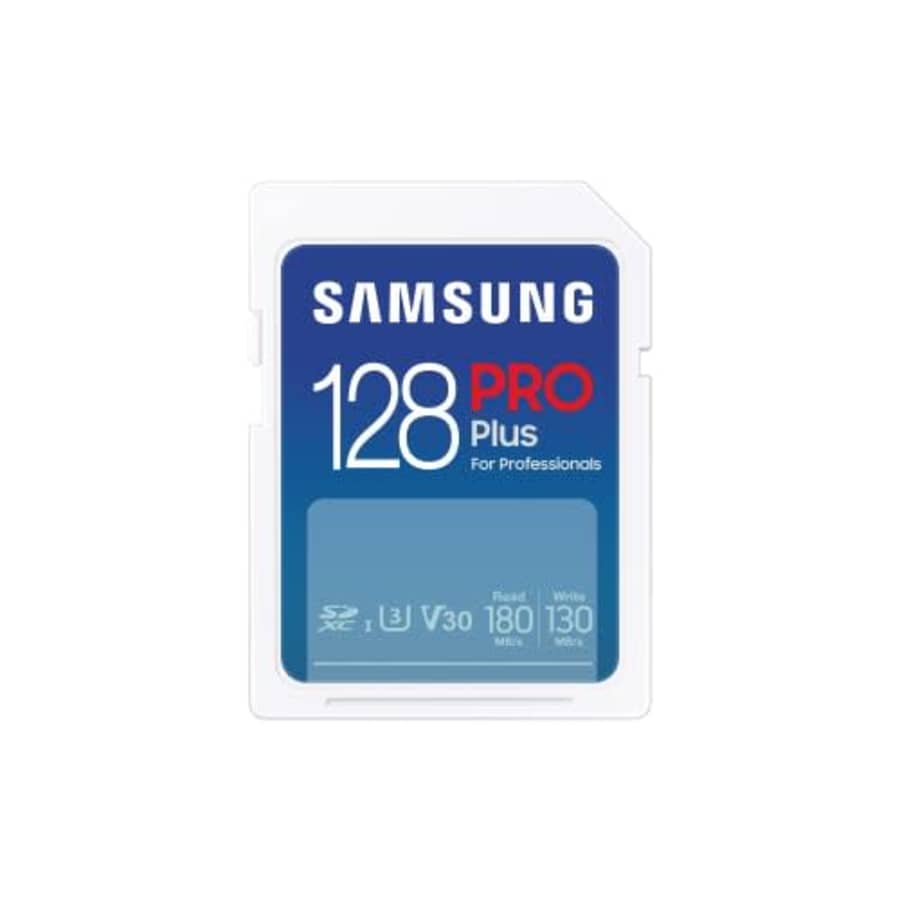
- Card for photography: Reliable and robust memory card with high performance (UHS-I U3) for professional use in digital SLR and system cameras
- High Speed: Perfectly suited for 4K UHD and continuous shooting with up to 180MB/s read and 130MB/s write speed (UHS-I U3)
- Plenty of storage space for your recordings: 512GB, 256GB, 128GB and 64GB storage capacity available
- Particularly robust thanks to 7-way protection: waterproof, temperature-resistant, X-ray-proof, magnetic resistant, shockproof, drop-proof and wear-free
- High compatibility: can be used in digital SLR and mirrorless system cameras. Not compatible with smartphones, for this we recommend the microSD EVO Select
- Model: MB-SD128S/EU
It's $59 under list price. Buy Now at Amazon
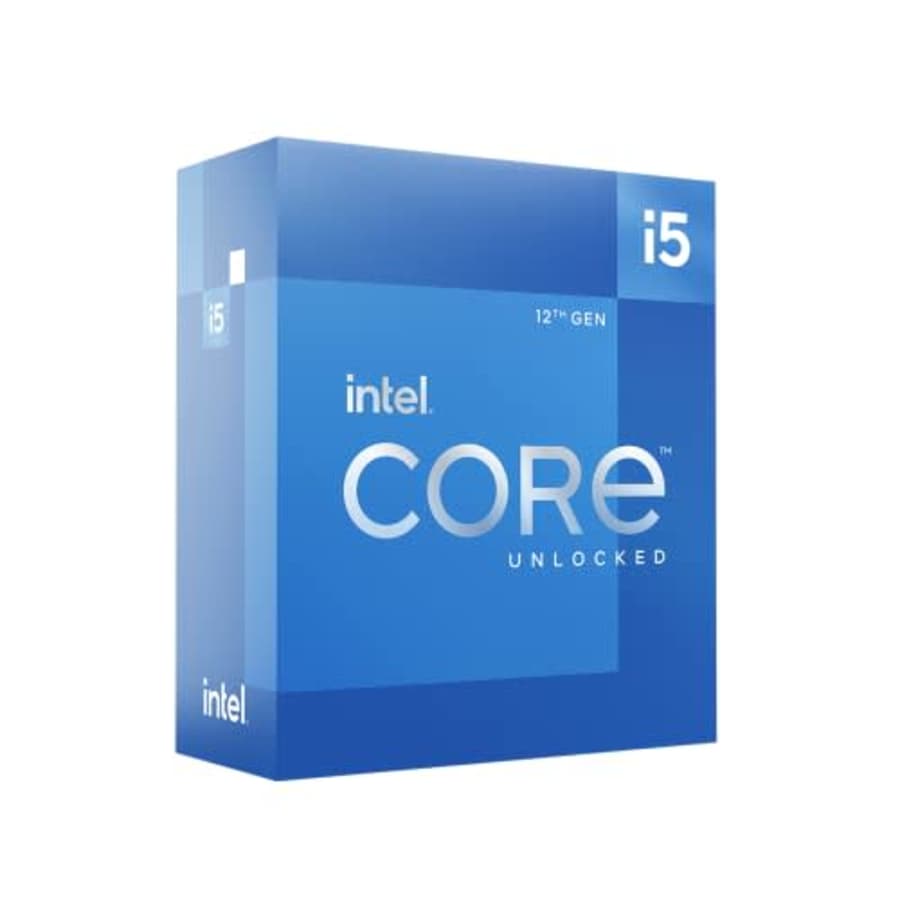
- Intel Core i5 3 GHz processor offers hyper-threading architecture that delivers high performance for demanding applications with improved onboard graphics and turbo boost
- The Socket LGA-1700 socket allows processor to be placed on the PCB without soldering
- 18 MB of L3 cache rapidly retrieves the most used data available to improve system performance
- Model: BX8071512500
It's $3 under list price. Buy Now at Amazon
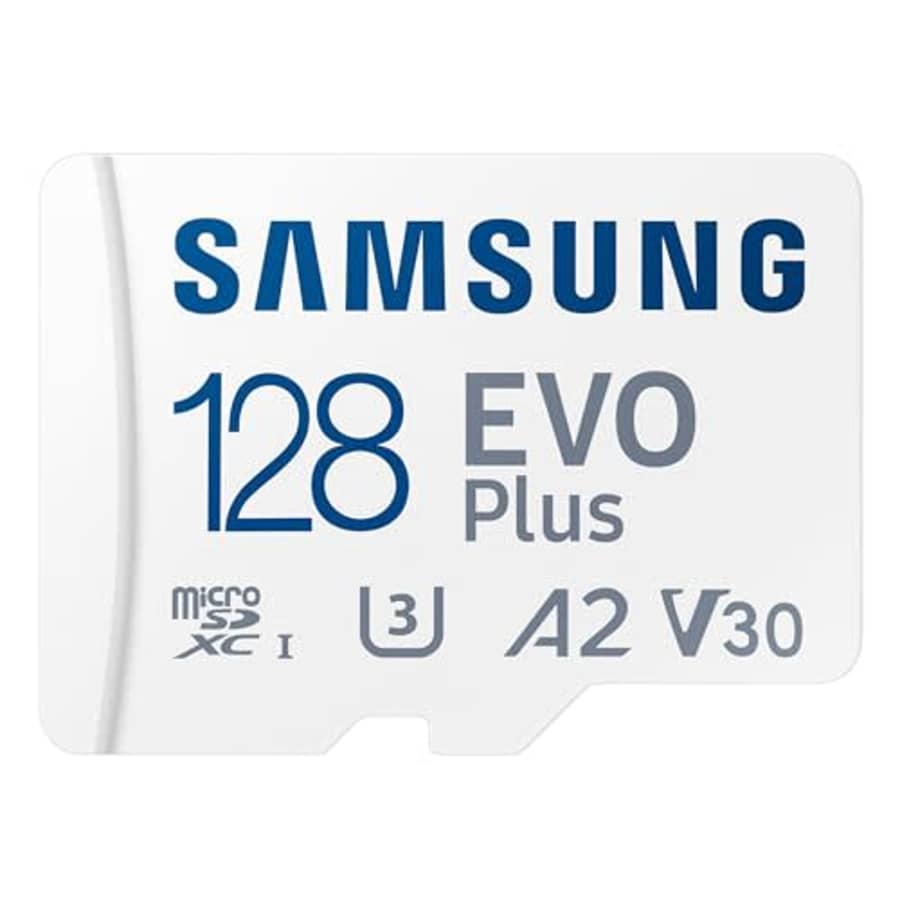
- ADAPTER INCLUDED: Your microSD card includes a Samsung adapter that works with your computer, handheld gaming console, tablet or cameraand virtually any device with an SD card slot; Transfer files with no fuss and no need to hunt for extra tech
- READ/WRITE SPEEDS UP TO 160 MB/s: The EVO Plus is ready to save real-time moments with ultrafast transfer speeds of up to 160 MB/s; Transfer everything instantly and capture each memory as it comes with an SD that keeps up with your real life
- STORAGE CAPACITIES FROM 64GB - 1TB: Save every second in mere minutes with storage capacities ranging from 64GB to 1TB; Its always reliable with the right amount of space to fit your lifestyle, so you can hold on to the things that matter most
- U3, CLASS 10, A2, V30 & UHS-I INTERFACE: Ultra-high-speeds; Crystal clear 4K UHD video and content complete with the latest U3 and V30 speeds for faster transfers and more memory on-the-spot, all while recording full HD 1080p and 3D video, too
- 6 PROOF PROTECTION w/ 10-YEAR LIMITED WARRANTY: The Samsung EVO Select microSD is tough enough to take on anything; With protection covering everything from water to extreme temperatures it can handle wear and tear
- EXTENSIVE COMPATIBILITY: Whether youre using a DSLR camera or a PC, count on the EVO Plus for extensive compatibility; It's a true team player with heavy-duty application usage or file-saving and can be used with action cams and drones, too
- Model: MB-MC128SA/AM
- UPC: 887276820934
It's $30 under list price. Buy Now at Amazon
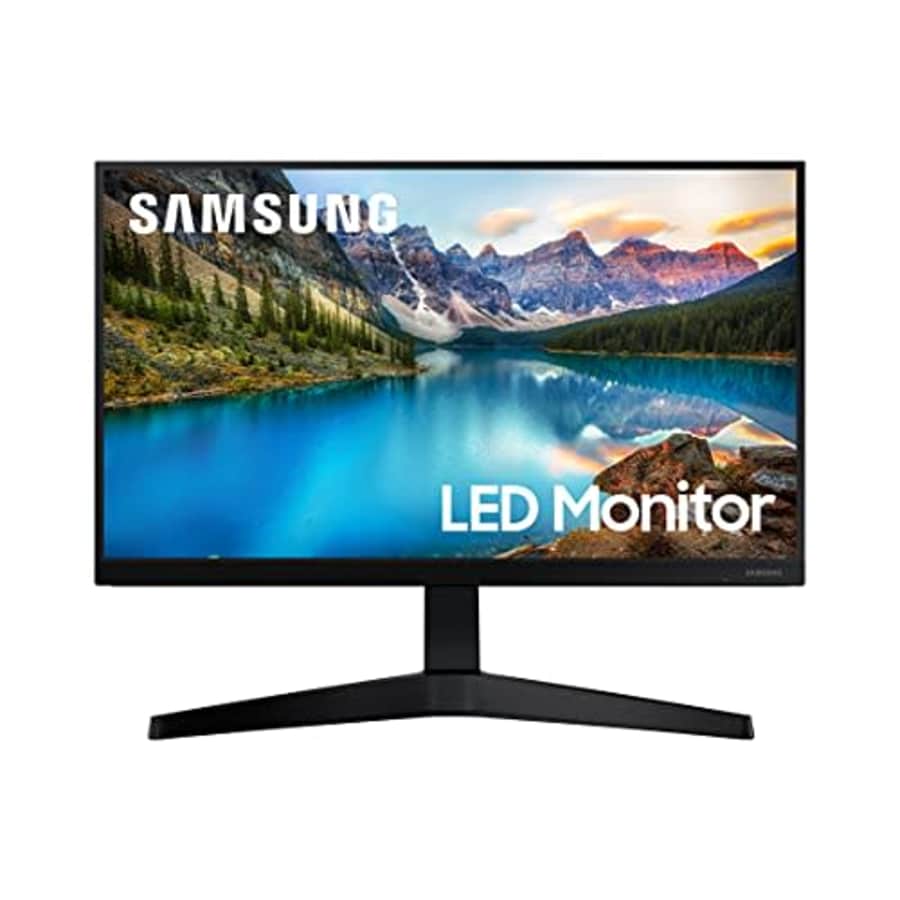
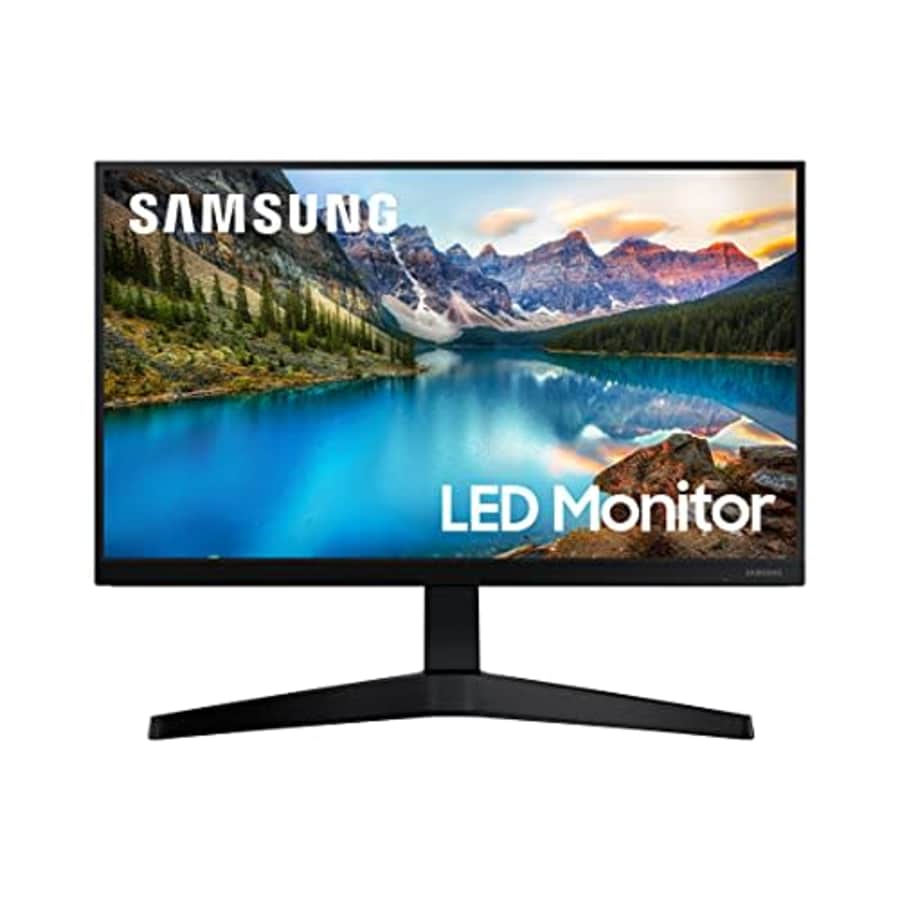
- TRUE COLOR PRESERVATION: The IPS Panel and 178 viewing angle help maintain vivid color, tones, and shades across every inch of the ultrawide desktop screen
- VIRTUALLY BORDERLESS DESIGN: Minimal bezel brings maximum concentration; Virtually borderless screen displays the full picture and looks almost gapless when used in a dual monitor setup
- ALL DAY EYE CARE: Eye Saver Mode reduces blue light emissions to help promote better concentration and productivity, while Flicker Free technology removes tiring and irritating screen flicker
- ECO SAVING PLUS: Achieve power-consumption reductions while still maintaining picture quality; It adjusts the brightness of the screen's black sections while simultaneously adjusting the RGB gain values, so the screen looks just as bright as you remember
- AMD FREESYNC: Play videos without screen tearing so nothing distracts you; The T37F computer monitor maximizes business productivity so you can handle work tasks easily
- 75Hz REFRESH RATE: All the action looks flawless with a 75 Hz refresh rate that delivers a more fluid picture; Everything you watch and play is smooth with virtually no lag or ghosting effect, so you don't miss a moment in exciting scenes
- GAME MODE: Instantly optimize screen contrast for a competitive edge while gaming; By selectively boosting contrast in scenes, Game Mode reveals more detail in dark areas to let you spot your enemies faster
- Model: LF24T374FWNXGO
- UPC: 887276524764
It's $67 under list price. Buy Now at Amazon
- TRUE COLOR PRESERVATION: The IPS Panel and 178 viewing angle help maintain vivid color, tones, and shades across every inch of the ultrawide desktop screen
- VIRTUALLY BORDERLESS DESIGN: Minimal bezel brings maximum concentration; Virtually borderless screen displays the full picture and looks almost gapless when used in a dual monitor setup
- ALL DAY EYE CARE: Eye Saver Mode reduces blue light emissions to help promote better concentration and productivity, while Flicker Free technology removes tiring and irritating screen flicker
- ECO SAVING PLUS: Achieve power-consumption reductions while still maintaining picture quality; It adjusts the brightness of the screen's black sections while simultaneously adjusting the RGB gain values, so the screen looks just as bright as you remember
- AMD FREESYNC: Play videos without screen tearing so nothing distracts you; The T37F computer monitor maximizes business productivity so you can handle work tasks easily
- 75Hz REFRESH RATE: All the action looks flawless with a 75 Hz refresh rate that delivers a more fluid picture; Everything you watch and play is smooth with virtually no lag or ghosting effect, so you don't miss a moment in exciting scenes
- GAME MODE: Instantly optimize screen contrast for a competitive edge while gaming; By selectively boosting contrast in scenes, Game Mode reveals more detail in dark areas to let you spot your enemies faster
- Model: LF22T374FWNXGO
- UPC: 887276524757
It's $10 under list price. Buy Now at Amazon
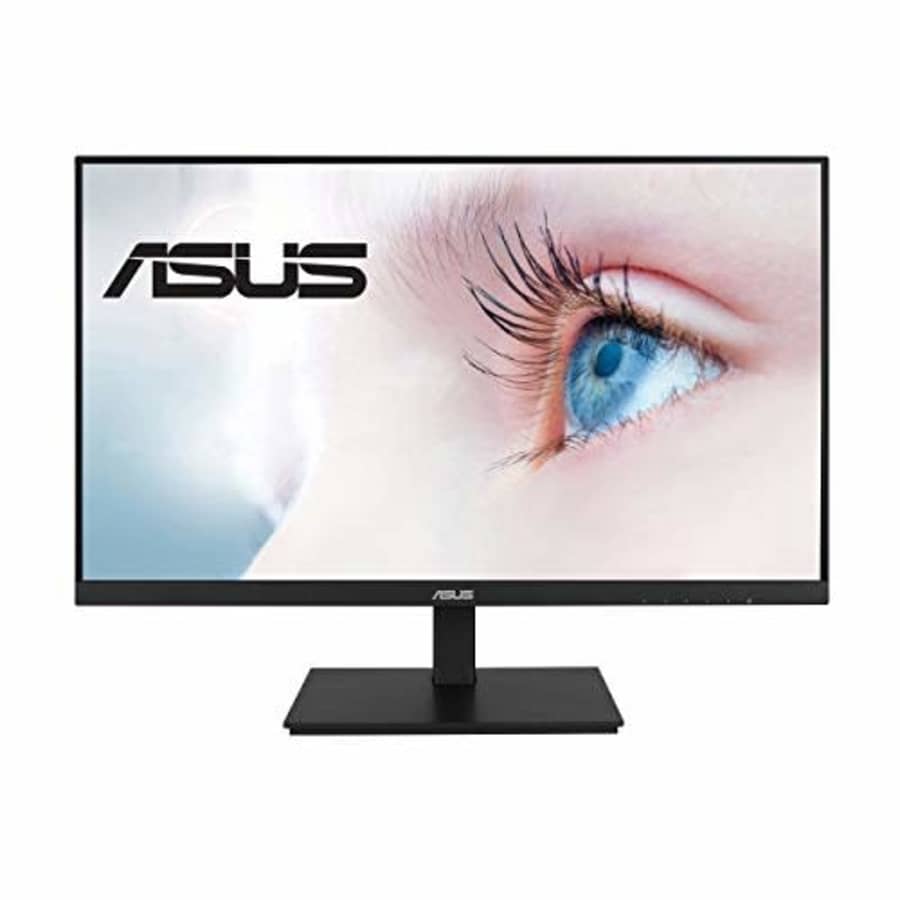
- 27-inch Full HD (1920 x 1080) LED backlight display with IPS 178 wide viewing angle panel
- Up to 75Hz refresh rate with Adaptive-Sync technology to eliminate tracing and ensure crisp and clear video playback
- Extensive connectivity including HDMI, DisplayPort, D-sub and USB hub
- VESA wall-mountable to save on desktop space plus ergonomically-designed stands with full tilt, swivel, pivot, and height adjustment
- ASUS Eye Care technology features TV Rheinland-certified Flicker-free and Low Blue Light technologies to ensure a comfortable viewing experience, Color Augmentation for better color differentiation, and Rest Reminder to prevent eye fatigue caused by long screen viewing time
- Model: VA27DQSB
- UPC: 192876756409
It's $50 under list price. Buy Now at Amazon
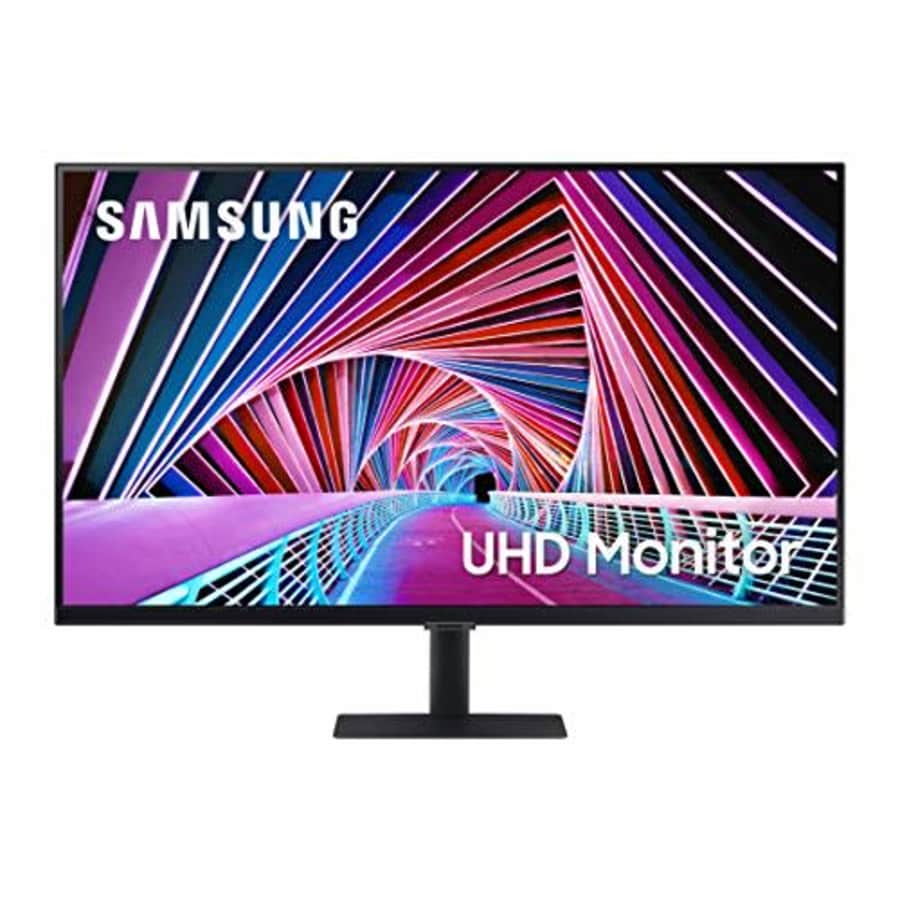
- Superior Picture Quality: 4K hi-res UHD, IPS panel and HDR10 allow you to explore every detail with 4x the pixels of Full HD; More screen real estate provides space to view multiple tools, applications and programs, night and day
- Viewing Angle is 178 (H) / 178 (V); Aspect Ratio is 16:9
- Best in Class for Business: Optimized for professional work environments, S70A series monitors feature an IPS panel delivering crystal clear color quality, without washing or fade, and a wide viewing angle of 178
- 1 Billion Colors with HDR10: With a range of colors, near limitless hues, and HDR10, which makes dark colors darker and the brightest colors even brighter, all content becomes a joy to look at and experienced exactly as the creator intended
- Relieve Eye Strain: Intelligent TUV-certified Eye Care keeps eyes fresh and strain-free; For late-night projects, brightness and color temperature adjust in any environment; PC monitor also protects against excessive blue light with eye saver mode and a flicker free feature
- Optimized Productivity: With a virtually borderless design, stay focused on your work with less distraction; With dual monitors, scan between multiple apps, emails or documents with gapless continuity, complemented by the slim metal stand to meet aesthetic needs
- Plug and See: No more switching around; With Automatic Source Switch Plus, your monitor detects newly connected devices as soon they're plugged in, and displays the correct signal; No more searching for the right input on the menu
- Model: LS27A700NWNXZA
- UPC: 887276507422
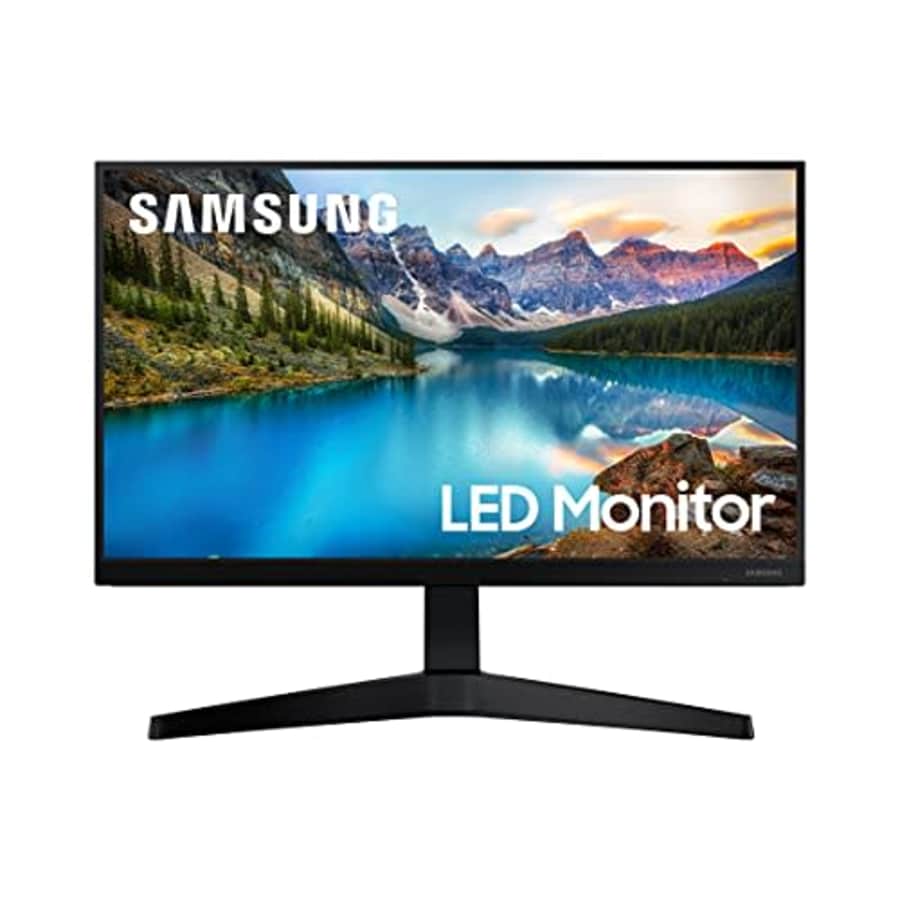
- TRUE COLOR PRESERVATION: The IPS Panel and 178 viewing angle help maintain vivid color, tones, and shades across every inch of the ultrawide desktop screen
- VIRTUALLY BORDERLESS DESIGN: Minimal bezel brings maximum concentration; Virtually borderless screen displays the full picture and looks almost gapless when used in a dual monitor setup
- ALL DAY EYE CARE: Eye Saver Mode reduces blue light emissions to help promote better concentration and productivity, while Flicker Free technology removes tiring and irritating screen flicker
- ECO SAVING PLUS: Achieve power-consumption reductions while still maintaining picture quality; It adjusts the brightness of the screen's black sections while simultaneously adjusting the RGB gain values, so the screen looks just as bright as you remember
- AMD FREESYNC: Play videos without screen tearing so nothing distracts you; The T37F computer monitor maximizes business productivity so you can handle work tasks easily
- 75Hz REFRESH RATE: All the action looks flawless with a 75 Hz refresh rate that delivers a more fluid picture; Everything you watch and play is smooth with virtually no lag or ghosting effect, so you don't miss a moment in exciting scenes
- GAME MODE: Instantly optimize screen contrast for a competitive edge while gaming; By selectively boosting contrast in scenes, Game Mode reveals more detail in dark areas to let you spot your enemies faster
- Model: LF27T374FWNXGO
- UPC: 887276524795
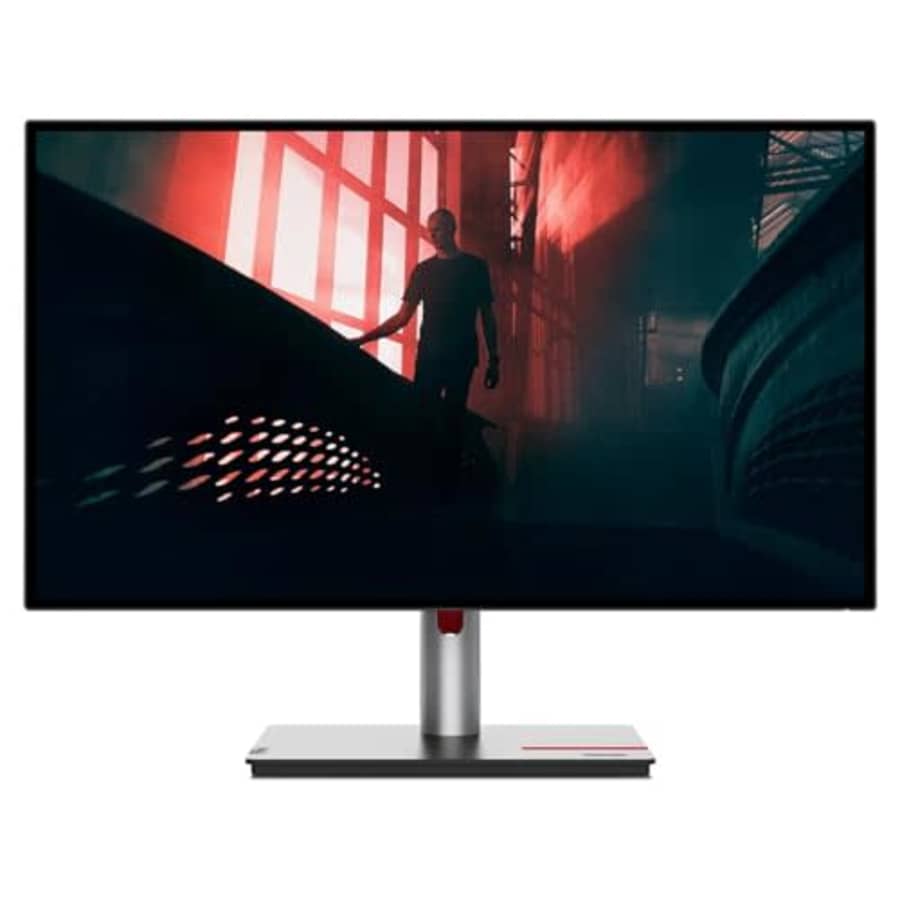
It's $162 under list price. Buy Now at Amazon
- LCD Monitor offers maximum efficiency and usability
- 27" viewable screen size provides a spectacular viewing experience
- 4 ms Extreme Mode response time diminishes ghosting, blurring, and streaking in fast-moving games and movies
- Experience a new level of viewing pleasure with Wide Quad High Definition (WQHD) that features 4 times the resolution of standard HD
- WLED backlight technology provides a clear and smooth display
- 2560 x 1440 maximum resolution for stunning, lively result with optimal viewing usability
- 60 Hz standard refresh rate caused by blurring to ensure maximum productivity
- 16:9 widescreen resolution perfect for watching movies, playing video games and getting on with office work
- HDMI (High Definition Multimedia Interface) offers fantastic sound/video quality and single-cable comfort
- Model: P27q-30
- UPC: 196379715413
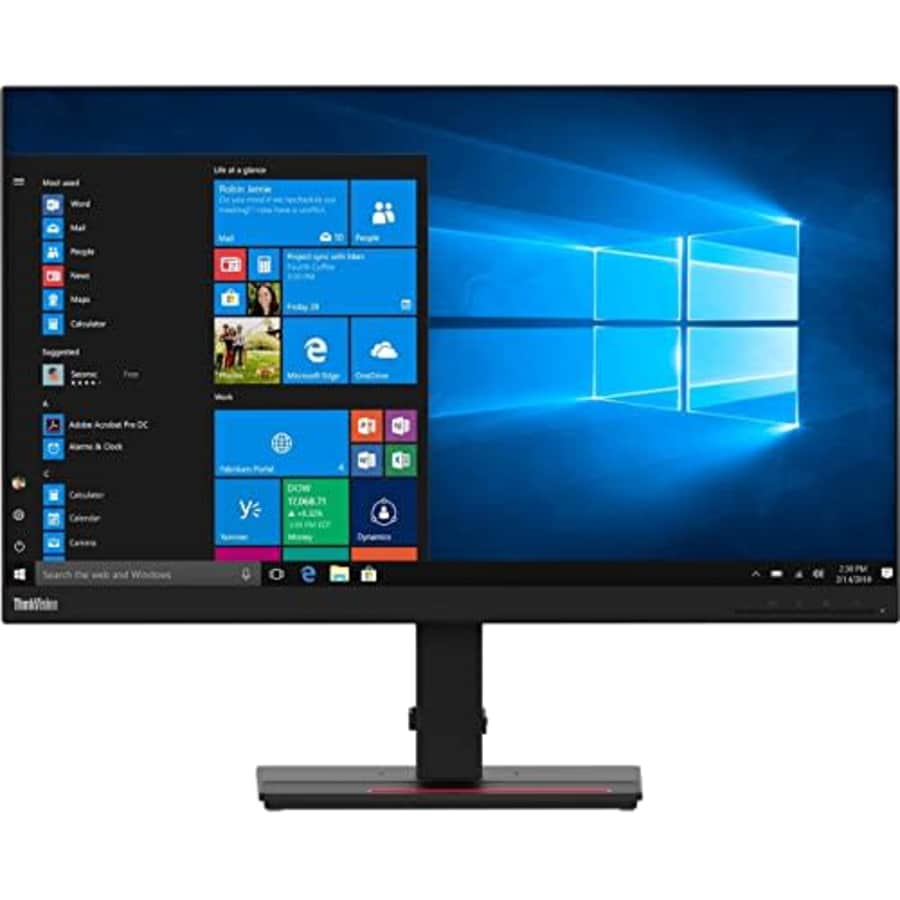
It's $4 under list price. Buy Now at Amazon
- Is power-efficient with minimal heat production to ensure a prolonged, convenient usage
- USB Type-C allows quick transmission of data at a higher rate for your convenience
- 27" viewable screen size provides a lively viewing experience
- 4 ms Extreme Mode response time diminishes ghosting, blurring, and streaking in fast-moving games and movies
- Enjoy crisp content and energetic hues with the 350 Nit brightness
- Four times the resolution of HD with WQHD mode, permits you to have more multimedia content shown without any delay with amplified efficiency
- WLED backlight technology for enhanced visual clarity
- 2560 x 1440 maximum resolution for stunning, lively result with optimal viewing usability
- 60 Hz standard refresh rate reduces deterioration caused by blurring to ensure maximum productivity
- 16:9 widescreen resolution perfect for watching movies, playing video games and getting on with office work
- Model: T27h-20
- UPC: 193638969822
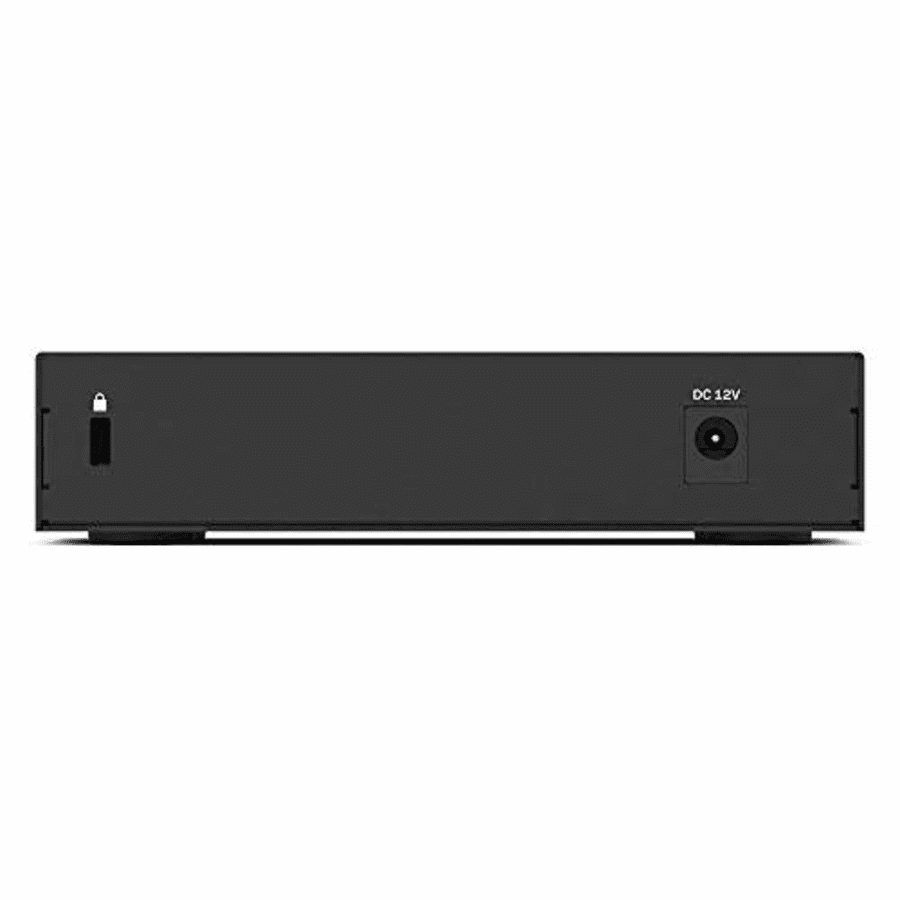
It's $4 under list price. Buy Now at Amazon
- Wired connection speed up to 1000 Mbps
- Attribute of five Gigabit Ethernet auto-sensing ports
- Auto power-down disables unused ports
- Smart power for short cable runs
- Easy plug and play connectionPower is 12 Volts, 0.5 Ampere
- Model: LGS105-UK
- UPC: 745883632893
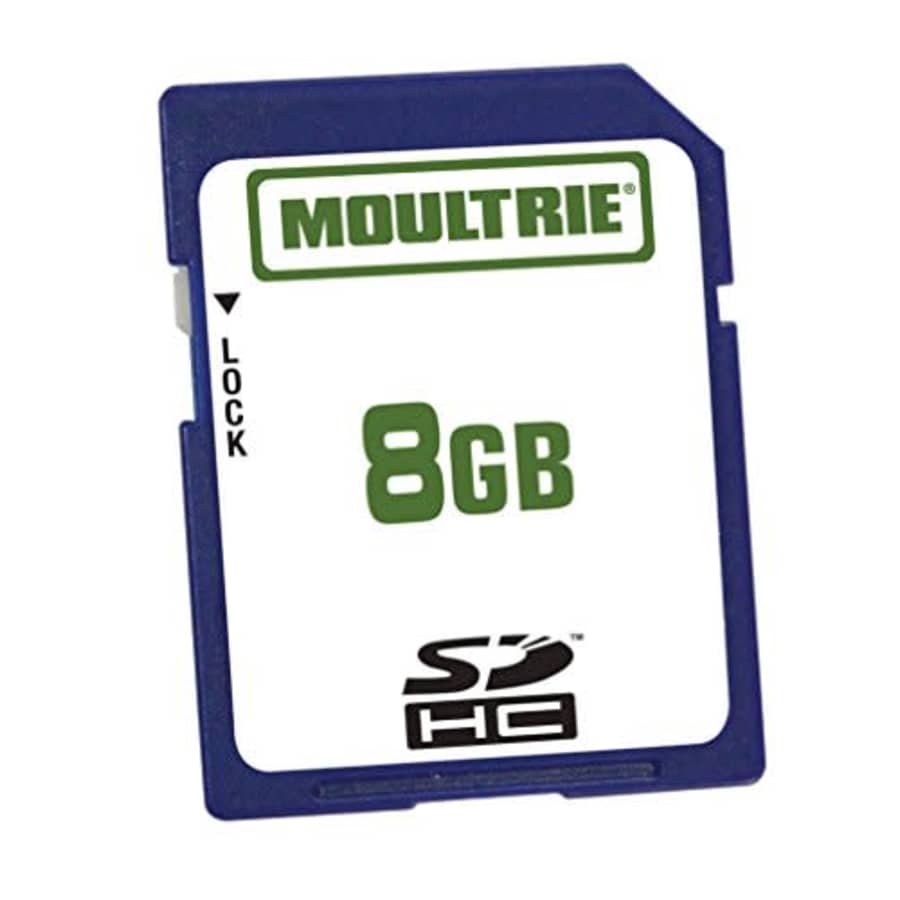
- Upload data, erase and reuse without losing quality
- Write-protect switch prevents accidental overwrites or deletes
- Use in all SDHC compatible devices
- Can be used with all 2007 and newer Moultrie game cameras
- Upload data erase and reuse without losing quality
- Write protect switch prevents accidental overwrites or deletes
- Easily transfer images from game camera to other electronic devices
- Model: MFHP12541
- UPC: 053695125411
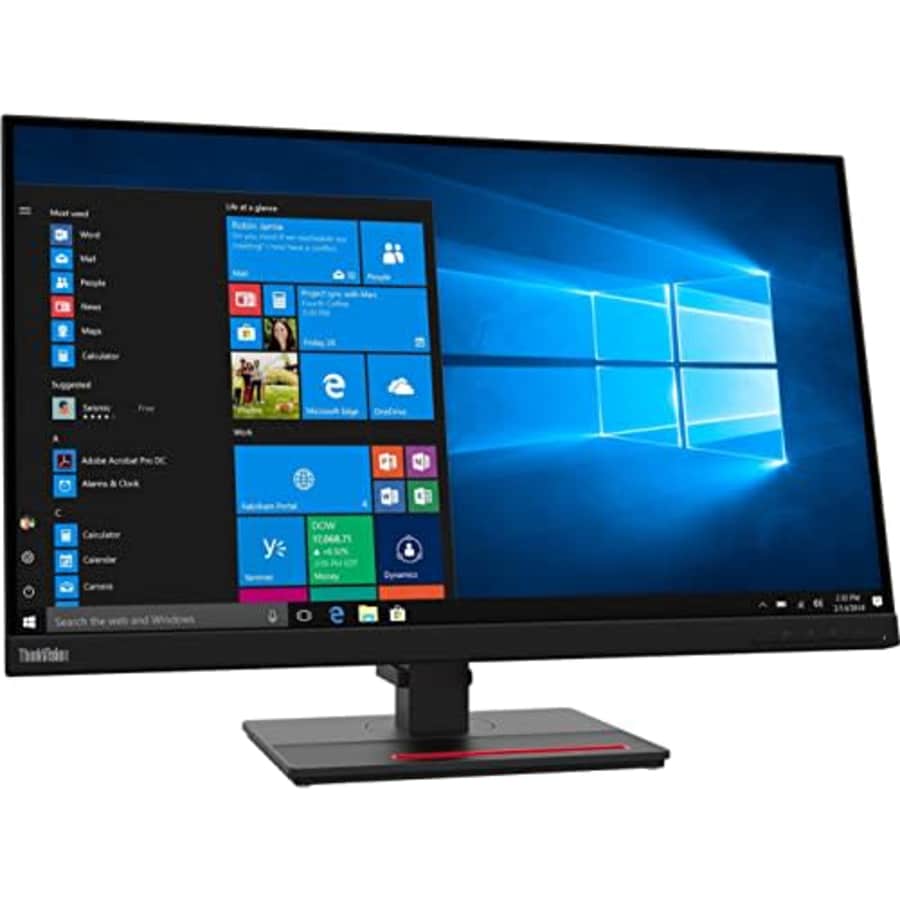
- Is long-lasting with reduced screen burning to ensure maximum efficiency
- 27" viewable screen size provides a spectacular viewing experience
- 4 ms Extreme Mode response time diminishes ghosting, blurring, and streaking in fast-moving games and movies
- Furnishes captivating visuals with 350 Nit brightness levels
- Experience a new level of viewing pleasure with Wide Quad High Definition (WQHD) that features 4 times the resolution of standard HD
- WLED backlight technology for enhanced visual clarity
- 2560 x 1440 maximum resolution for a vivid, crystal clear display with added productivity
- 60 Hz standard refresh rate reduces deterioration caused by blurring to ensure maximum productivity
- 16:9 widescreen resolution perfect for watching movies, playing video games and getting on with office work
- HDMI (High Definition Multimedia Interface) offers fantastic sound/video quality and single-cable comfort
- Model: T27h-2L
- UPC: 195348052993
It's $55 under list price. Buy Now at Amazon
- Intel Core i5 3 GHz processor offers hyper-threading architecture that delivers high performance for demanding applications with improved onboard graphics and turbo boost
- The Socket LGA-1700 socket allows processor to be placed on the PCB without soldering
- 18 MB of L3 cache rapidly retrieves the most used data available to improve system performance
- Model: BX8071512500
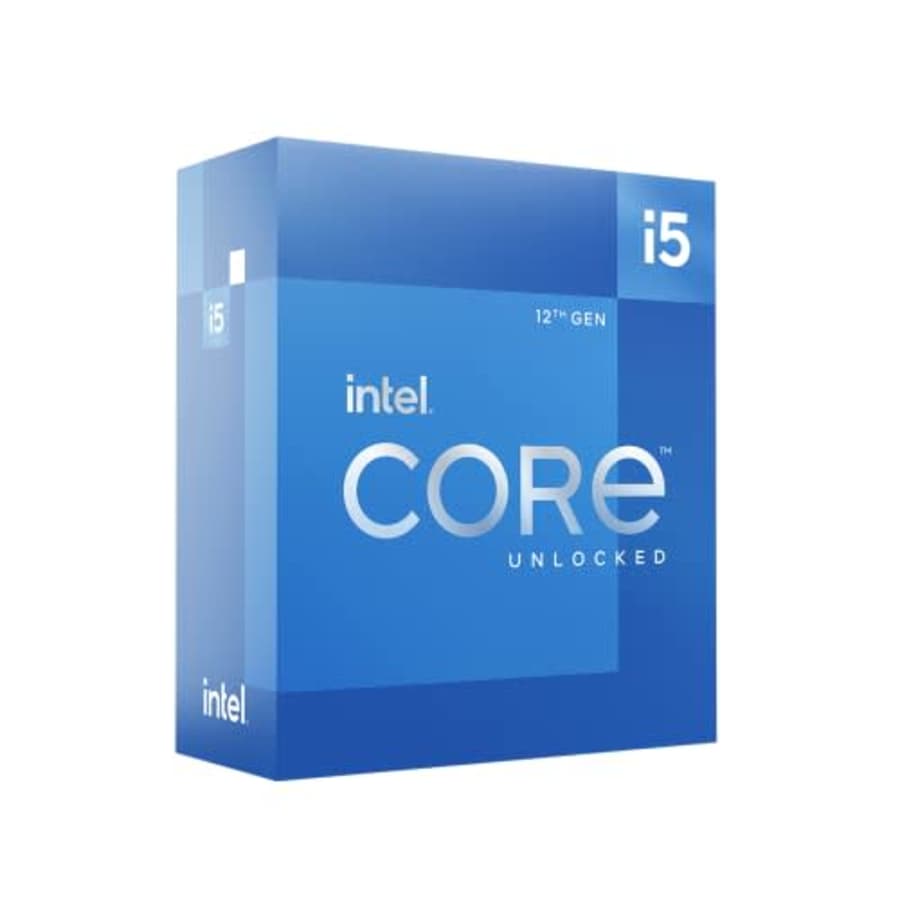
It's $55 under list price. Buy Now at Amazon
- Intel Core i5 3 GHz processor offers hyper-threading architecture that delivers high performance for demanding applications with improved onboard graphics and turbo boost
- The processor features Socket LGA-1700 socket for installation on the PCB
- 18 MB of L3 cache rapidly retrieves the most used data available to improve system performance
- Model: i5-12500
- UPC: 735858503983
Computers: The Basics
Shopping for computers doesn’t have to drain your savings — if you know how to find the best prices. Our team of experts review the sales and publish the best computer deals so you don’t have to work half as hard.
How to Save on Streaming Services
Computers: The Basics
Shopping for computers doesn’t have to drain your savings — if you know how to find the best prices. Our team of experts review the sales and publish the best computer deals so you don’t have to work half as hard.
Basic Computer Terminology
You don’t have to be a tech wiz to buy your next computer. Make note of these common terms to help you when you’re shopping computer sales!
- Operating System (OS): This is the system that controls how your computer performs basic functions. The most common operating systems you’ll see right now are Windows 10 and Mac OS X. They perform comparably, so picking one relies on personal preference.
- Random-access memory (RAM): The short-term memory of your computer. Your RAM controls how quickly and efficiently your computer is able to switch between tasks. The higher the RAM, generally, the better the performance.
- Processor (CPU): The powerhouse or “brain” of the computer, your processor handles your computer’s basic instructions, such as using your mouse and keyboard, or running applications. The two most popular CPU manufacturers are AMD and Intel. You can read about which processor is right for you in this article from Digital Trends.
- Storage: There are two types of physical computer storage, hard drives (HD) and solid state drives (SSD). SSD storage is more common these days because they are more stable and faster. While it’s ideal to aim for greater storage space, a bigger drive will cost more money. Determine your storage needs based on how you plan to use your computer. Abt recommends starting with at least 500 GB of storage space.
Additionally, some providers, like Verizon, offer streaming perks with select plans, giving you months of access to services like Disney+, Hulu, and ESPN+ at no extra cost. Annual payment options can also help you save, as they often come with a discount equivalent to getting one or two months free. For those on a budget, ad-supported plans provide the same great content at a fraction of the cost. Visit our Disney+ Subscription Cost page to explore pricing and options.
What Deals Are Available on Disney+ Bundles?
Disney+ bundle deals provide significant savings when combining services. For example, the Verizon Disney Bundle offered six months of Disney+, Hulu, and ESPN+ for free with select Unlimited plans. Bundles like the Disney+ Premium annual plan ($159.99) save you the cost of two months compared to monthly payments. Bundle options like the ad-supported Duo Basic plan (Disney+ and Hulu) start at $10.99 per month, while ad-free Duo Premium is $19.99. Learn more on the Disney+ Bundle Deals page.
You can also explore seasonal and promotional deals during events like Black Friday to maximize your savings. Check out the Best Disney+ Deals page for current offers.
How Much Is a Disney+ Subscription?
Disney+ subscriptions currently start at $8 per month for the ad-supported Basic plan, while the Premium ad-free plan is priced at $13.99 per month or $139.99 annually. Prices will increase beginning October 17, 2024, with the Premium plan rising to $15.99 per month or $159.99 annually. Explore all pricing options on the Disney+ Subscription Costs page.
Best Disney+ Deals
Disney+ offers value-packed streaming bundles, such as the Disney+, Hulu, and Max bundle starting at $17 per month with ads or $30 per month ad-free. Disney+ also supports paid sharing, allowing you to add one extra member for $6.99 per month with Basic or $9.99 per month with Premium. Prices are increasing on October 17, 2024, so finding deals like these is more important than ever. For more information, visit our Best Disney+ Deals page.
Best Disney+ Deals
Disney+ offers value-packed streaming bundles, such as the Disney+, Hulu, and Max bundle starting at $17 per month with ads or $30 per month ad-free. Disney+ also supports paid sharing, allowing you to add one extra member for $6.99 per month with Basic or $9.99 per month with Premium. Prices are increasing on October 17, 2024, so finding deals like these is more important than ever. For more information, visit our Best Disney+ Deals page.
Annual Disney+ Subscription Costs
Disney+ Premium annual plans cost $139.99 but will rise to $159.99 on October 17, 2024. Opting for the annual plan saves you the equivalent of two months compared to monthly billing. Note that annual payments are only available for standalone Disney+ Premium plans and not for bundles. Customize your subscription to include ad-supported or ad-free options with Hulu, ESPN+, or Max. See all pricing details on the Disney+ Subscription Cost page.
Basic Computer Terminology
You don’t have to be a tech wiz to buy your next computer. Make note of these common terms to help you when you’re shopping computer sales!
- Operating System (OS): This is the system that controls how your computer performs basic functions. The most common operating systems you’ll see right now are Windows 10 and Mac OS X. They perform comparably, so picking one relies on personal preference.
- Random-access memory (RAM): The short-term memory of your computer. Your RAM controls how quickly and efficiently your computer is able to switch between tasks. The higher the RAM, generally, the better the performance.
- Processor (CPU) : The powerhouse or “brain” of the computer, your processor handles your computer’s basic instructions, such as using your mouse and keyboard, or running applications. The two most popular CPU manufacturers are AMD and Intel. You can read about which processor is right for you in this article from Digital Trends.
- Storage: There are two types of physical computer storage, hard drives (HD) and solid state drives (SSD). SSD storage is more common these days because they are more stable and faster. While it’s ideal to aim for greater storage space, a bigger drive will cost more money. Determine your storage needs based on how you plan to use your computer. Abt recommends starting with at least 500 GB of storage space.
Basic Software for Your PC
When you start using your new computer, you’ll want to install some basic software to get going. Most pre-built computers come with a suite of software pre-installed with the OS.
Productivity Tools
Whether you opt for a package like Microsoft Office or iWork, opt for freeware like Open Office, or choose an online software pack like G Suite, it’s always a good idea to install a productivity software to help you with tasks like making spreadsheets, word processing, and viewing PDFs.
Internet Browser
Microsoft Edge and Safari are the standard browsers that come with a new computer, but many shoppers rely on browsers like Google Chrome or Mozilla Firefox.
Cloud Storage
Not only does cloud storage give you more space than the limited physical storage on your PC, but it also gives you access to your files anywhere. Many companies like Google or Dropbox offer a limited amount of free cloud storage.
Antivirus Software
Antivirus tools do more than simply keep viruses at bay; they also protect against malware, phishing, adware, spyware, and more. Windows 10 comes with Microsoft Security Essentials as a default, and security options are built into Mac OS X (as opposed to a standalone program). That said, antivirus suites like Norton, McAfee, and Bitdefender may offer you more protection.
Media Player
Many laptops and desktops no longer include a physical media drive. If you plan on watching any videos locally (not streamed online), it’s useful to have a media player. Typically, this software is built in, but check out this list for some info on the best media players for Windows 10 and this one for Mac.
Music Player
Not to be confused with a media player, a good music application is worth installing on your computer. Spotify, iTunes, and Pandora are some common favorites that give you access to a practically limitless selection. The desktop versions make it easier to browse and build playlists.
Computer Deal Subcategories
DealNews offers the best deals on computers and computing accessories. You can browse our deals in different categories including, but not limited to:
Whether you’re looking for a new work laptop, or want to find a quality gaming system, check out our selection of the best laptop deals here.
Did you know you should replace your computer every 4 to 5 years to keep up with the latest performance and security updates? Check out the best computer deals for your next desktop here.
Did you know that DealNews first launched as a deal website for Apple Macintosh products? While we’ve grown significantly since then, we still know how to find the best Apple computer deals!
Maybe you’re in the market for a larger streaming device for your kids, or maybe you’d like a device to serve as your e-reader (with a few extra perks). Whatever you’re searching for, check out the best tablet and iPad deals here.
- Peripherals
Routers , monitors , input devices , and more! These devices make using your computer more comfortable and practical. Be sure you search our site to save big!
When shopping computer sales, check out DealNews before going anywhere else, so you know you’ll always find the best deals!
Frequently Asked Questions
Should I purchase a laptop or desktop?
It’s important to review your needs before buying a laptop or desktop computer.
- What’s your budget? Because they’re bigger and more modular, desktop computers tend to outperform laptops. A desktop’s customizability means your budget can go a lot further. However, laptops have other advantages over desktops.
- Do you need portability? High-end laptops are generally more expensive, but a laptop will always win the portability debate.
- How much power do you need? Desktops have more room to work with, so you can add more RAM, more storage, a bigger graphics card, and other performance improvements. But if you don’t need all that, then a mid-tier laptop may be the cheaper choice.
- Are you a gamer? Laptops that are built for gaming are among the most expensive on the market. That said, if you’re not comfortable selecting individual pieces to build a gaming desktop, you may be willing to pay a premium to get that performance.
- Don’t forget the repairs. If you’re handy, you can often repair or replace parts in a desktop computer with the help of online guides. Most laptops require specialized tools and skills to repair, so desktop fixes tend to be cheaper.
Overall, desktop computers have a lot of advantages, but the lack of portability can be a deal breaker. No matter what you decide, be sure to check out specs and buying guides from the DealNews Blog and other reputable sources like CNET or PCMag. Then shop DealNews for the best computer deals!
How do I get my external hard drive to show up?
Once you’ve ensured that your external drive is plugged in and powered on, check out these steps from PCMag:
- Try a different USB port.
- Try a different PC.
- Update your drivers.
- Format the drive.
What is a VPN?
VPN stands for “virtual private network.” A VPN protects your internet usage by routing your internet connection through a private server. Using a VPN keeps your online browsing more private and also grants you access to websites and content that may not be available in your country.
For more information about VPNs, visit our NordVPN Free Trial Guide and our NordVPN Subscription Cost Page.
How can I boost my WiFi signal?
When your internet connection seems impossibly slow, the cause isn’t your provider, but your WiFi signal strength. Check out these options to boost your WiFi signal:
- Update your router firmware. Each router is different, but you can typically use the steps found here to run updates.
- Place your router in the most optimal space. You want to place your wireless router away from walls or obstructions. If possible, put it in the most central place in your home.
- Pick a different frequency. If you have a dual-band router, try using the 5GHz band. This band offers higher speeds and may get an additional boost if fewer devices are connected to it.
- Change the channel. While most routers will automatically choose the channel with the least congestion, some cheaper routers may require you to manually update it.
- Upgrade your router. How old is your current router? If it's a previous-generation 802.11b model, upgrading could improve your wireless signal. If you already have a newer 802.11n or Wi-Fi 6 router, you're in good shape.
- Replace the antenna. You may boost your signal by adding or replacing an external antenna. PCMag recommends purchasing one marked “high-gain” and opting for a directional antenna rather than an omnidirectional one.
- Add a wireless range extender. If you only want to boost coverage in one or two rooms, a WiFi extender can help you eliminate dead spots. Check out this guide from the DealNews Blog.
Switch to a mesh WiFi system. Wireless mesh networking is becoming more popular because it can provide more complete coverage throughout the home. Mesh systems replace your router and work seamlessly to eliminate coverage gaps.
A Georgia girl with three years of experience in IP Law and grounded in understanding marketing and consumer motives. When she's not working with the fabulous staff of DealNews, you can find her whining at rowing practice and browsing the Hot Deals on the site.