DealTip: Change the Size of Our Images
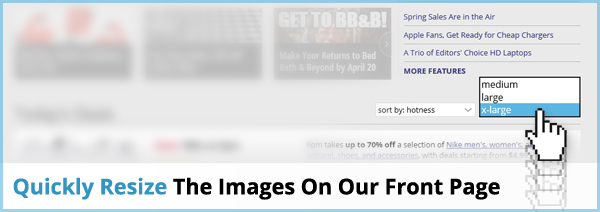
By default, we set the images on our deals to an extra large size, so you can see the items better. But did you know that you can opt to make them smaller instead, if you prefer squinting (or fitting more deals on a single screen)? Just click on the pull-down box labeled "view" at the top of the Today's Deals feed, then choose from medium, large, or x-large, and our images will adjust accordingly.
Why no "small" option? Because we tried it once, and the only sales we made were for magnifying glasses. (That's just a little joke.)
Want more ways to optimize your DealNews experience? Check out all our DealTips!


Sign In or Register