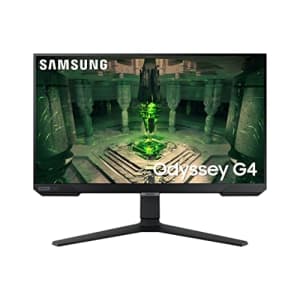
That's the lowest price Amazon has ever offered on it. Buy Now at Amazon
- 1920x1080 (1080p) resolution
- HDR10
- HDMI & DisplayPort
- Model: LS25BG402ENXGO
- UPC: 887276651897
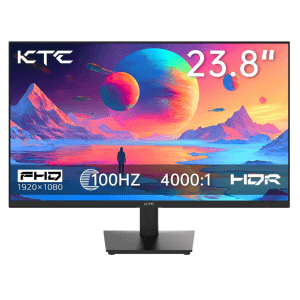
Apply promo code "AEUS12" to save $111. Buy Now at AliExpress
- 1920x1080 (1080p) resolution
- HDR 10
- 100Hz refresh rate
- HDMI port
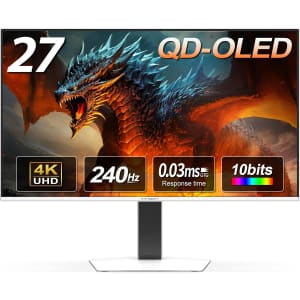
That's a savings of $350. Buy Now at Amazon
- 27" 4K OLED display
- 240Hz refresh rate and 0.03ms response
- Compatible with VRR, G-SYNC, HDMI 2.1
- Adjustable stand with LED lights
- HDR 400 and 99% DCI-P3 coverage

That's a savings of $112. Buy Now at Amazon
- 27" 2K OLED display
- 500Hz refresh rate
- 0.03ms response time
- G-SYNC compatible
- Adjustable stand and VESA mount
- HDR 500 for vivid visuals
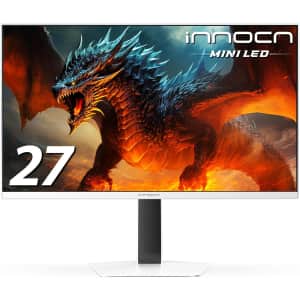
That's a savings of $60. Buy Now at Amazon
- 27" QHD 2560 x 1440 resolution
- 320Hz refresh rate with 1ms response
- Mini-LED technology with HDR1000
- HDMI 2.1 and DisplayPort connectivity
- Adjustable stand with pivot function
That's a savings of $363. Buy Now at Amazon
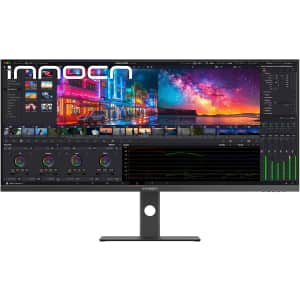
- 40-inch 5K 5120 x 2160 resolution
- 100Hz refresh rate
- IPS panel with 135% sRGB
- HDMI, DisplayPort, USB-C ports
- Height adjustable stand and VESA mount
That's a savings of $154. Buy Now at Amazon
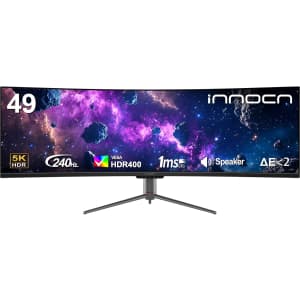
- 49" curved VA panel
- 5120x1440 resolution, 240Hz refresh
- USB-C, DisplayPort, HDMI inputs
- Adaptive-Sync & HDR400
- Height and tilt adjustable
That's a savings of $189. Buy Now at Amazon
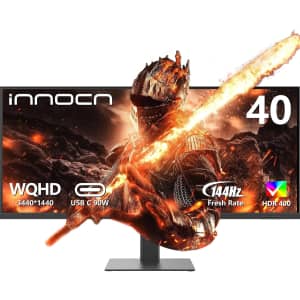
- Model: 40C1R
- 40" WQHD 3440 x 1440 display
- 144Hz refresh rate for smooth gaming
- 95% DCI-P3 color gamut with HDR400
- Adjustable stand with USB-C connectivity
- PBP/PIP for multitasking
That's a savings of $200. Buy Now at Amazon
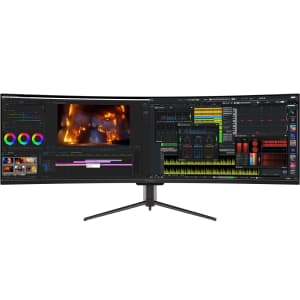
- Model: 49C1G
- 49" curved ultrawide screen
- 144Hz refresh rate
- 3840 x 1080 resolution
- HDR400 with 99% sRGB
- USB-C, HDMI, DP ports
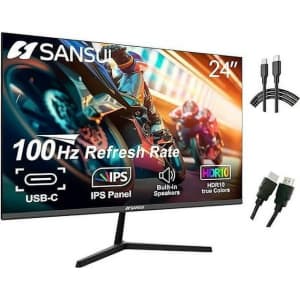
Walmart offers the Sansui 24" 1080p IPS Monitor for $69.99 (reduced from $86.99) with free shipping. Buy Now at Walmart
- 1920x1080 (1080p) resolution
- 100Hz refresh rate
- HDMI, DisplayPort, and USB-C ports
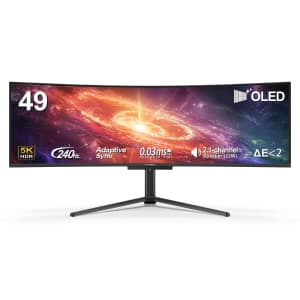
That's a savings of $336. Buy Now at Amazon
- Model: 49Q1S
- 5120x1440 resolution, 240Hz refresh rate
- 49" OLED curved screen
- 90W USB Type C connection
- Adaptive-Sync and HDR 400 supported
- Height adjustable stand
- Multiple ports for connectivity
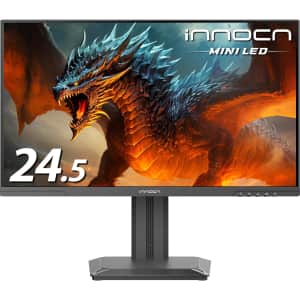
That's a savings of $160. Buy Now at Amazon
- 24.5" 1440p QHD resolution
- 240Hz refresh rate
- Mini-LED technology
- HDMI 2.1 and DP 1.4
- Height and pivot adjustable stand
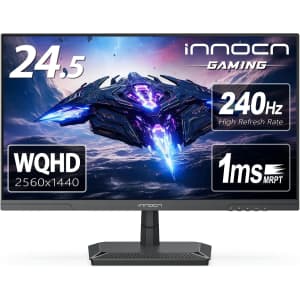
That's a savings of $75. Buy Now at Amazon
- Model: 25G2S
- 2560 x 1440p resolution
- 240Hz refresh rate
- HDMI, DisplayPort, USB-C ports
That's a savings of $20. Buy Now at Best Buy
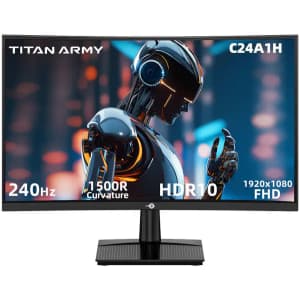
- Good for Full HD videos
- Refreshes screen more often with less blurring and tearing
- 101Hz - 200Hz
- Ideal for high graphic video games
That's a savings of $280. Buy Now at Best Buy
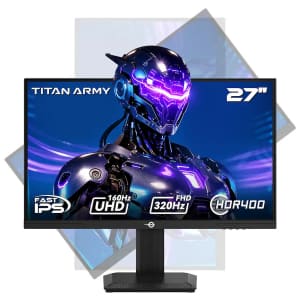
- Seamlessly switch between a 4K resolution at a 160Hz refresh rate and a Full HD resolution at a 320Hz refresh rate to balance detail and speed
- This panel type provides vibrant colors
- High Dynamic Range 400 technology improves brightness and contrast, creating a more immersive and realistic visual experience
That's a savings of $60. Buy Now at Best Buy
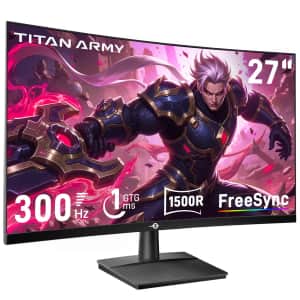
- 1ms response time
- 300Hz refresh rate
- Model: C27A1H
That's a savings of $50. Buy Now at Amazon
- Model: 25G2S
- 2560 x 1440p resolution
- 240Hz refresh rate
- HDMI, DisplayPort, USB-C ports
Clip the on-page coupon for a savings of $70. Buy Now at Amazon
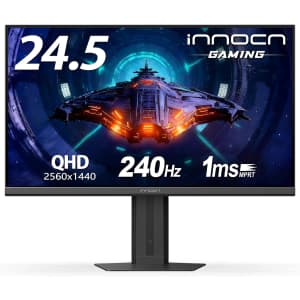
- 24.5" QHD IPS screen
- 240Hz refresh rate with G-Sync
- 1ms response time
- HDMI and DisplayPort inputs
- Adjustable and VESA mountable
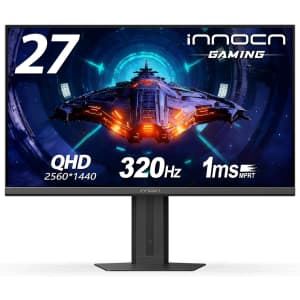
Apply coupon code "27G2T320" for a savings of $199. (Of note, the clip coupon on the product page does not stack with the code, which offers the larger discount.) Buy Now at Amazon
- 27" QHD at 2560 x 1440
- 320Hz refresh rate and 1ms response
- HDMI 2.1 and DP 1.4 ports
- VESA mount and height adjustable
- Blue Light Reduction and Flicker-Free
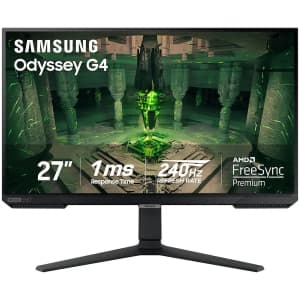
It's $80 off and the lowest price we've seen. Buy Now at Best Buy
- 1080p resolution
- 1ms response time
- IPS
- HDR10
- 2 HDMI ports
- 1 DisplayPort
- Model: LS27BG402ENXGO
Computer Monitors: The Basics
You’ve found your perfect computer, but now you need a display. The type of monitor you should buy (and how much you’ll spend) depends on what you’re using it for. A gamer has different needs from someone who will only use their monitor for watching YouTube. No matter what you’re shopping for, DealNews has the monitor deals you need.
Common Terms
When you’re shopping for a monitor, it’s important to understand some basic terminology:
- Aspect Ratio
This measurement, expressed as two numbers separated by a colon, is a proportional representation of the monitor’s height and width. The three most common aspect ratios are 4:3, 16:9, and 21:9, with higher-end monitors available in more extreme ratios.
- Viewable Screen Area
The viewable screen is the part of a monitor that displays content, as opposed to the parts that may be covered by a border. You might see this measurement listed after the size, such as: 24’’(23.6” Viewable). Many monitors are now borderless.
- Resolution
Resolution is how many pixels make up a screen, and is described as length x width. For example, a 1080p monitor has a resolution of 1920x1080 pixels.
- Response Time
The response time is how long it takes for a monitor to change individual pixels from black to white (or in some technologies, gray to gray). This determines how sharp an image is. When viewing a monitor’s response time, the lower the number, the better.
- Refresh Rate
The refresh rate is how many times the image updates each second. This is measured in Hertz (Hz). In general, you should buy a monitor with at least a 60Hz refresh rate, but higher numbers are generally better. (Note that not all manufacturers include specs regarding refresh rate.)
-
Display Panel Types
- Twisted Nematics (TN): These panels are the fastest and most inexpensive panels on the market. But what you make up for in speed and price, you lose in color and viewing angles. TN panels are an especially good choice for gamers who need higher refresh rates, and low response time.
- Vertical Alignment (VA): Considered the middle ground between TN and IPS panels, VA monitors have good color and contrast and a mid-tier price. These panels have some of the slowest response times, so they’re best suited to general use.
- In-Plane Switching (IPS): These panels have great color and viewing angles with a response time that falls between TN and VA panels. IPS panels are the most expensive, and are best suited for professional design use.
Frequently Asked Questions
What features should I consider when purchasing a monitor?
First, think about how you’ll use the monitor. The screen size, resolution, panel type, and response time you’ll need are all heavily dependent on your use case. It’s also important to make sure your monitor has the correct inputs for your computer — if not, you should look into purchasing an adapter. Once you’ve decided on the specs you’ll need, check out DealNews for the best deals on cheap monitors.
What is a curved monitor?
Curved monitors are growing in popularity, as they can help your eyes take in more of the screen at once. If you tend to use dual monitors, a single curved monitor can typically fulfill the same role. Unfortunately, the technology is still relatively new and curved monitor prices tend to be higher.
What brands have the best monitor deals?
When it comes to monitors, finding the right brand is less important than finding the right combination of features. To help you find exactly what you need, DealNews publishes deals from many different monitor manufacturers. You can see all the monitor sales here, or you can check out monitors on our brand- and store-specific pages, including Acer , Alienware , Asus , Dell , Lenovo , LG , Samsung and more!
A Georgia girl with three years of experience in IP Law and grounded in understanding marketing and consumer motives. When she's not working with the fabulous staff of DealNews, you can find her whining at rowing practice and browsing the Hot Deals on the site.