

It's marked 50% off. You can also get the 128GB version for $5 more. Buy Now at StackSocial

Take up to 93% off professional software, learning platforms, and productivity essentials at StackSocial. Everything in this collection is offered at StackSocial's lowest price of the year. Save on refurbished iPads and laptops, VPN subscriptions, pdf software, and more. Offers end June 14, 2026. Shop Now at StackSocial
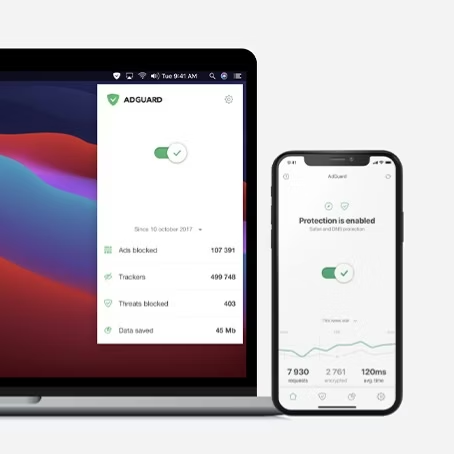
Shop a range of StackSocials' bestselling deals on software, VPNs, cloud storage, AI tools, memberships, laptops, and more. We've pictured AdGuard Family Plan Lifetime Subscription for $15.97 - a 90% savings. Shop Now at StackSocial

This is the ultimate everyday tool. (And it's a low by $14.) Buy Now at StackSocial

Save on a selection of more than 50 models, most in multiple sizes. Novaform 14" Serafina Pearl Gel Memory Foam Queen Mattress for $550 ($230 off). Shop Now at Costco
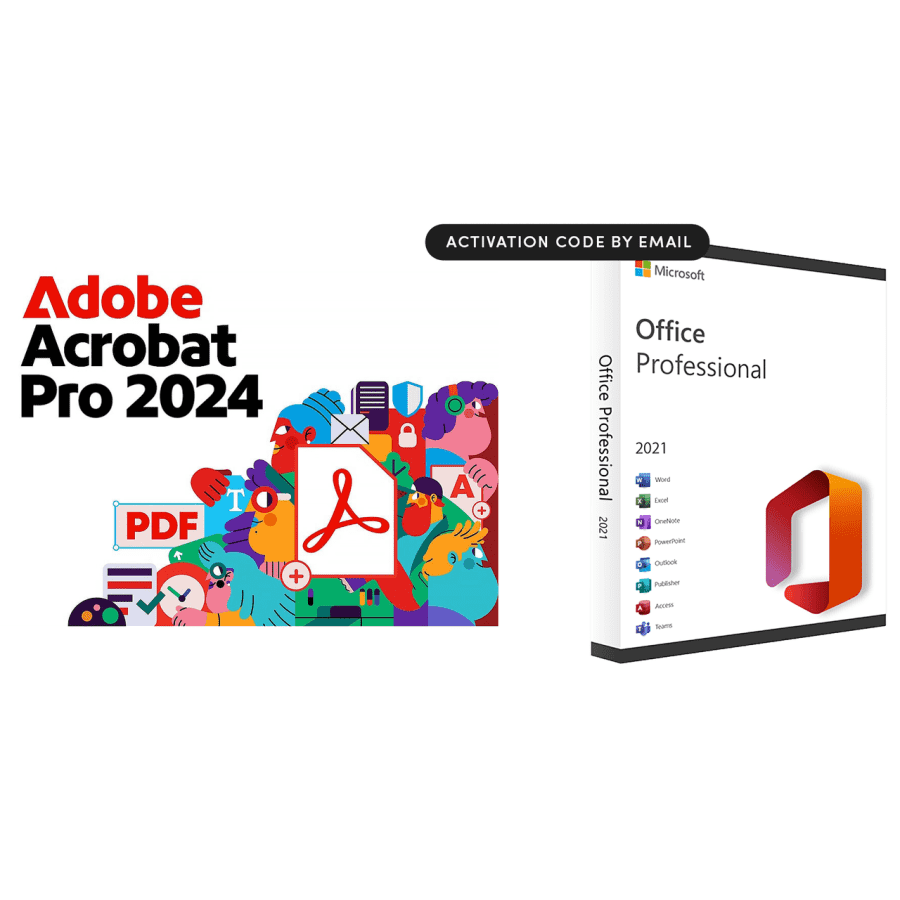
Get an Adobe Acrobat Pro 2024 3-year license and a Microsoft Office Professional 2021 for Windows lifetime license for $300 less than you'd for Adobe Acrobat alone elsewhere. Office Professional includes Word, Excel, PowerPoint, Outlook, Teams, OneNote, Publisher, and Access. Buy Now at StackSocial
Get a Lifetime License and the Windows 11 Pro Bundle and save $363. The The Ultimate Microsoft Office Professional 2021 is $440 at Microsoft direct. Once the license is redeemed, all sales are final. Buy Now at StackSocial

You'd pay around $200 for a new one at Amazon, but no one's buying this laptop new — get it because it's just $70. A 30-day warranty applies, but it's not clear who backs it. Buy Now at StackSocial
- MediaTek MT8183 2GHz CPU
- 11.6" 1366x768 (720p) display
- 4GB RAM & 32GB flash storage
- Chrome OS
- Model: 436B7UT#ABA

That's the best price we've seen for this comfortably pocket-sized smartphone. Buy Now at StackSocial
- 3" IPS display
- 5MP rear camera, 2MP front camera
- USB Type-C charging
- Android 10
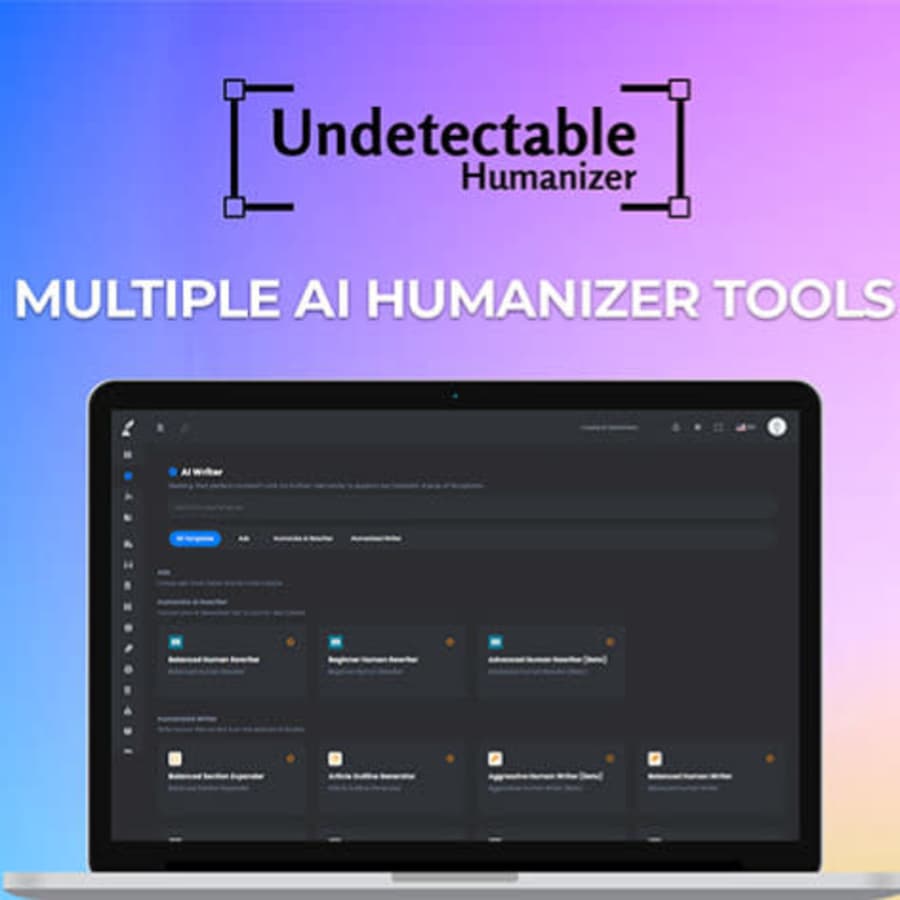
Use promo code "MASKBASIC" to get this price — it adds up to 96% off discount overall. This app converts AI output into more human-like text. The basic plan includes 24,000 words per month, and works with GPT 3.5 Turbo, GPT 4, and GPT 4o. Buy Now at StackSocial

Get this knife set for $38 less than you'd pay at Amazon. Buy Now at StackSocial
- includes 8" chef's knife, 8" slicing knife, 8" bread knife, 7" cleaver, 7" Santoku knife, 5" Santoku knife, 6" boning knife, and 3.5" paring knife
- comes with gift box
- Model: 36043906842781
Use promo code "NOTE" to get this deal — it's the best price we've seen, $12 under our previous mentions, and $271 off this lifetime subscription's regular cost. This app for Macs, iPhones, and iPads records and transcribes audio, with summaries and exports available. This deal is for new users only. Buy Now at StackSocial
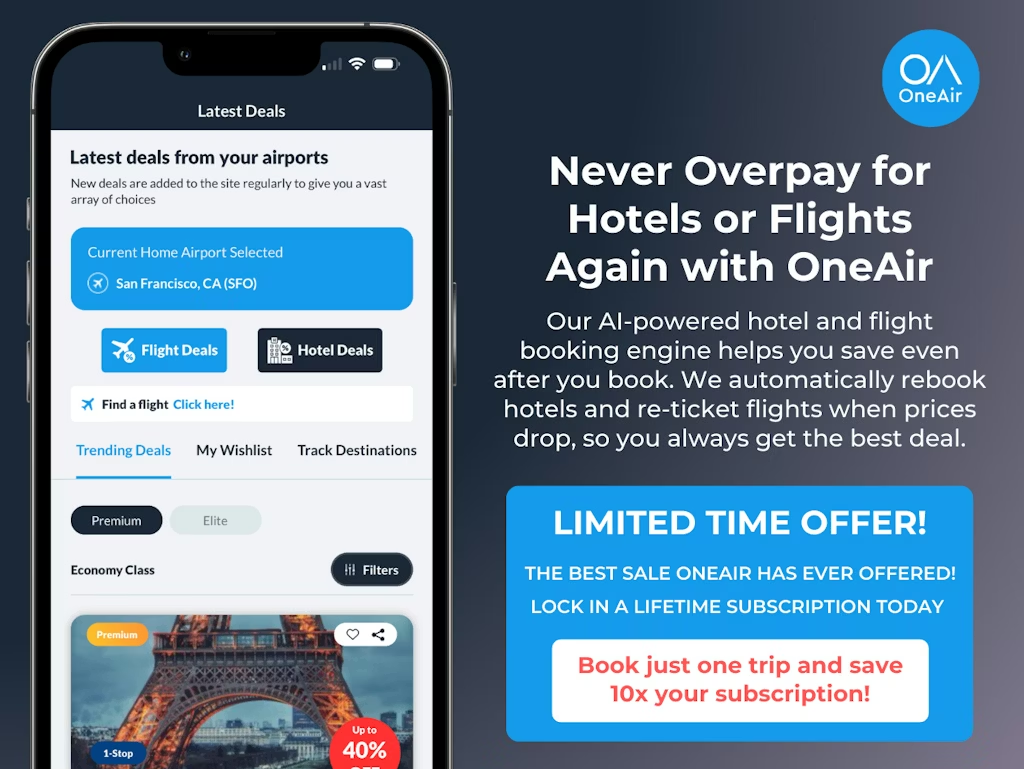
Grab a OneAir Elite Lifetime Subscription for $99.99 today to save money on hotel and flight bookings whenever prices drop, even after you've booked your reservations. That's a savings of 87% off the list price. This offer is only available to new users. Buy Now at StackSocial
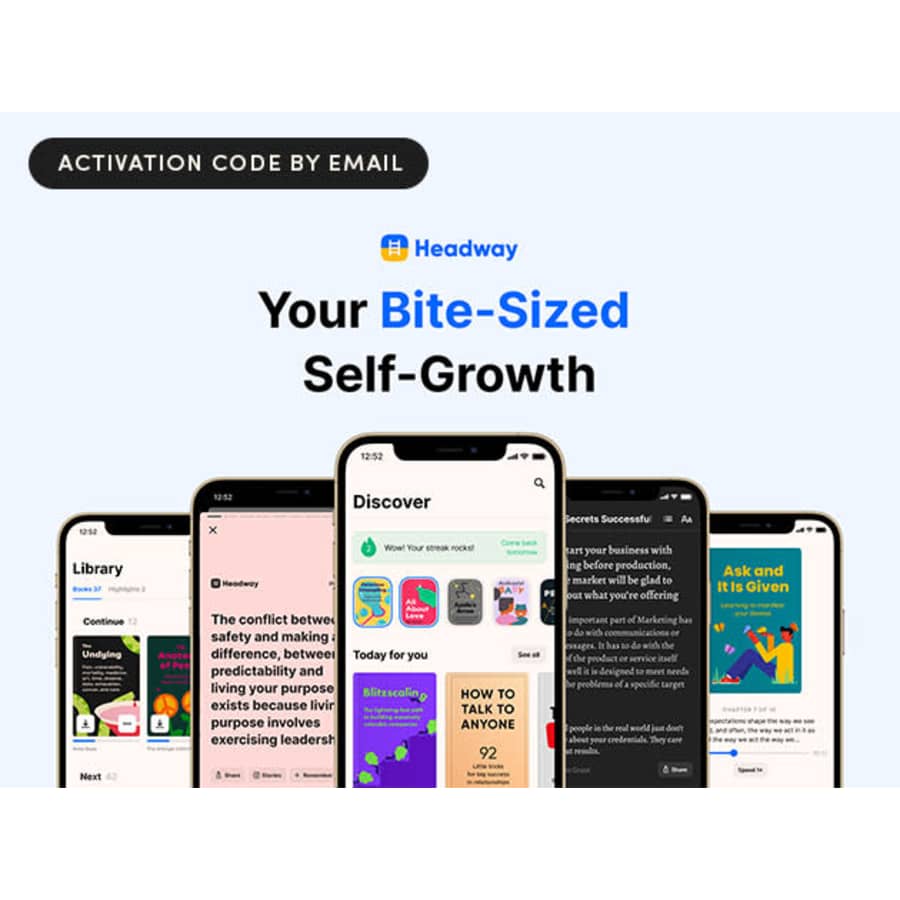
Get 80% off, which adds up to a savings of $240. This app offers 15-minute condensed summaries of a wide range of nonfiction bestsellers. This deal is available to new users only. Buy Now at StackSocial
Shop deals on top-rated AI software to improve task efficiency and save you time. You'll find things like browser copilots, desktop assistants, and even AI tool training here. We've pictured the ChatGPT & Automation E-Degree for $14.97 (98% off). Shop Now at StackSocial
For just one more day, shop a wide range of deals on software, cloud storage, online services, and refurbished electronics. Deals include lifetime subscriptions, business software licenses, refurbished laptops, and much more. Shop Now at StackSocial

Shop seasonal deals on decor, electronics, toys, home improvement, and more. If you're not already a member, check the offers below for the best deals we've seen on these memberships. Shop Now at BJ's Wholesale Club

Get this remote-controlled robot dog for $30 less than you'd pay at Amazon. Note that it doesn't include a Raspberry Pi board or SD card, but you can add a Raspberry Pi Zero 2W motherboard and 32GB SD card for an extra $35, or a Raspberry Pi 4 motherboard and a 32GB SD card for an extra $80. Buy Now at StackSocial
- 12 servos
- 32 dog-like actions
- detects and avoids obstacles
- responds to touch and sounds

Shop a variety of best-selling refurbished and open-box deals from Apple, Dell, Samsung, and more. We've pictured the Refurb Apple MacBook Air 12th-Gen. Broadwell i5 13.3" Laptop for $200 ($799 off). Shop Now at StackSocial

You'd pay $159 for a sealed unit elsewhere. While essentially new, this may not come in its original packaging. Buy Now at StackSocial
- 2.2GHz octa-core processor
- 11" 1200x2000 touchscreen
- 4GB RAM, 128GB storage
- 5MP front camera, 8MP rear camera
- Android 13
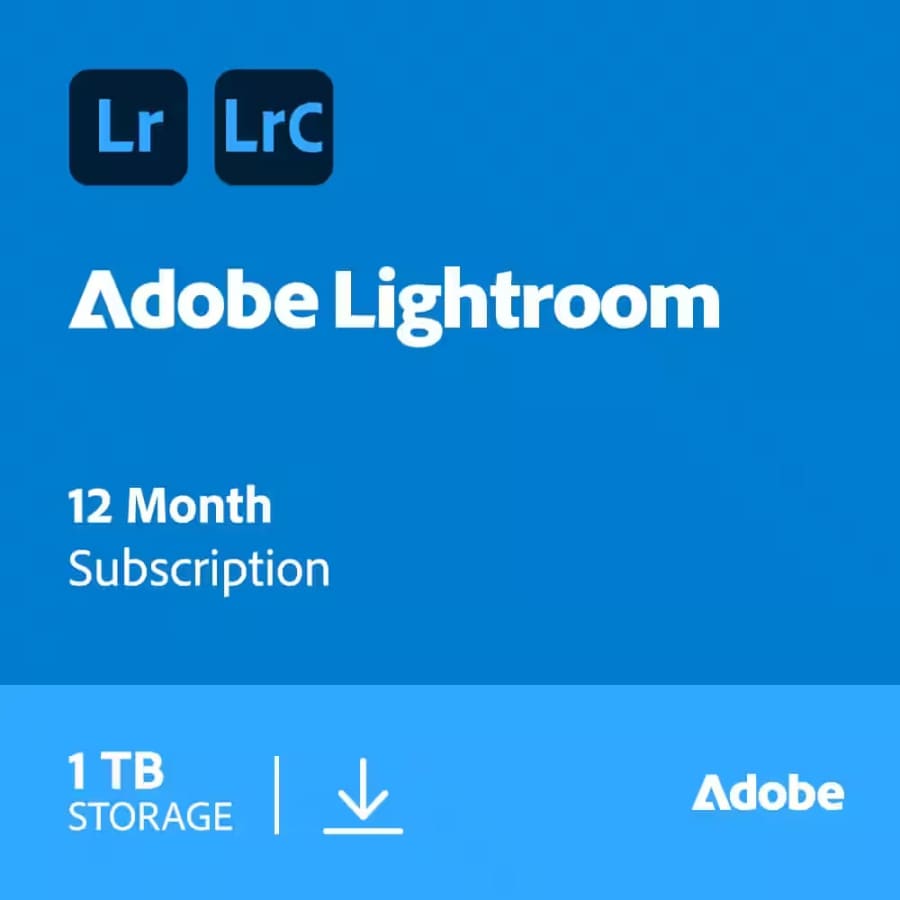
Get a 1-year subscription for this cloud-based photo editing and organizing tool for $24 less than you'd pay direct from Adobe. It includes 1TB of cloud storage, and can be use on desktop, mobile, and web with automatic syncing. Buy Now at StackSocial
The "subscription economy" is exhausting. Between monthly fees for your VPN, your cloud storage, and your office suite, your bank statement can feel like it's suffering from death by a thousand cuts. This is where StackSocial steps in as a digital disruptor. If you've ever dreamed of paying for a piece of software once and owning it forever, you've found your playground.
Navigating StackSocial is about more than just clicking "buy"—it's about mastering a marketplace that moves at the speed of tech.
From legendary "Lifetime Deals" (LTDs) on premium apps to curated bundles found on sites like Newegg that slash MSRPs by up to 90%, the site is a goldmine for those who know how to dig. But to get the absolute best price, you need to understand the "Price Drop" cycles, the nuances of StackCredits, and the timing of their massive semi-annual sales.
Consider this your definitive playbook for conquering StackSocial. Here at DealNews, our team of tech experts spends every day verifying license keys and tracking software price history. We've compiled our research to help you spend less time managing subscriptions and more time using the high-performance tools you need for a fraction of the cost.
Introduction: The Tech Deal Curator
Company History and Overview
Launched in 2011 in Venice, California, StackSocial isn't just another retail site; it is the flagship brand of StackCommerce. Founded with the specific mission of bridging the gap between niche software developers and tech-savvy consumers, it pioneered the digital "Pay What You Want" bundle and mainstreamed the "Lifetime Deal" (LTD) for consumer services.
Think of StackSocial as a massive aggregator and talent scout. They partner with over 5,000 brands—from established giants like Microsoft to "up-and-next" startups—to offer exclusive licenses that you won't find on the developers' own websites. Whether you are hunting for a VPN to secure your home network, an online learning platform to master Python, or a productivity suite to replace your monthly Microsoft 365 bill, StackSocial often delivers prices up to 90% off the manufacturer's suggested retail price (MSRP).
The Competitive Landscape: Where StackSocial Wins
While the internet is full of "deal sites," StackSocial occupies a very specific niche. Knowing how it compares to its rivals helps you decide where to spend your money:
- AppSumo: This is StackSocial's primary rival for high-end SaaS (Software as a Service) lifetime deals. However, AppSumo is heavily skewed toward business owners and "solopreneurs" (think CRM tools and marketing automation). StackSocial wins on consumer utility, offering more deals on language learning (Babbel), entertainment (Costco, Paramount+), and personal productivity.
- Groupon: While Groupon is a broader competitor, it lacks StackSocial's deep technical focus. You might go to Groupon for a local spa day or a massage, but you go to StackSocial for a verified, permanent license for Windows 11 Pro or a high-end cloud storage solution.
- Bundle Stars / Fanatical: These competitors are excellent for gamers looking to build a Steam library on the cheap. However, they lack the utility software focus that defines StackSocial. If you need a tool to edit PDFs or protect your identity online, StackSocial is the superior choice.
By positioning itself as a "Curator of the Tech Lifestyle," StackSocial has become the go-to destination for shoppers who want the latest innovations without the recurring monthly headache. In the following sections, we will break down exactly how to navigate their unique pricing algorithms and loyalty programs to ensure you never pay full price again.
The Core of StackSocial Savings: The "Lifetime" Strategy
The primary reason shoppers flock to StackSocial is to escape the "subscription trap." In an era where even basic photo editors and weather apps demand a monthly fee, StackSocial's core value proposition is refreshingly simple: "Buy once, use forever." By converting a recurring monthly expense into a one-time discounted payment, you aren't just buying software; you're reclaiming your future cash flow.
Understanding the mechanics of how these deals are structured—and how the pricing moves—is the key to shifting from a casual browser to a power shopper.
The "LTD" (Lifetime Deal): Your Subscription Killer
The "Lifetime Deal" (LTD) is the crown jewel of the StackSocial marketplace. While most developers prefer the steady income of a $10-per-month subscription, StackSocial negotiates exclusive arrangements that allow them to sell a set number of "permanent" licenses.
The math behind an LTD is staggering. Take a premium VPN service, for example: a standard subscription might cost you $120 per year. StackSocial frequently offers a "Lifetime" license for that same brand for a one-time payment of $30 to $60. In this scenario, the software pays for itself in less than six months. From that point on, your cost of ownership is effectively zero. These deals typically focus on high-utility categories like:
- Privacy Tools: VPNs and Ad-blockers.
- Efficiency Apps: PDF editors and project management tools.
- Digital Storage: Lifetime cloud backup solutions (e.g., Koofr or Degoo).
The "Price Drop" Cycle: Timing the Algorithm
If you see a product you like but the price feels just a bit too high, patience often pays off. StackSocial utilizes an aggressive, inventory-based pricing algorithm designed to keep products moving. When a deal's sales velocity slows down, the system triggers a "Price Drop" window.
Keep a close eye on the site for the distinctive purple "Price Drop" banners. During these 48-hour windows, the platform typically slashes an additional $10 to $20 off an already discounted item. These are "bottom-of-the-barrel" prices, but they come with a catch: they are often limited in quantity.
Our team has found that once the Price Drop timer expires or the allocated licenses sell out, the price immediately reverts to its standard (though still discounted) rate. If you see a Price Drop on a major name like Microsoft Office or Babbel, that is usually your signal to pull the trigger.
Stackable Promo Codes: The Ultimate Savings Multiplier
One of the most unique features of StackSocial—and where it beats many of its competitors—is its policy on promo codes. While the site generally limits you to one coupon code per order, those codes are almost always "stackable" against the site's existing markdowns.
In the world of e-commerce, most "70% off" sales explicitly forbid the use of additional coupons. At StackSocial, the opposite is true. You can take an app that is already discounted by 80%, apply a sitewide promo code (like the 15% newsletter welcome code or a seasonal event code), and watch the final price drop even further.
Pro Tip: To maximize this strategy, wait for a major sales event like "Cyber Week II" in August or the December Semi-Annual Sale. During these times, StackSocial often releases sitewide codes (like SAVE20) that can be applied to "Lifetime" deals that are already in a "Price Drop" cycle. This "triple-stack" (LTD + Price Drop + Coupon) is how savvy shoppers walk away with premium software for literal pennies on the dollar.
The Digital Entrepreneur's Ecosystem: Beyond the Software Stack
Building a professional "tech stack" on StackSocial is a brilliant way to eliminate recurring costs, but software is only one part of the equation. To truly thrive as a freelancer, remote worker, or small business owner, you need to surround your "Lifetime" licenses with a reliable digital infrastructure.
By applying the same bargain-hunting logic you use on StackSocial to your hardware, connectivity, and labor needs, you can scale your projects without ballooning your overhead.
- Hardware and Accessories for the Modern Desk: StackSocial is a fantastic source for refurbished MacBooks and iPads, but what about the niche peripherals that complete your setup? Whether you need ergonomic laptop stands, high-speed charging cables, or specialized tech components to go with your new software, global marketplaces offer a massive selection at prices that rival StackSocial's markdowns. Before kitting out your home office, check for AliExpress promo codes to secure gadgets and accessories for a fraction of the price you'd pay at a local big-box retailer.
- Powering Your Lifetime VPNs and Cloud Storage: StackSocial's most popular deals—like lifetime cloud storage and VPNs—are only as good as the internet connection backing them up. If you are uploading terabytes of data to a lifetime cloud account or streaming through an encrypted tunnel, you need a high-performance network. To ensure your "Buy Once" software isn't bottlenecked by slow speeds, keep an eye out for AT&T promo codes to find the best current rates on fiber-optic internet and unlimited data plans.
- Scaling with Strategic Talent: Many "StackShoppers" buy productivity suites and AI tools with the goal of launching a side hustle or growing a freelance career. Once you have the software tools in place, the next step is often finding a platform to sell your skills or hiring specialized help to manage your growing workload. To save on the professional side of your business, you can utilize Upwork promo codes to lower the costs of hiring developers, designers, or marketing experts to help you make the most of your StackSocial-powered toolkit.
By viewing your tech stack as a complete ecosystem, you can ensure that every piece of the puzzle—from the code you run to the talent you hire—is secured at the best possible price point.
Key Product Categories and Iconic Deals
While StackSocial hosts thousands of revolving offers, the marketplace is anchored by several "Iconic Deals"—products that have become synonymous with the platform's brand. These are the heavy hitters that consistently rank in the "Best Sellers" list and offer the most dramatic contrast between standard retail pricing and StackSocial's negotiated rates.
If you are looking for a starting point for your savings journey, these four categories represent the gold standard of value on the site.
Microsoft Office: The "Holy Grail" of Productivity
This is, without question, StackSocial's most famous deal. In an era where Microsoft heavily pushes its recurring 365 subscription model, StackSocial offers a rare escape hatch: the Microsoft Office Home and Business permanent license.
You typically get the full suite—Word, Excel, PowerPoint, Outlook, OneNote, and Teams—for a one-time payment. While the MSRP for a standalone license is approximately $249, StackSocial frequently lists it for $45, and during "Price Drop" events or Black Friday, it has dipped as low as $25.
Always check the version year (e.g., 2019 vs. 2021 vs. 2024) and the operating system. These licenses are specific to either Mac or PC, so ensure you're grabbing the one that matches your hardware.
Babbel and Rosetta Stone: Mastering Languages for Life
Language learning software is notorious for its steep monthly fees that pressure you to learn quickly or pay more. StackSocial flips the script by offering Lifetime Subscriptions to the world's leading platforms, like Babbel and Rosetta Stone.
- The Value: Instead of paying for a single language, these deals often include access to all available languages (14 for Babbel, 25+ for Rosetta Stone).
- The Strategy: A lifetime subscription direct from these developers can cost over $500. StackSocial usually lists these for under $200, but they are a staple of the "Cyber Week II" and August "Back-to-School" sales, where promo codes can bring the price down to an unbeatable low.
VPNs and Cybersecurity: Digital Fortresses at a Flat Rate
Privacy is no longer optional, but paying $10 a month for a VPN indefinitely is a hard pill to swallow. StackSocial is the primary marketplace for Lifetime VPN licenses from reputable brands like AdGuard, Windscribe, and Ivacy.
- The Advantage: By securing a "Lifetime Slot," you protect your data across all your devices for a single, flat fee—often less than the cost of a standard one-year subscription elsewhere.
- Pro Tip: Look for "Family Plans." For example, the AdGuard Family Plan frequently appears on StackSocial, allowing you to protect up to 9 devices for life, making it an essential purchase for households with multiple users.
Refurbished Apple Gear: Premium Hardware for Less
Beyond software, StackSocial has carved out a massive niche in "Renewed Tech." They specialize in sourcing high-quality MacBooks, iPads, and iMacs from corporate liquidations—machines that were used in professional environments and have been thoroughly tested and restored.
You can often find a "Grade A" refurbished MacBook Air or iPad Pro for 40% to 60% less than the cost of a new model.
Unlike some marketplace sites, StackSocial's refurbished gear is vetted and often comes with its own limited warranty, providing a safer "middle ground" between buying brand new and taking a risk on a private seller.
By focusing your attention on these "Iconic Deals," you can tackle your biggest tech expenses first. Whether it's equipping your computer with essential tools or upgrading your physical hardware, these categories offer the highest "Return on Investment" for any savvy shopper.
Granular Discounts and Savings Tactics
Finding a great deal on StackSocial is easy, but finding the absolute lowest price requires a bit of tactical maneuvering. Beyond the headline sales, StackSocial offers a suite of "granular" savings tools that can be stacked and timed to slash prices even further. If you aren't using these three methods, you are likely leaving money on the table.
The "Welcome" Coupon: Your Day One Discount
The simplest way to save is also the most effective for new shoppers. By signing up for the StackSocial newsletter, you will immediately receive a 15% off discount code (typically something like WELCOME15) delivered to your inbox. Do not sign up until you are ready to buy.
These codes often come with a 30-day expiration window.This code is a "one-time use" per account. If you have already used yours, keep an eye on your inbox during your second or third month; StackSocial frequently sends "We Miss You" codes that offer similar 10%–15% discounts to re-engage past shoppers.
StackCredits: The Loyalty Loophole
StackSocial rewards frequent shoppers through its proprietary currency: StackCredits. For almost every purchase you make, a percentage of the total is kicked back into your account as credits that function exactly like cash for future deals.
You can apply your balance at checkout to lower the price of any item. This is particularly powerful when combined with a "Price Drop" deal. Here is a secret tip the casual shopper misses: Make sure your birth date is correct in your account profile. StackSocial is known for depositing $5 to $10 in free credits into users' accounts on their birthdays as a gift.
Not all credits are created equal. According to StackSocial's terms, credits earned through rewards or referral programs expire after 90 days. However, credits issued by customer support (such as those from a refund) never expire. Always use your reward-earned credits first to ensure they don't vanish.
Site-Wide Tiered Codes: Decoding the "SAVE" System
During major sales events—like the Semi-Annual Sales in June or "Cyber Week II" in August—StackSocial moves away from individual product coupons and toward massive, sitewide tiered codes. These are typically announced on a purple banner at the top of the homepage.
- Common Codes: Look for patterns like SAVE15 (for apps and software), LEARN20 (for online courses), or GET10 (for general gear).
- The Hardware Exclusion: It is important to note that these high-percentage codes almost always exclude "physical" hardware. While you can use them on a lifetime license for Microsoft Office or a VPN, they generally won't work on a refurbished MacBook or a pair of headphones.
- Refer-A-Friend: If there isn't a sitewide code active, use the Refer-A-Friend program. When a friend makes their first purchase through your unique link, StackSocial will credit your account, effectively creating your own "manual" discount for your next purchase.
By mastering these granular tactics, you shift the power dynamic in your favor. Instead of waiting for StackSocial to offer a discount, you can use your Welcome code, accumulated StackCredits, and birthday bonuses to create a deal whenever you need it.
Holiday Specials and Seasonal Events
If StackSocial is a "tech curator," then its holiday sales are its headline exhibitions. While you can find discounts year-round, the platform follows a predictable seasonal calendar where certain categories hit their absolute price floors. According to shopping data, the deepest discounts—often 20% to 30% lower than standard promotions—are reserved for these specific windows.
If you have a high-ticket item on your wishlist, timing your purchase around these events is the single most effective way to save.
Black Friday "Doorbusters": The Absolute Floor
November is when StackSocial's "Big Three" (Microsoft Office, VPNs, and Language Learning) hit their lowest prices of the year. This is the era of the "Doorbuster," where inventory is limited and the discounts are aggressive.
This is historically the only time you will see Microsoft Office drop to approximately $25. These deals often go live the week before Thanksgiving. Because these are "Doorbusters," StackSocial limits the number of licenses available at the lowest price tier. Once they sell out, the price usually ticks back up by $10 or $20 for the remainder of Cyber Monday.
"Gamer Week" (Early Summer): Level Up for Less
Usually occurring in June to coincide with the first of the two Semi-Annual Sales, Gamer Week shifts the focus from productivity to play.
Look for significant markdowns on digital memberships like PlayStation Plus or Xbox Game Pass, as well as PC gaming accessories. This event typically features sitewide codes that offer deeper discounts (often 20% higher than standard) on gaming-related software and hardware peripherals.
Back-to-School and "Cyber Week II" (August): The Storage Sweet Spot
August is arguably the most important month for StackSocial shoppers. The platform hosts a mid-year "Cyber Week II" event that mimics the intensity of November's sales but focuses on educational and organizational tools.
This is the prime time for "Lifetime Cloud Storage" deals. Brands like Prism Drive, Degoo, and Koofr offer massive storage tiers (up to 10TB or more) for a single payment. SimplyCodes data confirms that August is when the CYBER20 (or similar) sitewide code appears, offering 20% off nearly all apps and courses. This makes it the best time to invest in "Self-Improvement" bundles and coding bootcamps.
The Semi-Annual Strategy (June and December)
Aside from the themed holidays, StackSocial's biggest events are its Semi-Annual Sales in June and December.
Historical data shows that these sales typically last 7–10 days, but the absolute best prices and "Price Drop" triggers occur within the first 48 hours. Create a wishlist several weeks before June or December.
When the Semi-Annual Sale banner appears, check your wishlist immediately; these events often feature "Exclusive Bundles" that combine several of your tracked items into one heavily discounted package.
By aligning your shopping with this calendar, you ensure that you are buying at the bottom of the price cycle. Whether it's a $25 license for Word or a lifetime of cloud storage, the "waiting game" is almost always a winning strategy at StackSocial.
A Smart Shopper's Guide to StackSocial
Shopping on StackSocial is a bit like visiting a high-tech bazaar; there are incredible treasures to be found, but you need to know the "rules of the road" to avoid getting burned. Because the platform sells third-party licenses and niche startup tools, being a savvy consumer means doing a little bit of homework before you click "Buy Now."
To ensure your "Lifetime Deal" actually lasts a lifetime, follow these three essential insider tips.
Tip 1: Respect the "Redemption Deadline"
This is the most common pitfall for new shoppers. Buying a license on StackSocial is a two-step process: you purchase the deal, and then you must "redeem" or "claim" the license key on the developer's website.
Most software deals require you to reveal and claim your key within 15 to 30 days of purchase. If you let that window close, the key can expire in the system.
According to StackSocial's policy, digital software is eligible for a refund within 30 days only if the license key has not been revealed. Once you click that "Reveal Key" button in your dashboard, the software is considered "claimed," and your path to a refund is effectively blocked.
Treat your purchase like a fresh gallon of milk—don't let it sit on the shelf. Redeem your software the moment you buy it to ensure the license is registered to your personal account with the developer.
Tip 2: Audit the Developer (The "Six-Month Rule")
When you buy a "Lifetime Deal" for a startup app, you are essentially betting on that company's longevity. A "Lifetime" license is only valid as long as the company stays in business and keeps its servers running.
Before buying, do a quick Google search for the developer's social media profiles or blog. If they haven't posted an update, responded to a tweet, or released a patch in 6 months or more, proceed with extreme caution. This "radio silence" is often a sign of a "zombie" app that may not be supported for much longer.
Look for a public "roadmap" or "What's New" section. Established partners on StackSocial—like AdGuard or Babbel—are safe bets. For smaller tools, ensure the developer is actively engaged with their community.
Tip 3: Leverage the "Best Sellers" Filter and Community Voice
The StackSocial community is highly vocal and technically literate. They are your best defense against "too good to be true" offers.
When browsing, use the "Best Sellers" filter. A deal with a high "sold" count (often in the thousands) and a rating of 4 stars or higher has been thoroughly "vetted" by other tech-savvy shoppers.
Don't just look at the star rating; look for reviews that mention "Ease of Redemption" or "Customer Support." If a developer is slow to issue license keys or the software is buggy, the community will be the first to flag it.
Items in the "Trending Deals" section often indicate proven value. If a specific VPN or AI tool is climbing the charts, it's usually because the community has verified that the license is easy to claim and the software performs as advertised.
By following this guide, you move from being a casual buyer to a professional deal-hunter. You'll avoid the frustration of expired keys and "dead" software, ensuring that every dollar you spend on StackSocial is a long-term investment in your digital toolkit.
StackSocial Policies: Navigating the Fine Print
Even the most seasoned deal-hunter needs to understand the "rules of engagement" before checking out. Because StackSocial operates as a marketplace for thousands of different vendors, their policies are stricter than what you might find at a big-box retailer like Amazon. Understanding the nuances of their return window and how they handle refunds can save you a significant amount of frustration later on.
The "Point of No Return": Digital Refund Policy
StackSocial's digital refund policy centers entirely around one action: revealing your license key.
- The 30-Day Window: Unclaimed digital software is generally eligible for a refund within 30 days of purchase.
- The "Revealed" Trigger: The moment you click the button in your dashboard to "Reveal" or "Claim" your license key, the software is legally considered "shipped" and "used." From that second onward, the purchase becomes non-refundable.
- Why it Matters: If you buy a software bundle and realize five minutes later that your computer doesn't meet the system requirements, do not reveal the key. Contact support immediately for a refund. Once that key is visible on your screen, you are locked in.
Physical Goods and Shipping Nuances
For refurbished MacBooks, iPads, or other hardware, the rules shift slightly.
- Return Requirements: You have 30 days from the delivery date to request a return for physical items. However, the item must be unused, in its original packaging, and in the same condition you received it.
- Shipping Limitations: It is important to note that StackSocial does not currently offer expedited or overnight shipping. When ordering hardware for a specific deadline or gift, ensure you allow a generous buffer for standard delivery.
Store Credit (StackCredits) vs. Cash Refunds
One of the most important "insider secrets" regarding StackSocial is how they handle the money once a refund is approved.
- The Default Default: If you secure a refund—whether for a physical product or an unrevealed digital key—StackSocial will almost always default to issuing Store Credit (StackCredits) back to your account rather than a refund to your original payment method.
- The Cash Request: If you want your money back on your credit card or PayPal account, you must explicitly request a cash refund when speaking with the support representative.
- The Expiration Rule: There is a silver lining to taking the store credit. Credits issued by the Support Team (for refunds or exchanges) never expire. This is a major contrast to "earned" reward credits, which typically vanish after 90 days.
The Support Shortcut: A Strategy for Savings
While StackSocial does not have a public phone number, their ticket-based support system can be a surprising source of extra savings.
- The "Narrow Miss" Extension: If you missed a major sale by only 24–48 hours, it is worth politely reaching out to support. Our research shows that representatives can often extend the promotional pricing or provide a manual discount code as a courtesy.
- Bulk Discounts: Planning to buy 10 licenses of Microsoft Office for a small office? Don't pay the listed price. Contact the sales team via a support ticket to inquire about bulk discounts. For orders exceeding $100, they often have the discretion to shave an additional 5%–15% off the total.
How We Find and Publish Deals
The world of digital software is fast-moving, and "Lifetime" offers can disappear in the blink of an eye. That's where our team of deal experts comes in. We spend every day scouring StackSocial and its rivals, monitoring price drops, and verifying that license keys are active and legitimate. We filter out the "zombie apps" and low-value bundles so that we only present you with the best-of-the-best tech deals that offer real, long-term savings.
Why Trust DealNews?
For over two decades, DealNews has been the gold standard for helping consumers navigate the complex world of online discounts. Our mission is simple: to serve the reader. We don't just list sales; we vet them.
When we recommend a StackSocial deal, it's because our team of tech curators has confirmed it is the lowest price available from a reputable source. We are committed to editorial integrity, ensuring you can shop with the confidence that you're getting a genuine bargain.
Want to keep your tech stack updated for less? Sign up for the DealNews Select newsletter to get a curated list of the best software and electronics deals delivered to your inbox every weekday. Or, if you're waiting for that legendary $25 Microsoft Office deal, set a deal alert—we'll notify you the moment the price hits its floor.