Walmart · 17 hrs ago
$199 $399
free shipping
more
↑ less
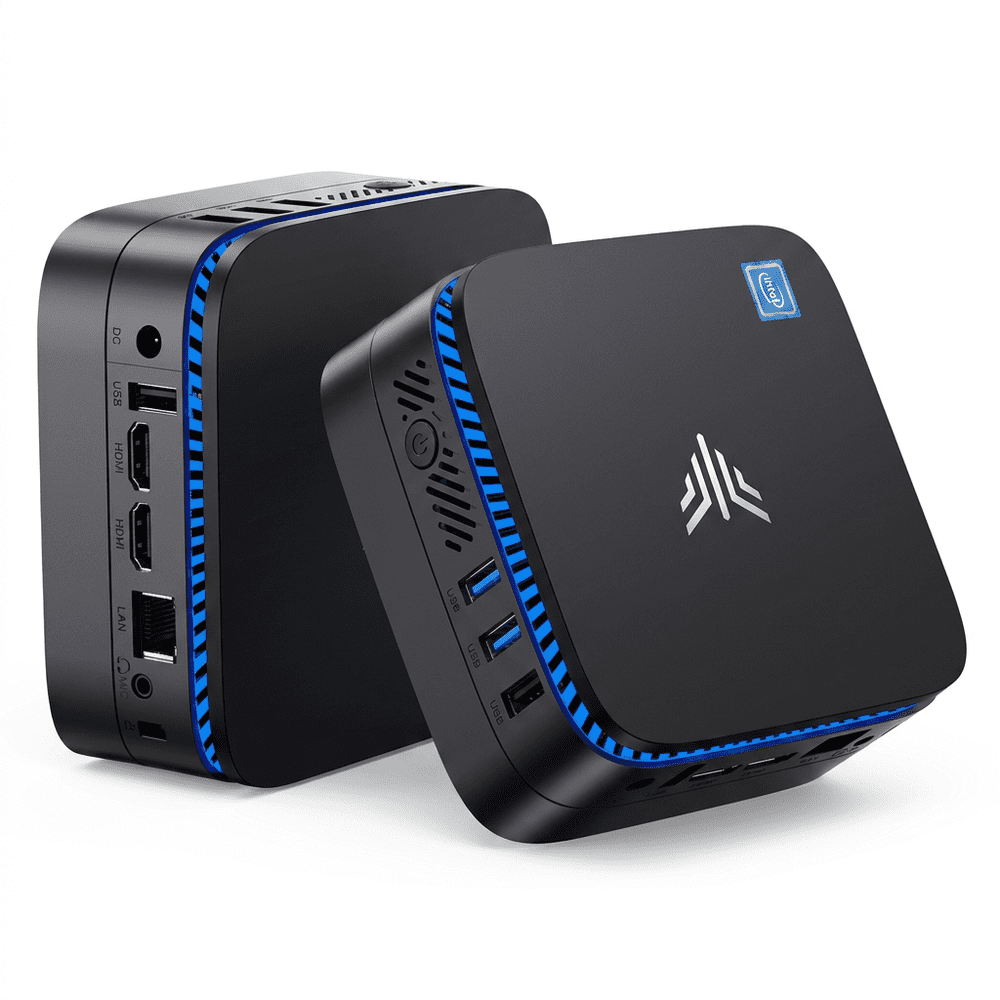
At $199, that's 50% off the $399 list price for a compact desktop that runs on an Intel Pentium N5030 with 12GB of RAM and a 256GB SSD. It's a reasonable fit for light everyday computing tasks like browsing, streaming, or office work where you want a small footprint and don't need a full tower. Buy Now at Walmart
Features
- Wi-Fi 5 and BT 4.2 connectivity
- Pre-installed Windows 11 Pro
- Linux and Ubuntu compatible
- Suitable for home and office use
Walmart · 17 hrs ago
$22 $60
free shipping w/ $35
more
↑ less
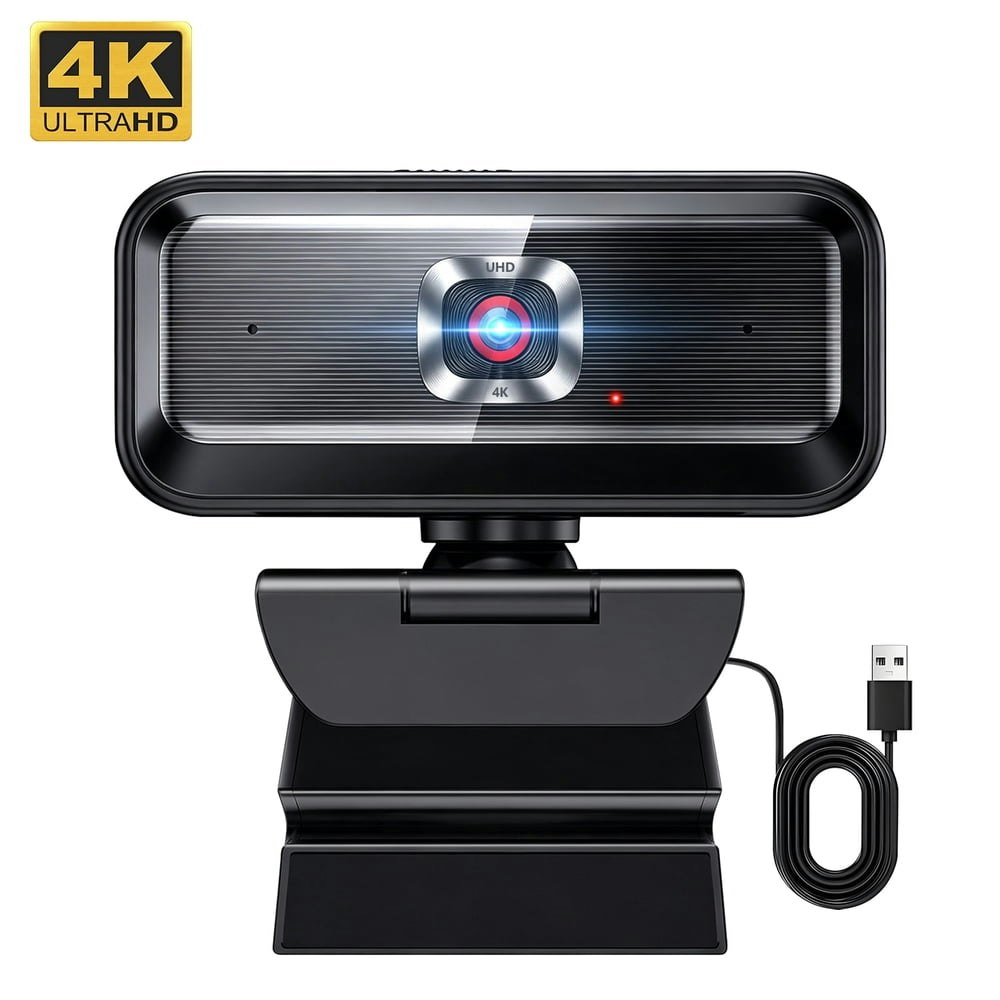
At $22, that's 63% off the $60 list price for a 4K USB webcam, which suits anyone who wants sharper video for video calls or streaming without spending on a name-brand option. Buy Now at Walmart
Features
- Multi-OS support: Chrome OS, Linux, Android
- Native compatibility with Zoom, Skype, and Teams
- 3-year manufacturer warranty
Walmart · 17 hrs ago
$20 $70
free shipping w/ $35
more
↑ less
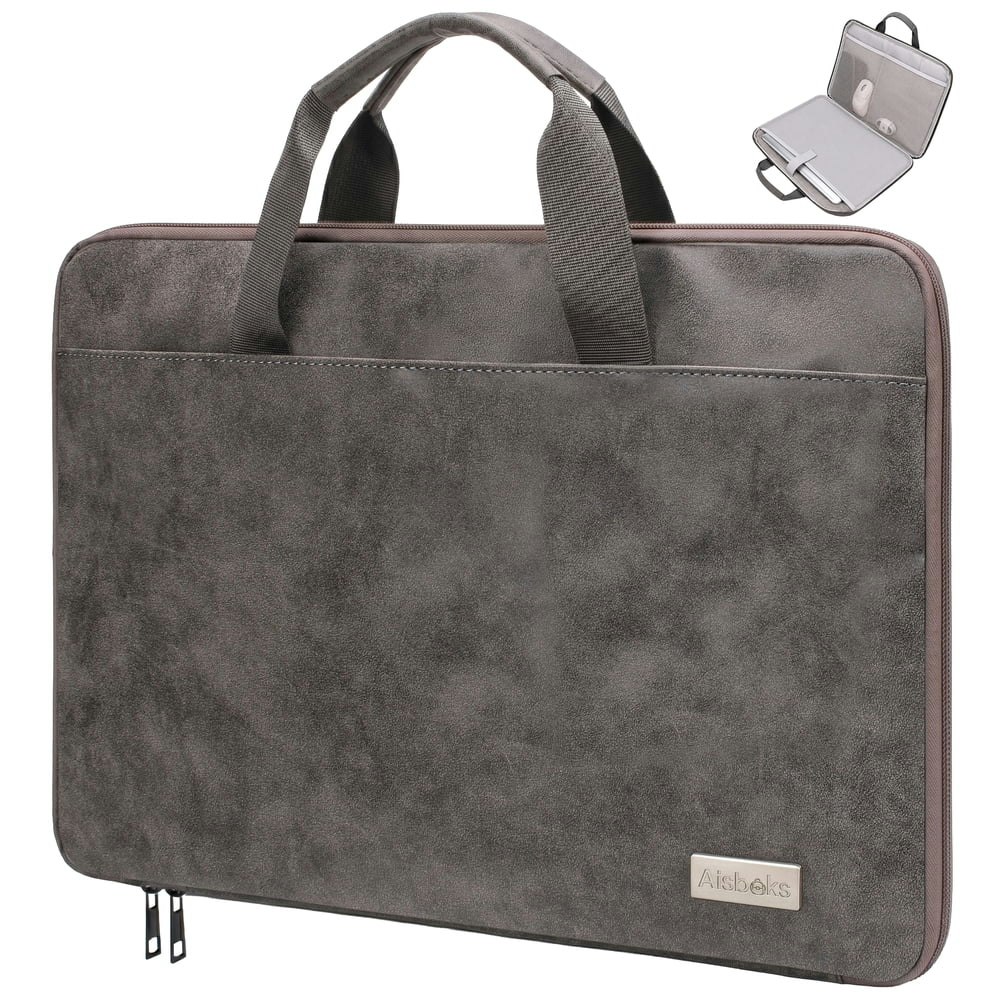
Styled after a classic briefcase with a vintage leather look, this bag suits anyone who wants a work-appropriate laptop carrier without a nylon messenger aesthetic, and at $20 it's $50 off the $70 list price. Buy Now at Walmart
Features
- 180-degree clamshell design for easy access
- Water-resistant and scratch-resistant premium vegan leather
- Spacious fit for 15.6-16 inch devices
- Smart front pocket for mobile office storage
- Integrated luggage strap for hands-free travel

Walmart · 17 hrs ago
$210 $300
free shipping
more
↑ less
Designed for remote workers or anyone who regularly sets up at different locations, this portable 15.6-inch screen gives you a second display without needing a permanent monitor setup. At $210, that's $90 off the $300 list price. Buy Now at Walmart
Features
- Triple-display system for 300% increased productivity
- Single USB-C or USB-A cable connection
- Dual 15.6-inch 1080p IPS displays
- Lightweight aluminum alloy casing for portability
- Adjustable back panel for 13-17.3 inch laptops

Walmart · 17 hrs ago
$219 $400
free shipping
more
↑ less
At $219, that's $181 (45%) off the $400 list price for a triple-screen setup that plugs into your laptop and gives you two extra 15.6-inch displays, which suits anyone who needs more screen real estate while traveling or working away from a desk. Buy Now at Walmart
Features
- 2-cable plug and play setup
- No driver installation required
- Compatible with 13-17 inch laptops
- Works with Windows, macOS, Chrome, Android, Linux
- Portable design for instant connectivity
Walmart · 17 hrs ago
$62 $69
free shipping
more
↑ less
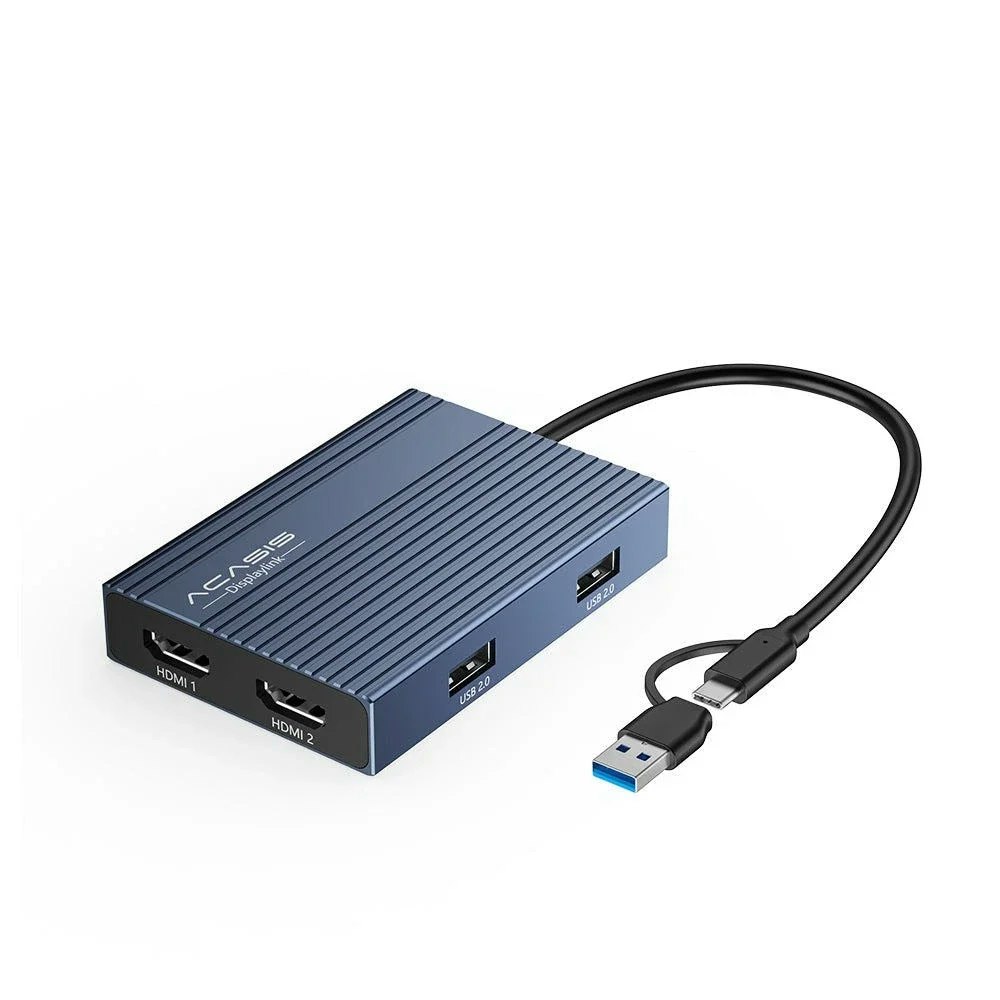
Designed for anyone running a multi-monitor setup from a single laptop connection, this docking station supports triple displays via DisplayLink technology, which handles the extra outputs through software rather than requiring additional GPU ports. At $62, that's $7 off the $69 list price. Buy Now at Walmart
Features
- Triple display support
- MST mode for Mac compatibility
- Dual HDMI connectivity
- 3840x2160 resolution at 60Hz

Walmart · 17 hrs ago
$210 $320
free shipping
more
↑ less
A 34-inch curved ultrawide at 1440p suits anyone who wants more horizontal screen real estate for work, gaming, or media without paying for a second monitor, and at $210 this is $110 off the $320 list price. Buy Now at Walmart
Features
- AMD FreeSync for tear-free gameplay

Walmart · 17 hrs ago
$510 $760
free shipping
more
↑ less
Walmart has the Wiwb Gaming Desktop PC with a Ryzen 5 3500X, RX 560 4GB GPU, 16GB RAM, and 512GB SSD for $510, which is $250 off the list price. The RX 560 is a modest card that handles older or less demanding titles reasonably well, so this suits someone who wants a ready-to-go desktop for light gaming or general use without building their own. Buy Now at Walmart
Features
- 6-Core Ryzen 5 3500X processor
- Dedicated RX560 4GB graphics
- 16GB RAM for multitasking
- 512GB SSD storage
- Model: WIWB
Walmart · 17 hrs ago
$329 $340
free shipping
more
↑ less
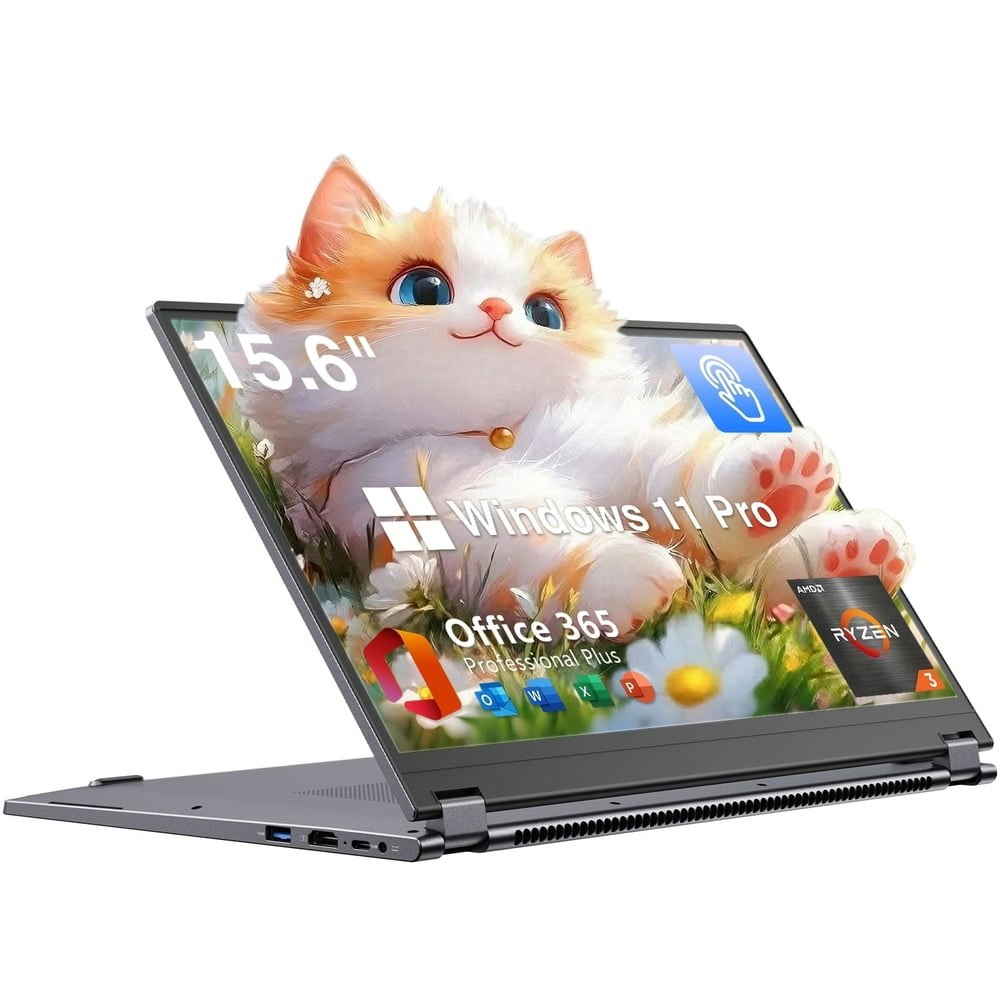
At $329, that's about $10 off the list price for a 15.6" touchscreen laptop that flips into tablet mode, runs on a Ryzen 3 3200U with 8GB RAM and a 256GB SSD, and comes with Windows 11 Pro already installed, which is a useful inclusion for anyone who needs Pro-level features like BitLocker or Remote Desktop. Buy Now at Walmart
Features
- Windows 11 Pro operating system
- PC hardware platform
- 5.5 pounds total weight

Walmart · 17 hrs ago
$27 $42
free shipping w/ $35
more
↑ less
Covers dead zones by pulling your existing router's signal and rebroadcasting it on both 2.4GHz and 5GHz bands, which suits anyone dealing with weak coverage in rooms far from their router. At $27, that's about $14 off the $42 list price. Buy Now at Walmart
Features
- Eliminate Wi-Fi dead zones in bedrooms and basements
- One-touch WPS setup for instant signal extension
- Smart indicator light for optimal placement
- Support stable connections for 60+ devices
- Optimized antennas for secure, high-performance coverage

Walmart · 17 hrs ago
$69 $100
free shipping
more
↑ less
Sized for smaller hands and priced for parents who don't want to hand a child an expensive device, this 10-inch kids tablet is currently $31 off its $100 list price at Walmart. Buy Now at Walmart
Features
- Android 15 OS
- 16GB RAM for stable performance
- 128GB internal storage
- Expandable storage up to 512GB
- Google-certified operating system

Walmart · 17 hrs ago
$169 $270
free shipping
more
↑ less
Curved 32-inch monitors at 1440p typically run $200 and up, so at $170 this sits about $100 below the list price for a panel that also includes HDR, IPS, and FreeSync support. A solid pick for PC gamers or anyone who wants more screen real estate and sharper resolution than a standard 1080p display without spending on a premium brand. Buy Now at Walmart
Features
- 120% sRGB color gamut
- AMD FreeSync
- Model: [Insert Model Number]
Walmart · 17 hrs ago
$140 $200
free shipping
more
↑ less
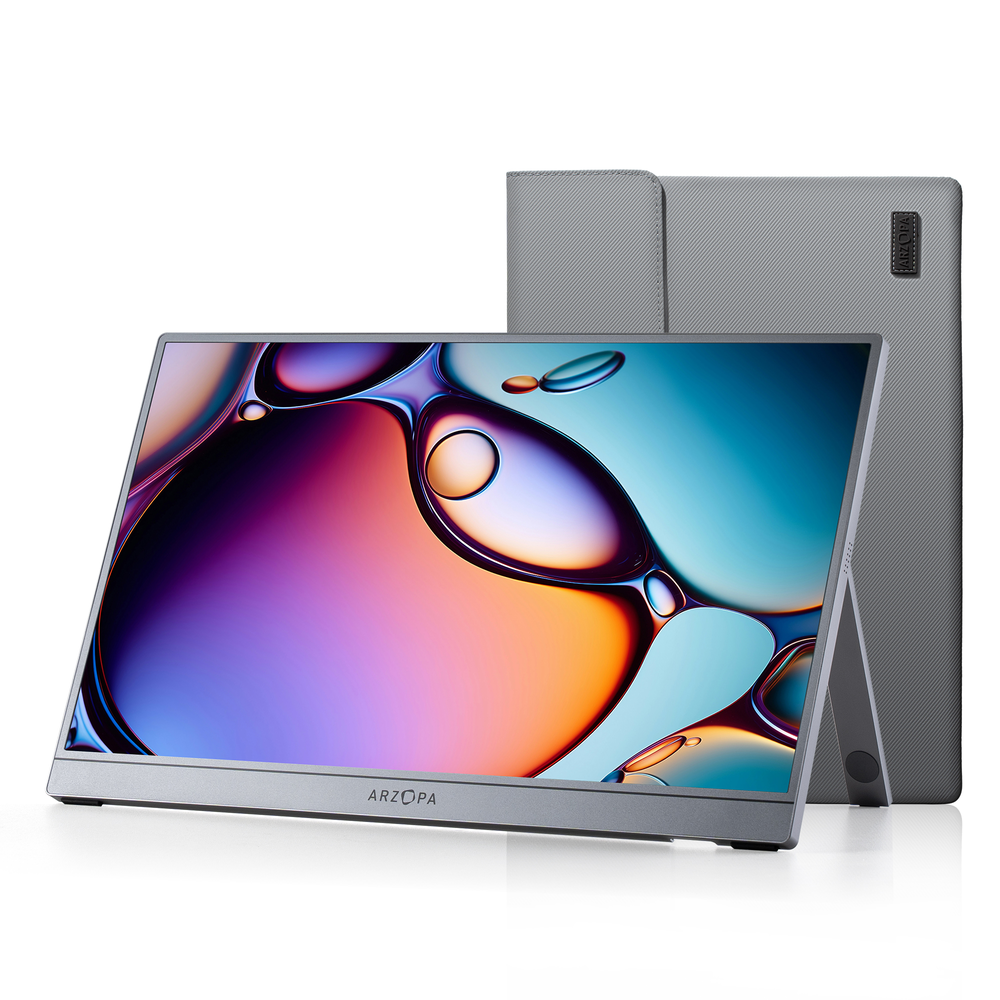
Portable monitors at 1440p resolution are still relatively uncommon at this price point, making this a solid option for remote workers, travelers, or anyone who wants a second screen without hauling a full setup. At $140, that's $60 off the $200 list price. Buy Now at Walmart
Features
- 16.1 inch 2.5K 1440p display
- 180Hz refresh rate
- 107% sRGB color accuracy
- Portable sleek design
- Wide multi-platform device compatibility
Walmart · 17 hrs ago
$96 $160
free shipping
more
↑ less
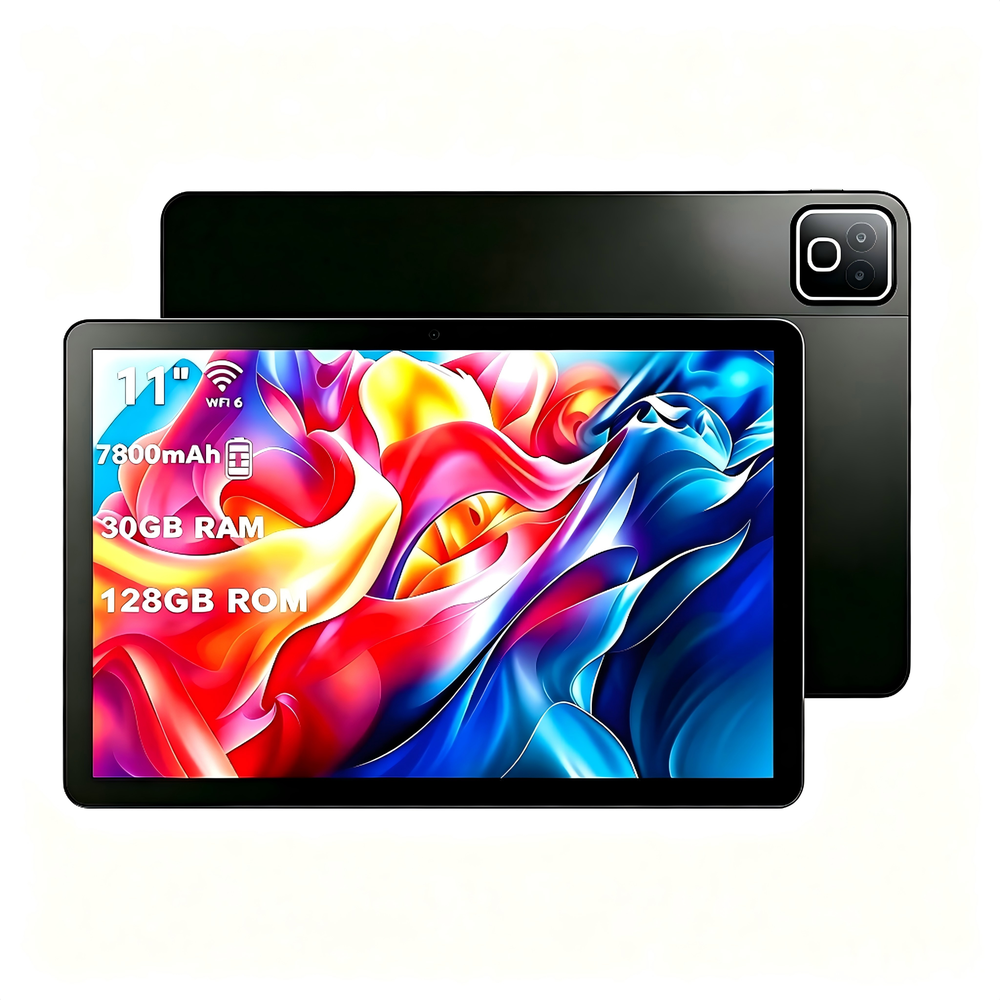
A budget-friendly Android tablet with 128GB of storage at this size typically runs closer to $160, so at $96 you're getting roughly 40% off the list price, which is worth noting if you need a basic tablet for streaming, browsing, or handing to a kid. Buy Now at Walmart
Features
- Stream 1080p HD video with Widevine L1
- Multitask seamlessly with high-speed octa-core processor
- Store files with 128GB ROM expandable to 1TB
- View sharp content on 2000x1200 IPS display
- Enjoy 10 hours of video with 7800mAh battery
Walmart · 17 hrs ago
$199 $340
free shipping
more
↑ less
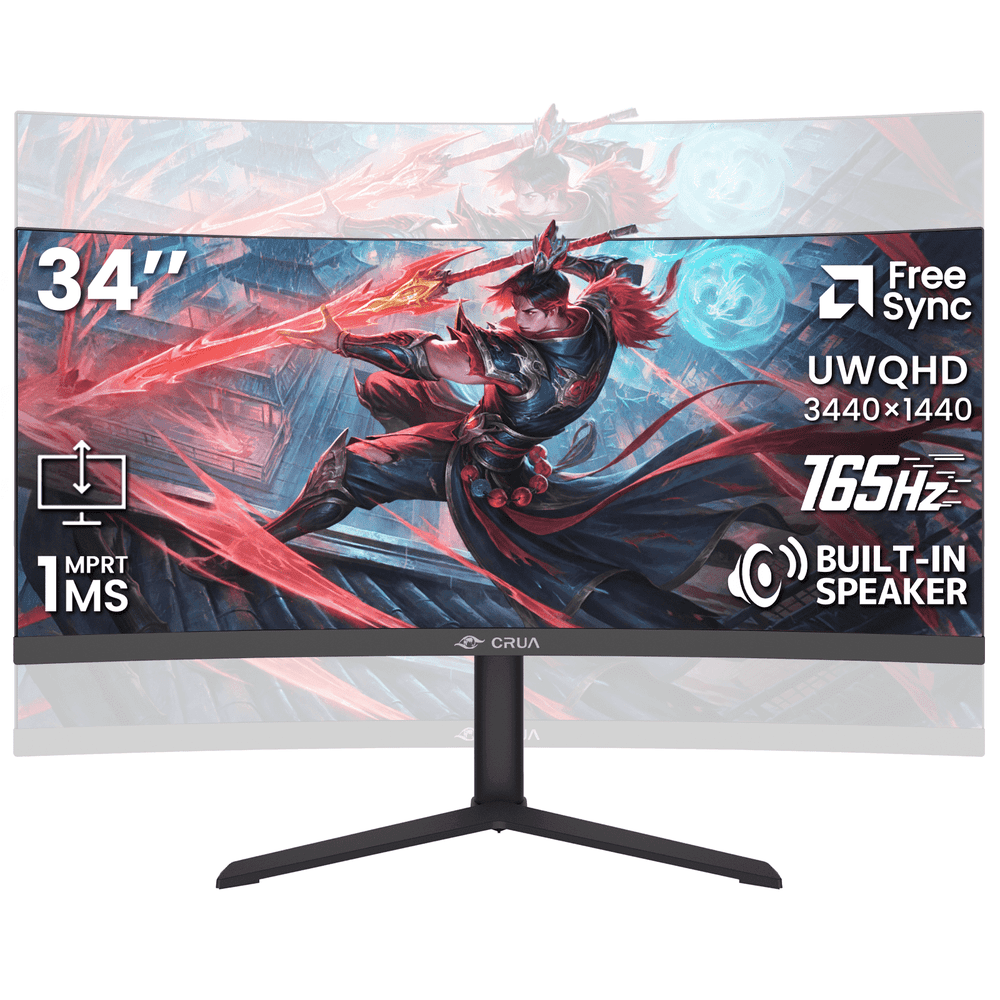
A 34-inch ultrawide curved monitor at this resolution typically runs $300 or more, so at $199 you're getting about $141 off the list price of $340. The ultrawide 1440p format suits people who work across multiple windows or want a more immersive gaming setup without running dual monitors. Buy Now at Walmart
Features
- 3440x1440 Ultrawide 1440p resolution, 165Hz refresh rate
- 3800R curved screen for immersive viewing
- Integrated speakers for clutter-free audio
- Height adjustable stand for ergonomic comfort
- HDMI, DisplayPort connectivity

Walmart · 17 hrs ago
$580 $999
free shipping
more
↑ less
At $580, that's $419 off the $999 list price for a 16-inch gaming laptop with a Ryzen 7 processor and a full HD display, which puts it in a range where you're getting solid mid-range gaming hardware at a price closer to budget territory. Buy Now at Walmart
Features
- 1920x1200 resolution, 60Hz refresh rate
- AMD Ryzen 7 processor, 24GB DDR5 RAM
- Expandable memory up to 64GB, storage up to 4TB
- 180-degree hinge, privacy camera switch, metal chassis
- 2x USB 3.2, USB 2.0, HDMI 2.0, 2x Type-C
Walmart · 17 hrs ago
$9 $16
free shipping w/ $35
more
↑ less
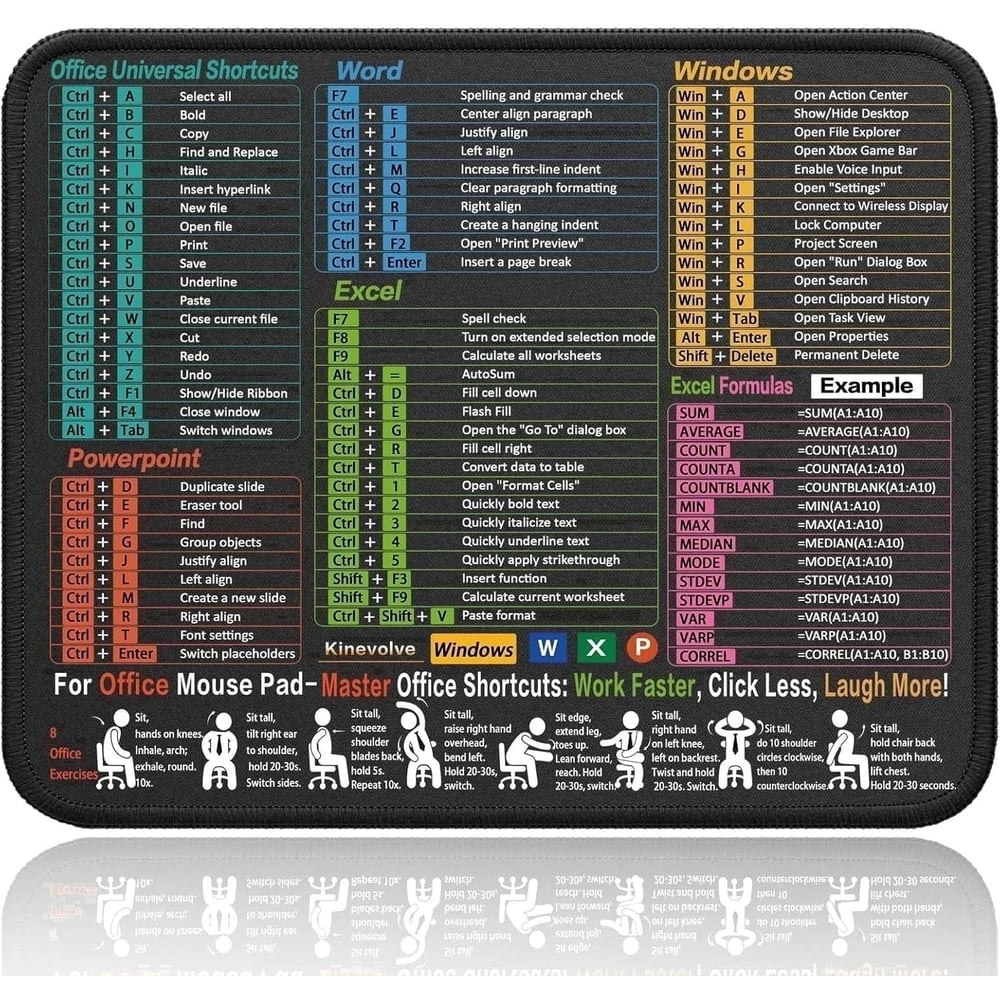
Useful for anyone still learning Windows keyboard shortcuts or wanting a quick-reference guide at their desk without printing anything out, and at $9 it's $7 off the $16 list price. Buy Now at Walmart
Features
- Compact portable design for travel
- Essential software shortcut guide
- Finely-textured surface for precise tracking
- Durable stitched edges with non-slip base
- Water-resistant surface for easy maintenance

Walmart · 17 hrs ago
$17
free shipping w/ $35
more
↑ less
Useful for anyone who spends long hours at a desk and notices wrist fatigue or discomfort from typing and mousing throughout the day. Buy Now at Walmart
Features
- Ergonomic double slope design relieves wrist and arm strain
- Premium memory foam cushions wrists for all-day comfort
- Smooth Lycra surface ensures precise mouse tracking
- Non-slip PU base provides stable, secure performance
- Compact footprint maximizes available desk workspace
Walmart · 17 hrs ago
$510 $800
free shipping
more
↑ less
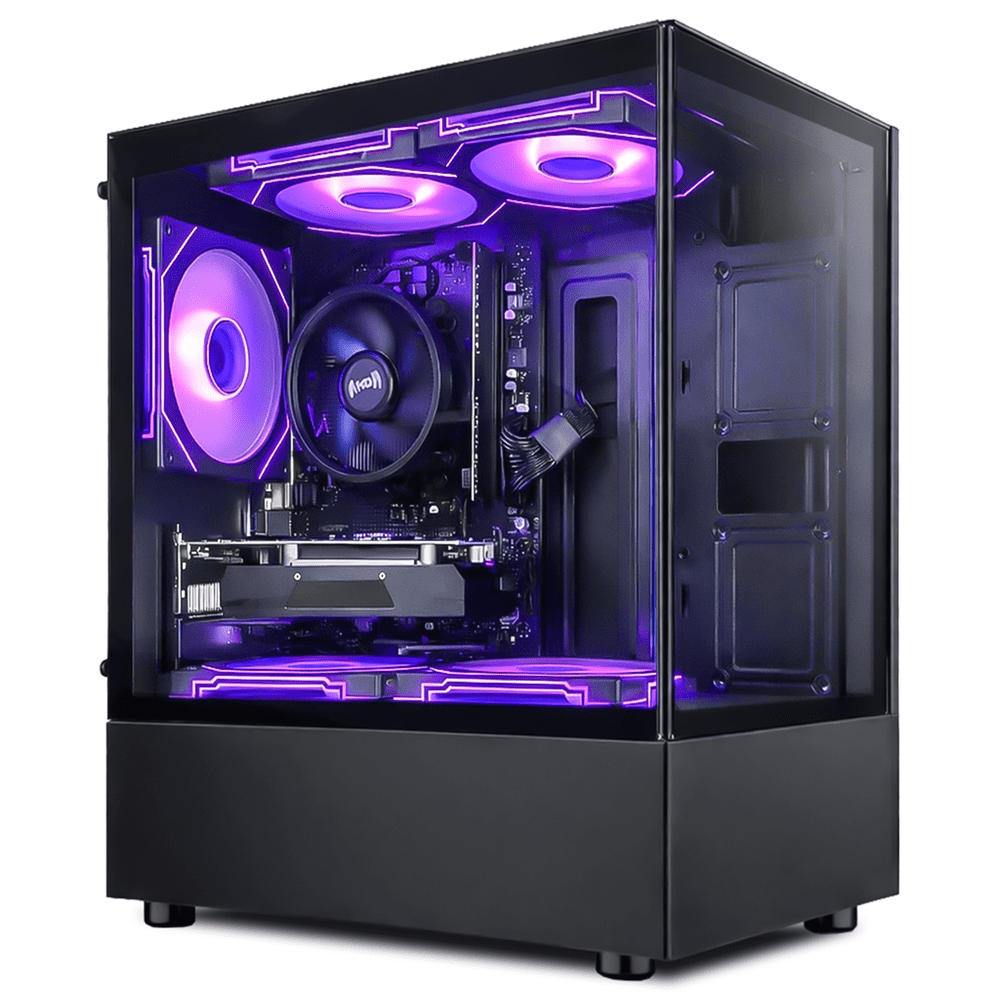
Walmart has the Suevery Gaming PC Desktop with a Ryzen 5 3500X, Radeon RX 560, 16GB RAM, and 512GB SSD for $510, which is $290 off the $800 list price. The RX 560 is an entry-level GPU, so this setup is suited for casual or older titles at 1080p rather than demanding modern games, but the CPU and RAM are solid enough that swapping in a more capable GPU later is a reasonable upgrade path. Buy Now at Walmart
Features
- AMD Ryzen 5 3500X processor
- Radeon RX 560 graphics
- 16GB DDR4 memory
- 512GB NVMe SSD storage
- Wi-Fi 6 connectivity
Walmart · 17 hrs ago
$29 $45
free shipping w/ $35
more
↑ less
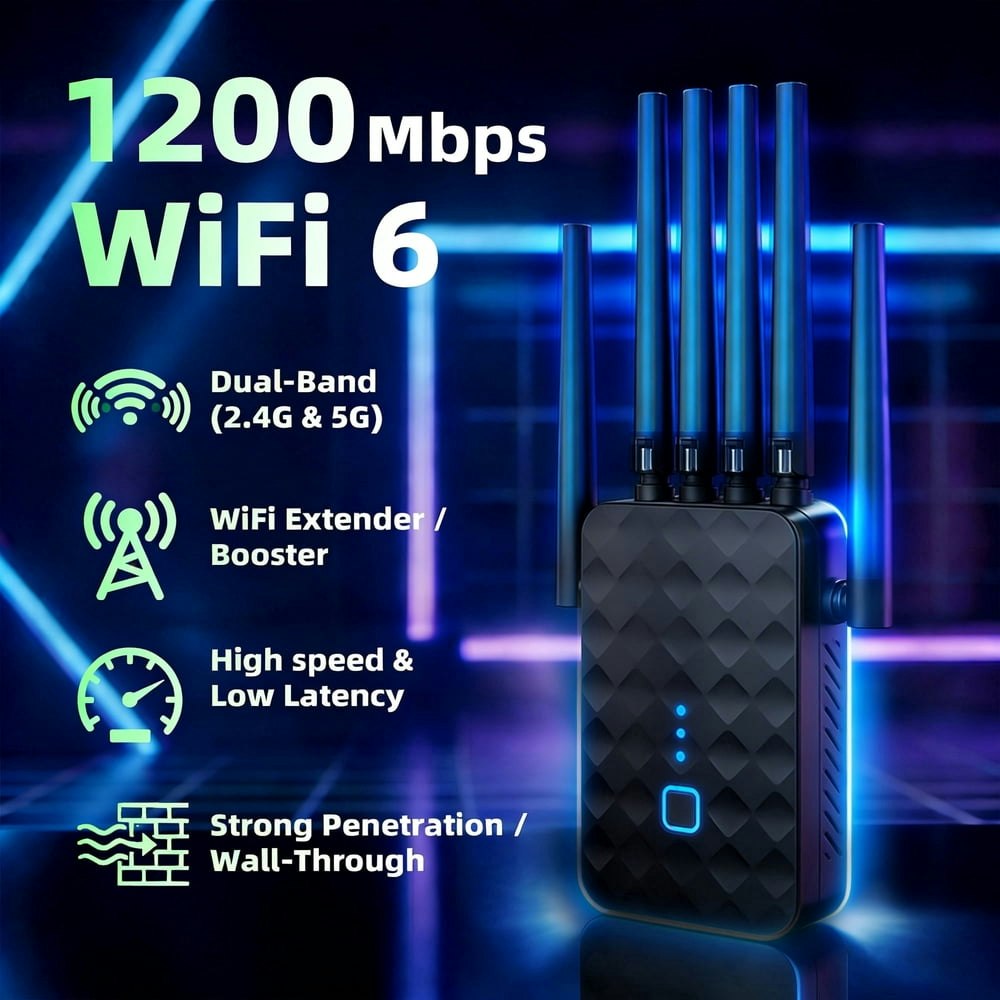
Covers dead zones in your home by connecting to your existing router and rebroadcasting the signal on both 2.4GHz and 5GHz bands, with the dual-band setup helping reduce congestion compared to single-band extenders. At $29, that's $16 off the $45 list price. Buy Now at Walmart
Features
- 6 high-performance external antennas for stronger signal coverage

Walmart · 17 hrs ago
$205 $300
free shipping
more
↑ less
Designed for anyone who regularly works across multiple windows or applications on a laptop, this triple-monitor extender clips onto your screen and adds two extra 15.6-inch 1080p IPS displays without needing a separate stand or desk space. At $205, that's about $95 off the $300 list price. Buy Now at Walmart
Features
- Simplify setup with two USB-C cables
- Lightweight 4lb aluminum alloy design
- Dual 15.6-inch 1080p IPS displays
- Triple-screen expansion boosts productivity 300%
- Universal compatibility with Windows, Mac, Linux, Android
Walmart · 17 hrs ago
$279
free shipping
more
↑ less
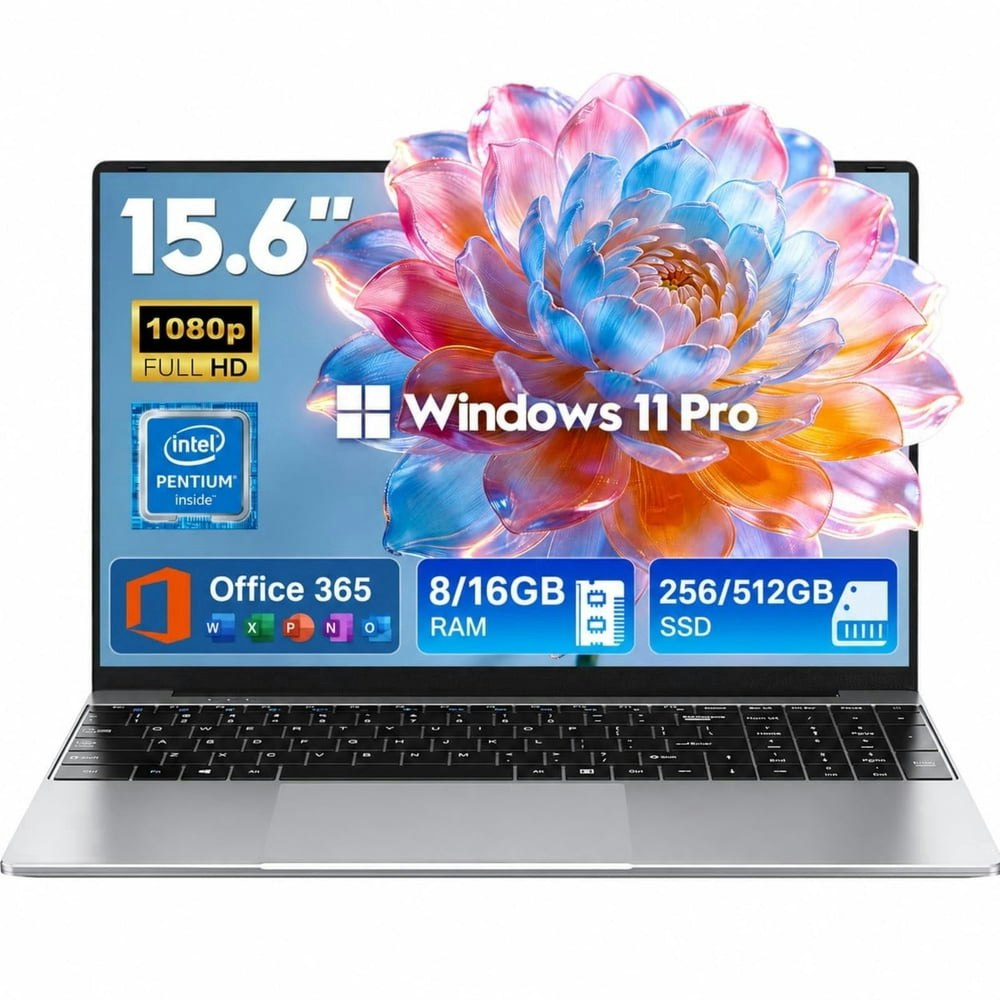
A budget-friendly Windows 11 Pro laptop with 16GB RAM and a 512GB SSD at this price point suits students, remote workers, or anyone who needs a capable everyday machine without spending on a name-brand device. Buy Now at Walmart
Features
- 1080p IPS display
- 16GB RAM
- 512GB solid-state drive
- 3.5 lbs lightweight design
- 2-year warranty
Walmart · 17 hrs ago
$16 $20
free shipping w/ $35
more
↑ less
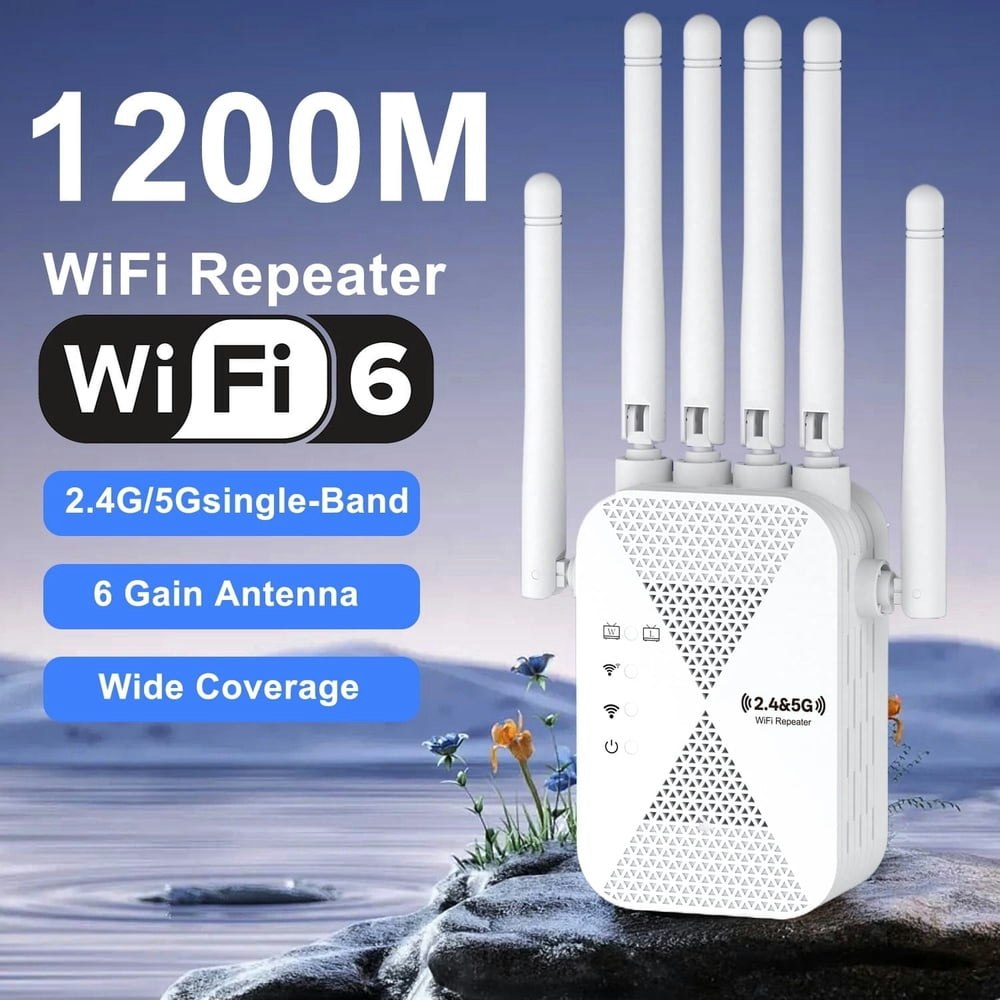
Covers dead zones by pulling your existing WiFi signal and rebroadcasting it on both 2.4GHz and 5GHz bands, which suits anyone dealing with weak signal in a back bedroom or garage. At $16, that's about $4 off the $20 list price. Buy Now at Walmart
Features
- Eliminate Wi-Fi dead zones
- Extend coverage to bedrooms and offices
- Ensure smoother browsing and online work
- Meet CE and RoHS safety standards

Walmart · 17 hrs ago
$153 $161
free shipping
more
↑ less
Designed for people who want to extend their laptop setup without hauling around a full-size monitor, this 14-inch portable display connects to your laptop and gives you a second screen wherever you work. At $153, it's about $8 off the $161 list price. Buy Now at Walmart
Features
- Single USB-C cable plug and play connectivity
- Multi-screen real-time independent display
- No driver or application installation required
- Compatible with Windows and macOS laptops
Walmart · 17 hrs ago
$280 $500
free shipping
more
↑ less
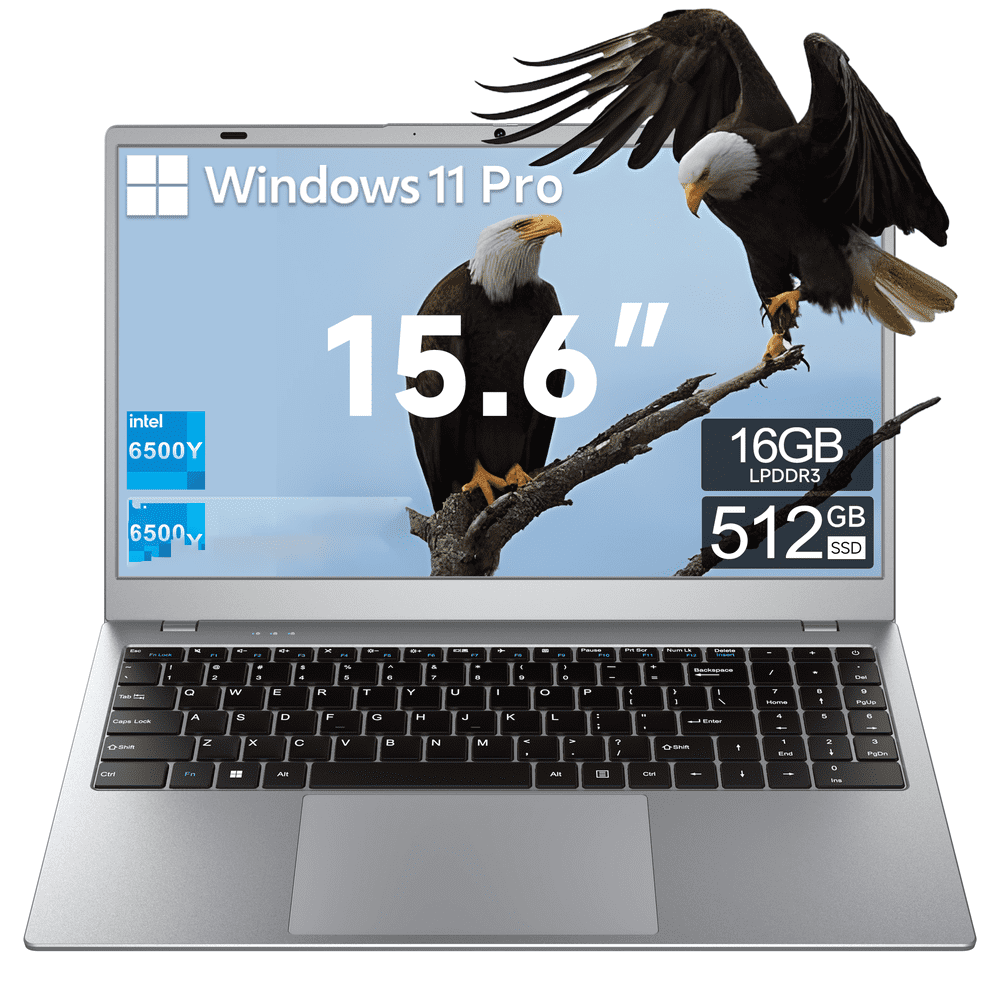
At $280, that's $220 off the $500 list price for a 15.6-inch laptop with 16GB of RAM and a 512GB SSD, which is a spec sheet that typically costs more at this screen size. A reasonable option if you need a budget daily driver for browsing, documents, or light productivity work and don't want to spend MacBook money. Buy Now at Walmart
Features
- 5000mAh battery for extended daily endurance
- Fast charging technology minimizes downtime
- 500GB SSD for powerful storage capabilities
- Reliable Wi-Fi 5 and Bluetooth 5.0 wireless connectivity
- Model: Akocrsiy student laptop

Walmart · 17 hrs ago
$310 $500
free shipping
more
↑ less
Walmart has the Aeezo 15.6-Inch Laptop for $310, which is $190 off the $500 list price. It runs an Intel N5095 processor with 16GB RAM and a 512GB SSD, a spec sheet that suits everyday tasks like browsing, documents, and light media without spending much on a Windows machine. Buy Now at Walmart
Features
- 16GB RAM and 512GB SSD for multitasking
- Quad-core processor for office and school tasks
- Portable 1.65kg ultra-slim design
- 15.6 inch 1080p display with thin bezels
- USB 3.0, Type-C, Mini-HDMI, and TF card slot

Walmart · 17 hrs ago
$20 $39
free shipping w/ $35
more
↑ less
At $20 (rounded from $19.59), that's roughly 50% off the $39 list price for a wired keyboard-and-mouse combo with RGB lighting and a honeycomb-shell mouse rated at 3200 DPI, which suits budget-conscious PC users who want a functional setup without spending much. Buy Now at Walmart
Features
- 60% compact layout maximizes desk space
- 3200 DPI sensor with adjustable sensitivity
- Dynamic customizable RGB lighting effects
- Ergonomic design for extended comfort
- Plug-and-play universal connectivity
Walmart · 17 hrs ago
$110 $200
free shipping
more
↑ less
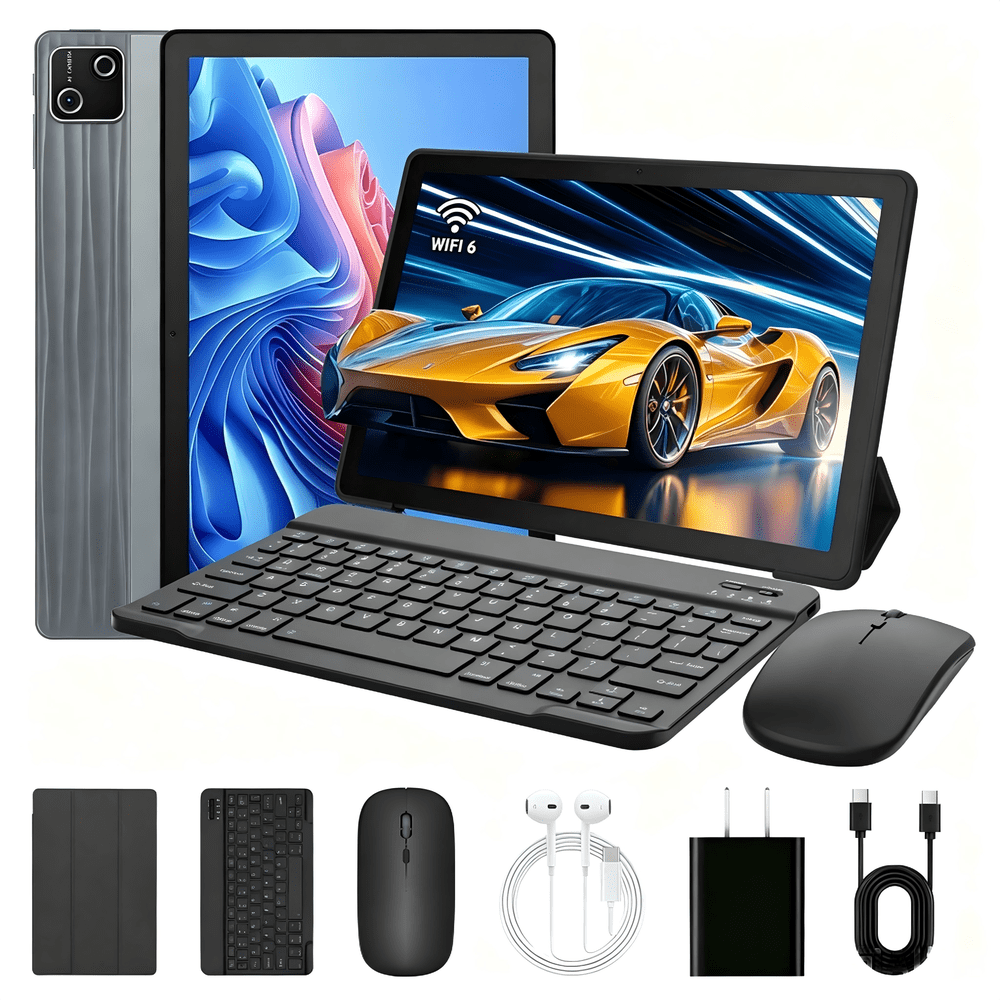
At $110, that's $90 off the $200 list price for a 10-inch Android 15 tablet bundled with a keyboard, which makes it a reasonable starting point if you want a basic productivity setup without spending laptop money. Buy Now at Walmart
Features
- Long-lasting high-capacity battery
- 5MP front and 8MP rear cameras
- Type-C charging and 3.5mm headphone jack
- Dual-band 2.4G/5G Wi-Fi connectivity
- Bluetooth 5.0 wireless support

Walmart · 17 hrs ago
$13 $14
free shipping w/ $35
more
↑ less
Wireless and rechargeable means no battery swaps, which makes this a solid pick for casual desktop or laptop use where you want a low-maintenance pointing device. At $13, that's $1 off the $14 list price. Buy Now at Walmart
Features
- Dual mode connectivity with Bluetooth and 2.4GHz
- Visible battery level indicator
- USB-C rechargeable battery
- Automatic sleep mode for power efficiency
- Noiseless click design for quiet work
Walmart · 17 hrs ago
$236 $269
free shipping
more
↑ less
A basic Windows laptop with 8GB RAM and a 256GB SSD at this price point works well for light everyday tasks like browsing, documents, and streaming, and at $236 it's $33 off the $269 list price. Buy Now at Walmart
Features
- 1080p resolution, 60Hz refresh rate
- Intel Pentium 4425Y dual-core processor
- 6-hour battery life
- 38.5Wh battery capacity
- Model: Chheart 2026

Walmart · 17 hrs ago
$16 $20
free shipping w/ $35
more
↑ less
Handy for video calls, streaming, or any setup where your laptop's built-in camera falls short, this 1080p webcam with a built-in mic runs $16, which is about $4 off the $20 list price. Buy Now at Walmart
Features
- 1080p HD video clarity
- Noise-canceling microphone for clear audio
- Auto light correction for professional imaging
- Flexible 360-degree positioning
- 90-degree wide field of view
Walmart · 17 hrs ago
$10 $19
free shipping w/ $35
more
↑ less
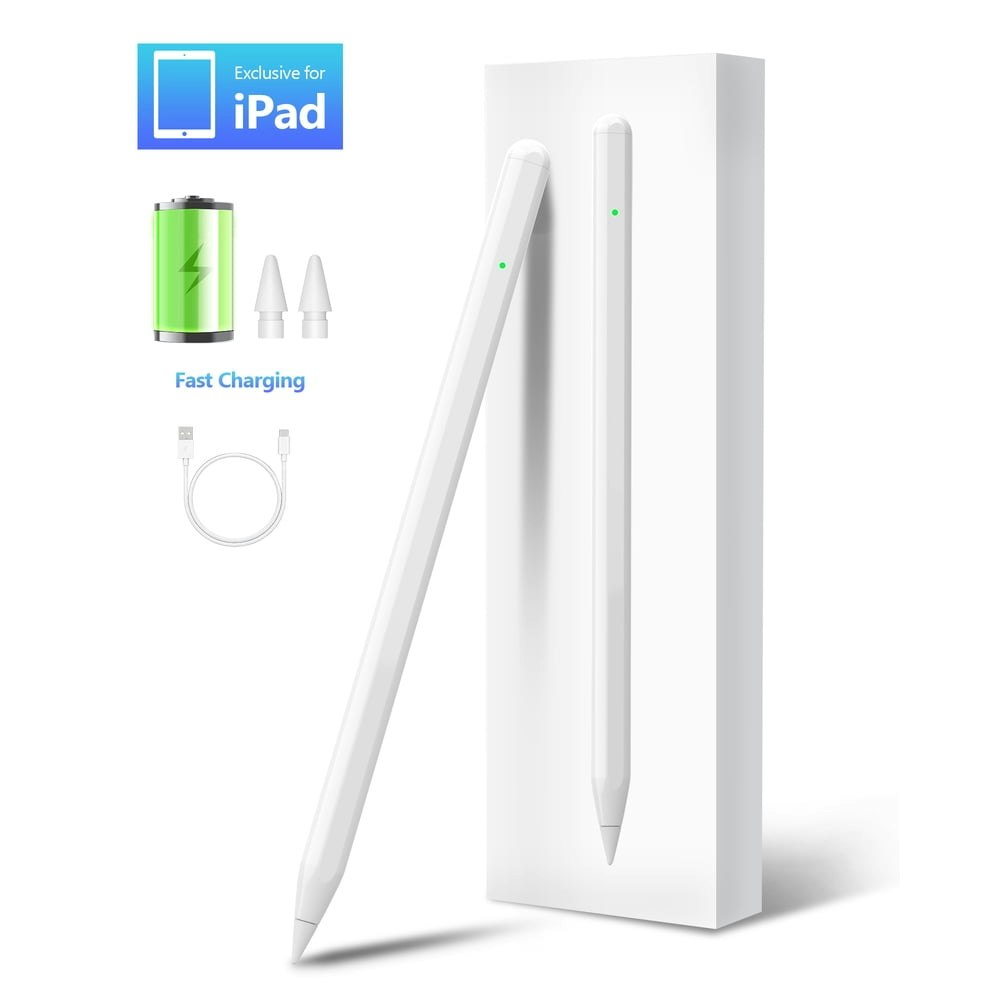
Pairs with any iPad that supports Apple Pencil, giving you a pressure-sensitive stylus for note-taking, drawing, or markup at $10, which is $9 off the $19 list price. Buy Now at Walmart
Features
- Double-tap touch control for instant power
- Tilt sensitivity for variable line thickness
- Palm rejection for comfortable hand resting
- Magnetic attraction for secure iPad attachment
- No Bluetooth or app pairing required
Walmart · 17 hrs ago
$20 $40
free shipping w/ $35
more
↑ less
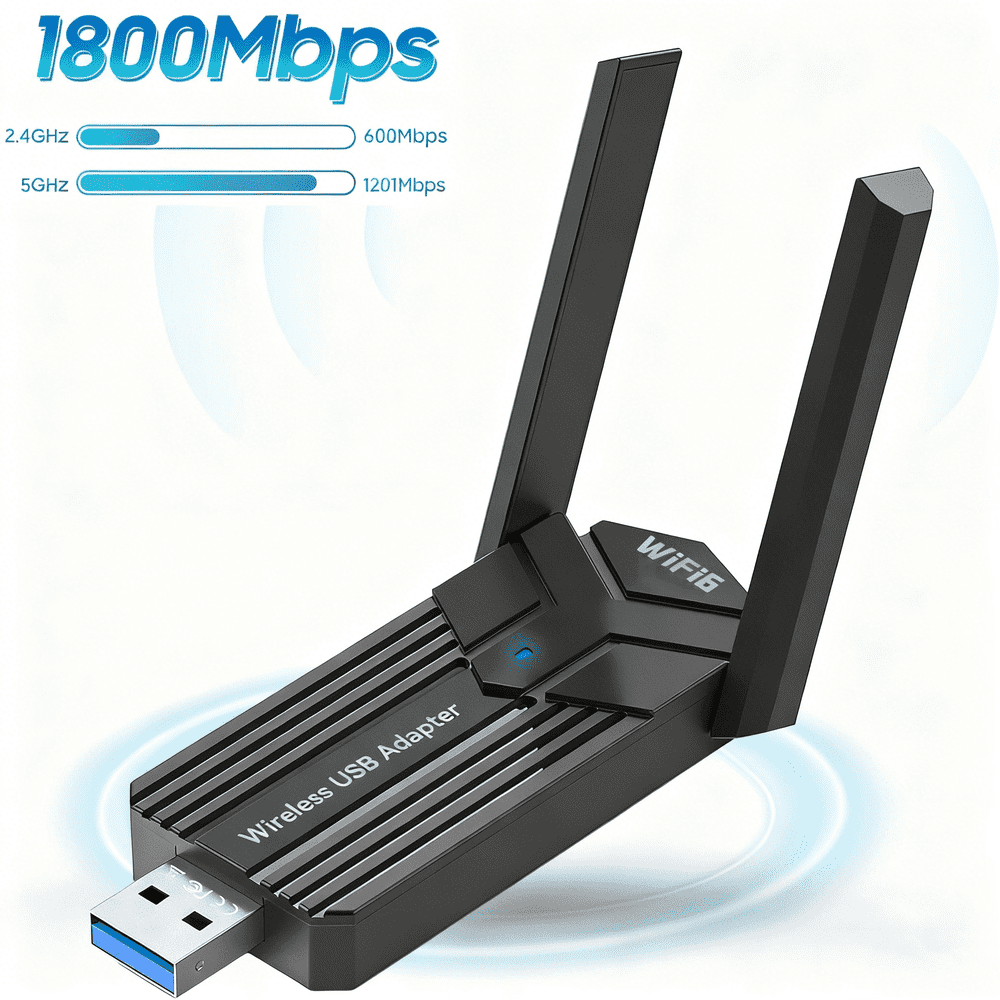
At $20, that's about half the $40 list price for a dual-band USB Wi-Fi adapter that lets you add or upgrade wireless connectivity on any desktop or laptop without opening the case. Buy Now at Walmart
Features
- Supports macOS 10.11-10.15
- Does not support macOS 11-15
Walmart · 17 hrs ago
$240 $529
free shipping
more
↑ less
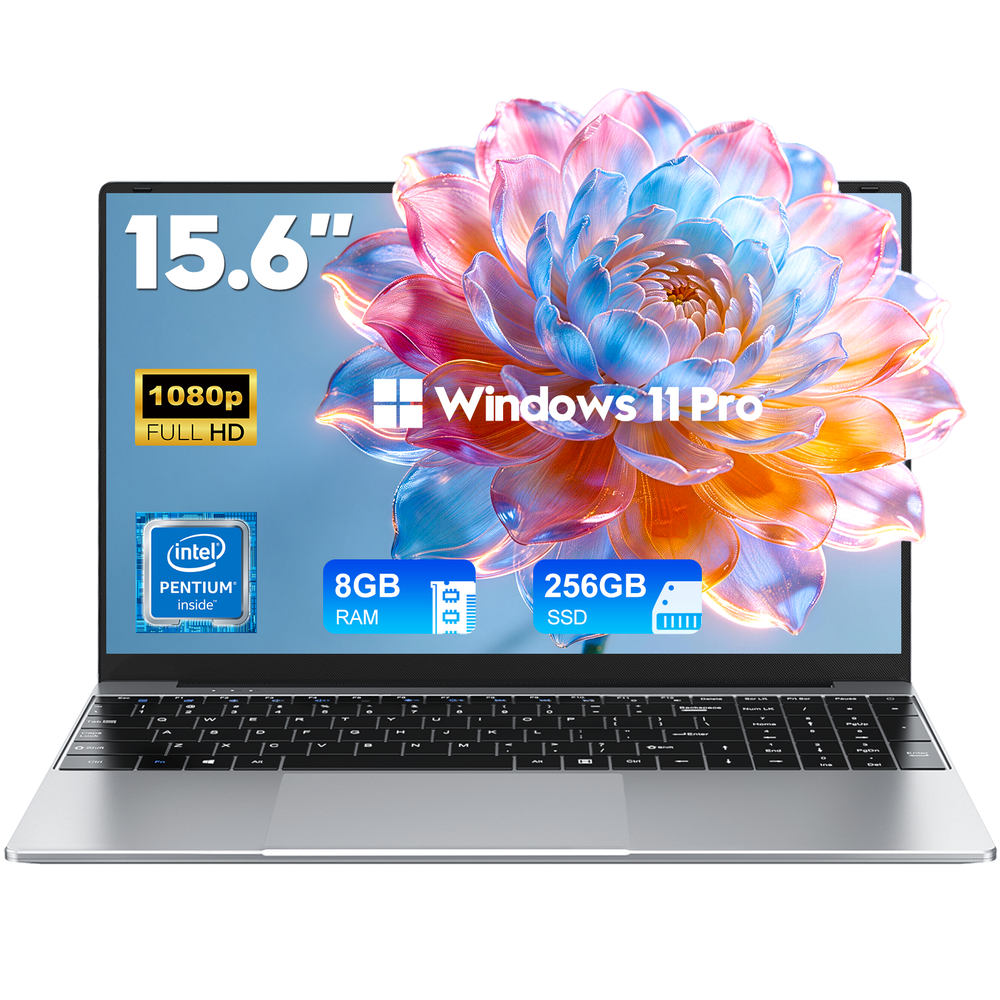
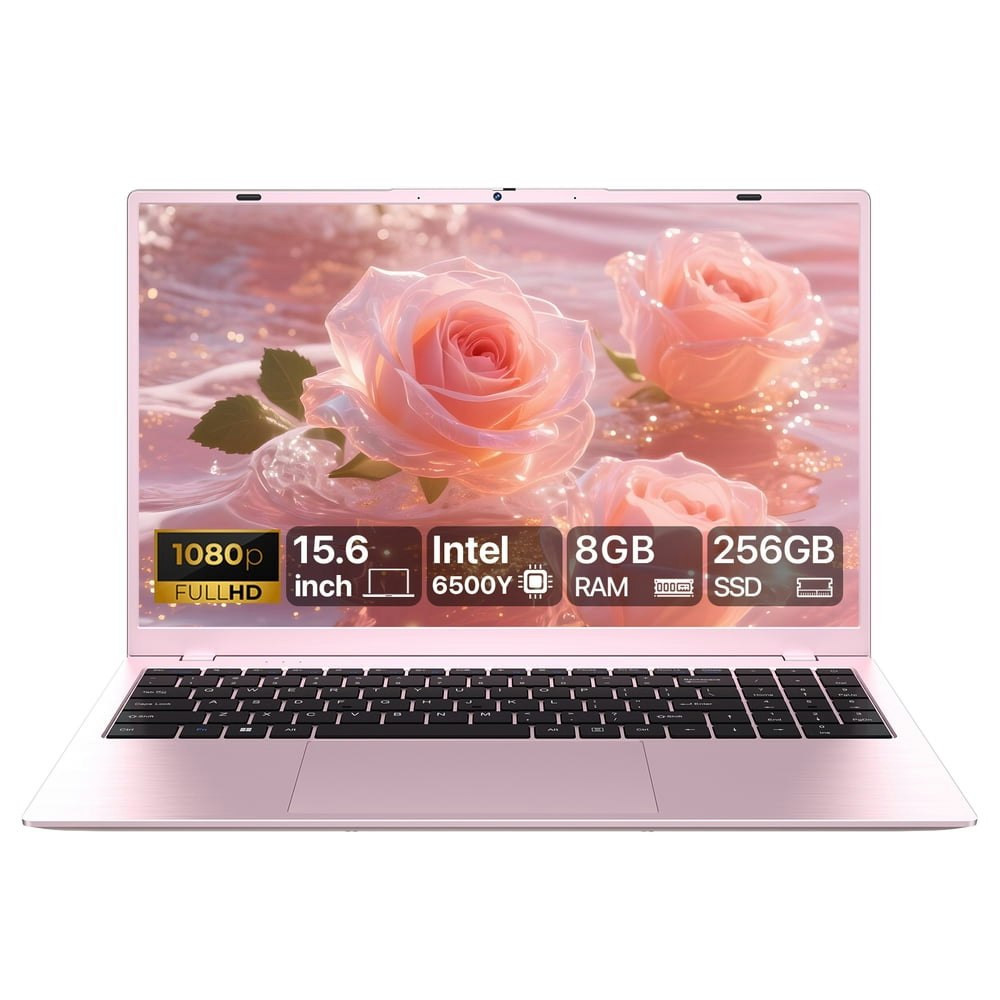
At $240, that's 55% off the $529 list price for a 15.6-inch laptop with 8GB RAM and a 256GB SSD, which covers the basics for everyday tasks like browsing, documents, and streaming without a lot of upfront cost. Buy Now at Walmart
Features
- Intel Pentium Gold 6500Y processor
- 8GB RAM and 256GB SSD
- 15.6 inch 1080p anti-glare display
- Dual 4K display output via HDMI and Type-C
- 8-hour battery with Type-C fast charging
Walmart · 17 hrs ago
$19 $49
free shipping w/ $35
more
↑ less
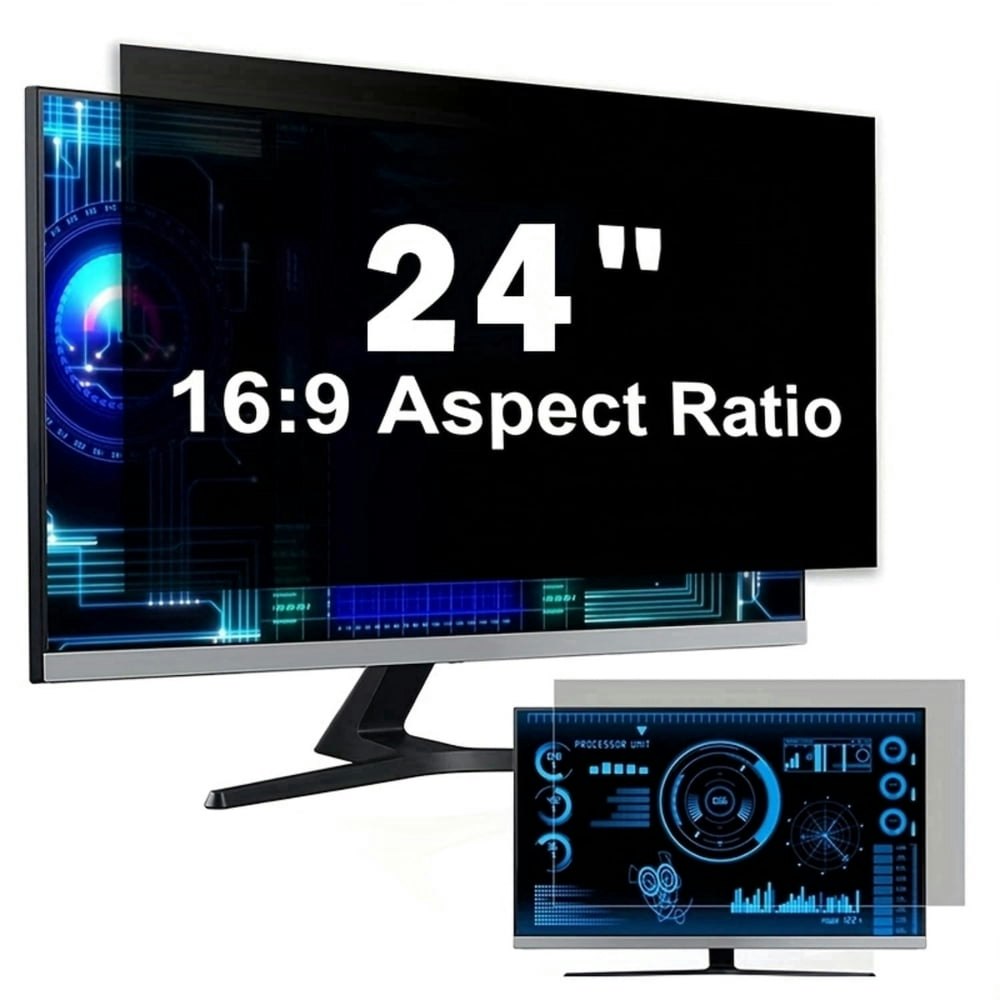
A privacy screen filter for your monitor blocks side-angle viewing, which makes it useful if you work in open offices, coffee shops, or anywhere others can see your screen. At $19, that's $30 off the $49 list price. Buy Now at Walmart
Features
- Limit viewing angles with micro-louver privacy technology
- Reduce blue light and screen glare for eye comfort
- Fits 24-inch 16:9 widescreen monitors perfectly
- Protects monitor screen from scratches and dust
- Tool-free installation with adhesive-free attachment
Walmart · 17 hrs ago
$230 $429
free shipping
more
↑ less
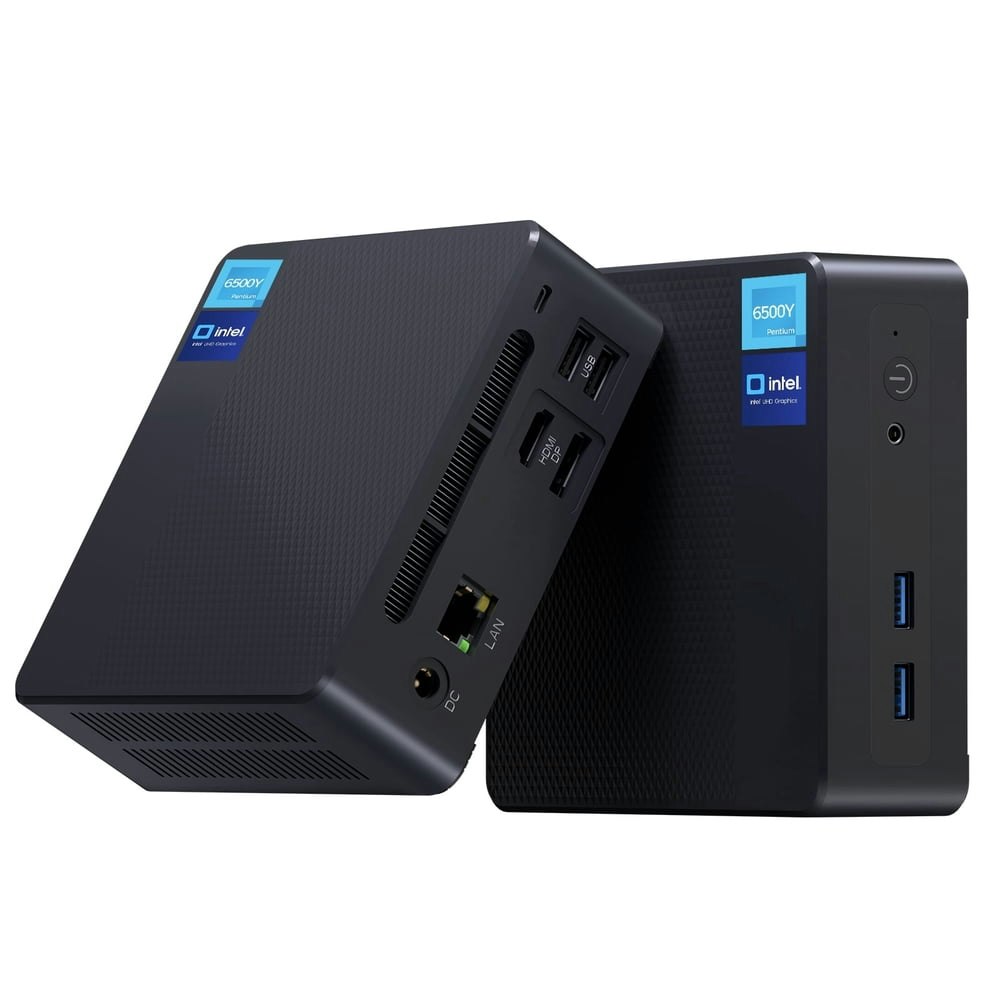
At $230, that's $199 (46%) off the $429 list price for a compact desktop running Windows 11 with 32GB of RAM and a 512GB SSD, which is a solid spec sheet for a mini PC at this price point, particularly if you want a small-footprint machine for everyday productivity or home office use. Buy Now at Walmart
Features
- Intel Pentium Gold 6500Y processor for efficient multitasking
- 32GB RAM and 512GB SSD for responsive performance
- WiFi 6 and Bluetooth 5.0 high-speed connectivity
- Built-in fan cooling prevents overheating during heavy tasks
- VESA mountable for space-saving All-in-One setup
Walmart · 17 hrs ago
$285 $659
free shipping
more
↑ less
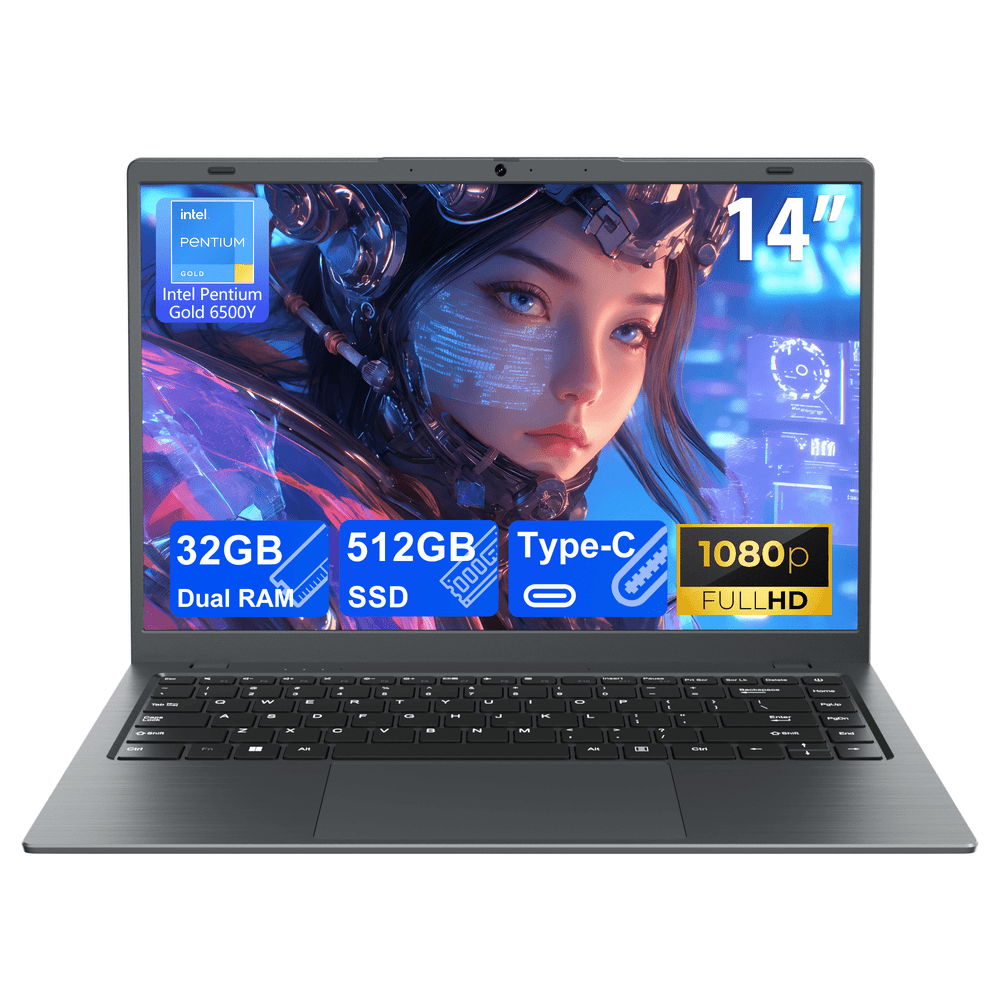
At $285, that's 57% off the $659 list price for a 14-inch laptop, which puts it in range for students or anyone who needs a basic portable machine for everyday tasks like browsing, documents, and video calls without spending full price on a name-brand option. Buy Now at Walmart
Features
- 48-hour project delivery guarantee
Walmart · 17 hrs ago
$200 $529
free shipping
more
↑ less
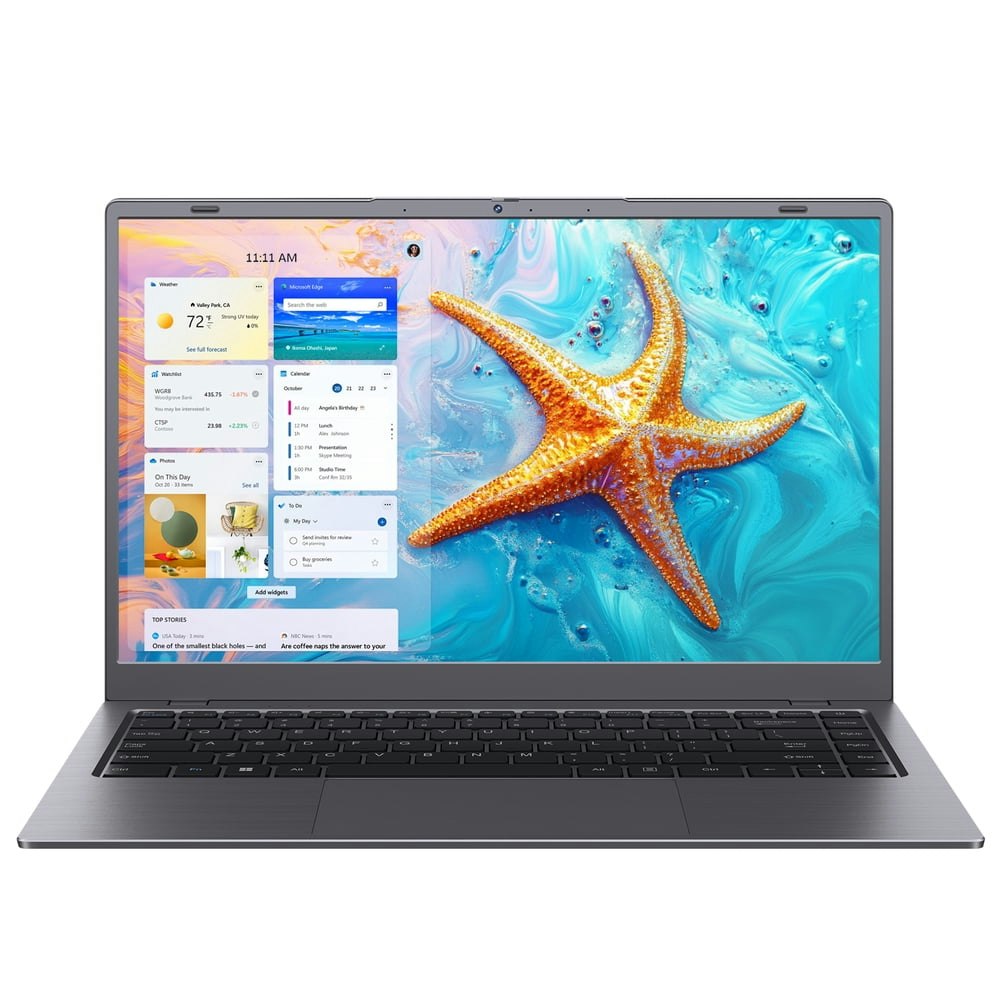
At $200, that's 62% off the $529 list price for a 14-inch laptop with 8GB RAM and a 256GB SSD, which covers everyday tasks like browsing, document editing, and video calls without much fuss. Buy Now at Walmart
Features
- Intel Pentium Gold 6500Y processor
- 8GB RAM and 256GB SSD
- 14 inch 1080p anti-glare display
- Supports dual 4K 60Hz external displays
- 8 hours battery with PD fast charging
Walmart · 17 hrs ago
$306 $729
free shipping
more
↑ less
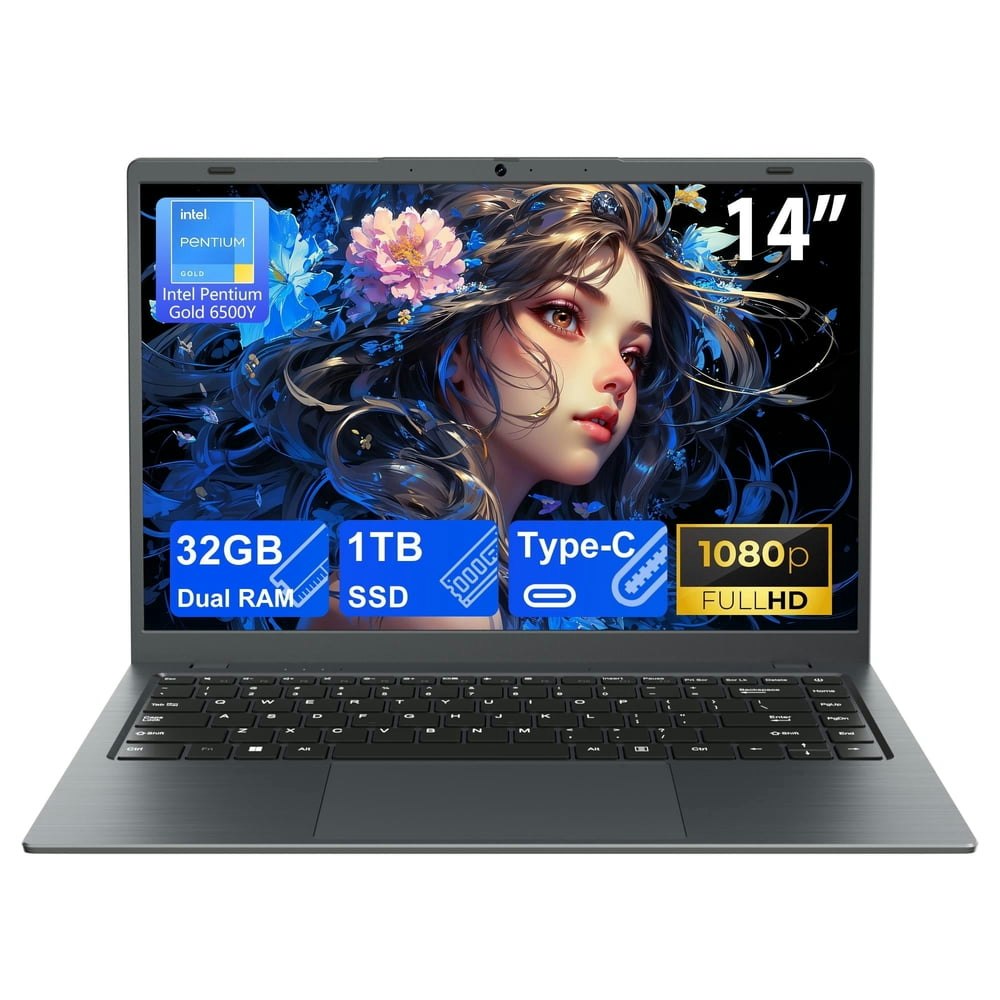
At $306, that's 58% off the $729 list price for a 14-inch laptop with 32GB of RAM and a 1TB SSD, specs you'd normally pay considerably more for. Walmart has it for $306, which makes it worth a look if you want a budget laptop with room to multitask without storage running out quickly. Buy Now at Walmart
Features
- 48-hour project delivery guarantee
Walmart · 17 hrs ago
$12 $29
free shipping w/ $35
more
↑ less
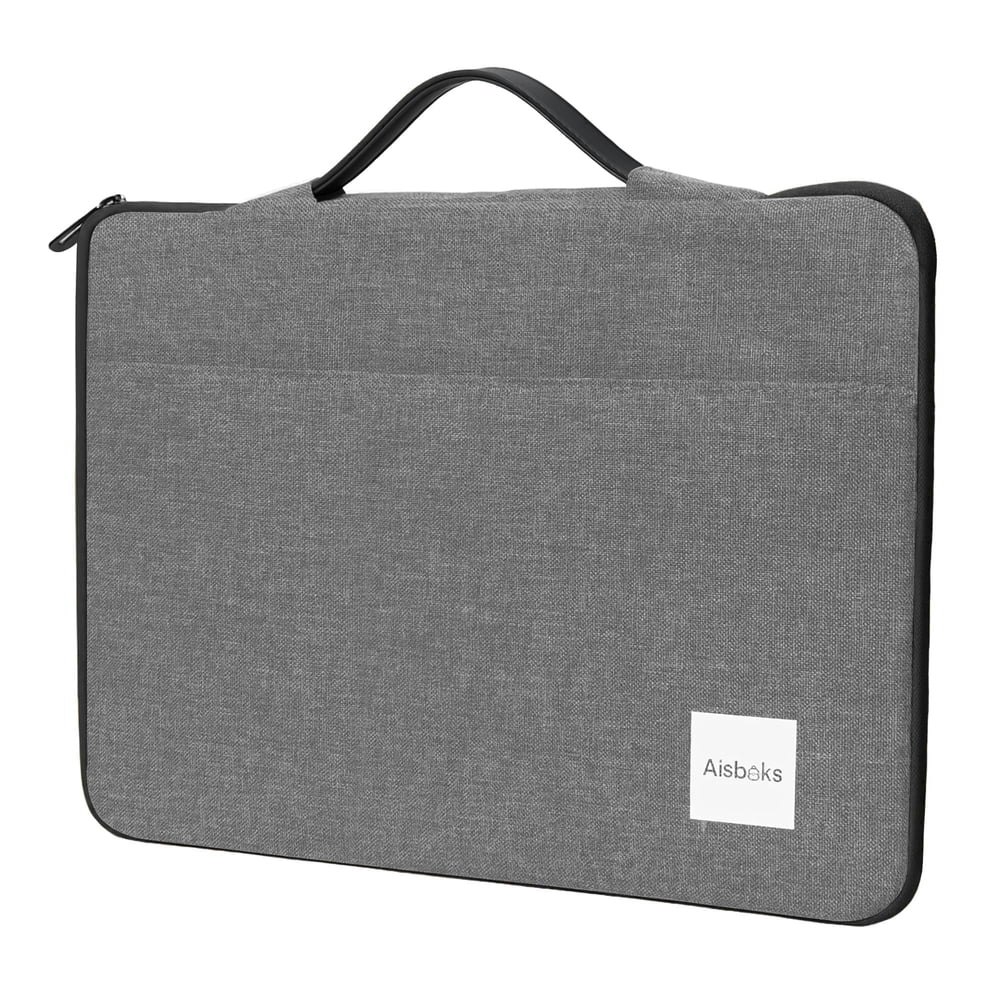
Slides over most 14- to 16-inch laptops and doubles as a thin carry option if you just need the laptop and a few accessories without a full bag. At $12, that's $17 off the $29 list price. Buy Now at Walmart
Features
- Fits 13 to 15.6 inch laptops
- Smooth hassle-free zippers
- Durable wear-resistant material
- Dual-layer organized storage
- Expandable handle for flexible carrying

Walmart · 17 hrs ago
$19 $36
free shipping w/ $35
more
↑ less
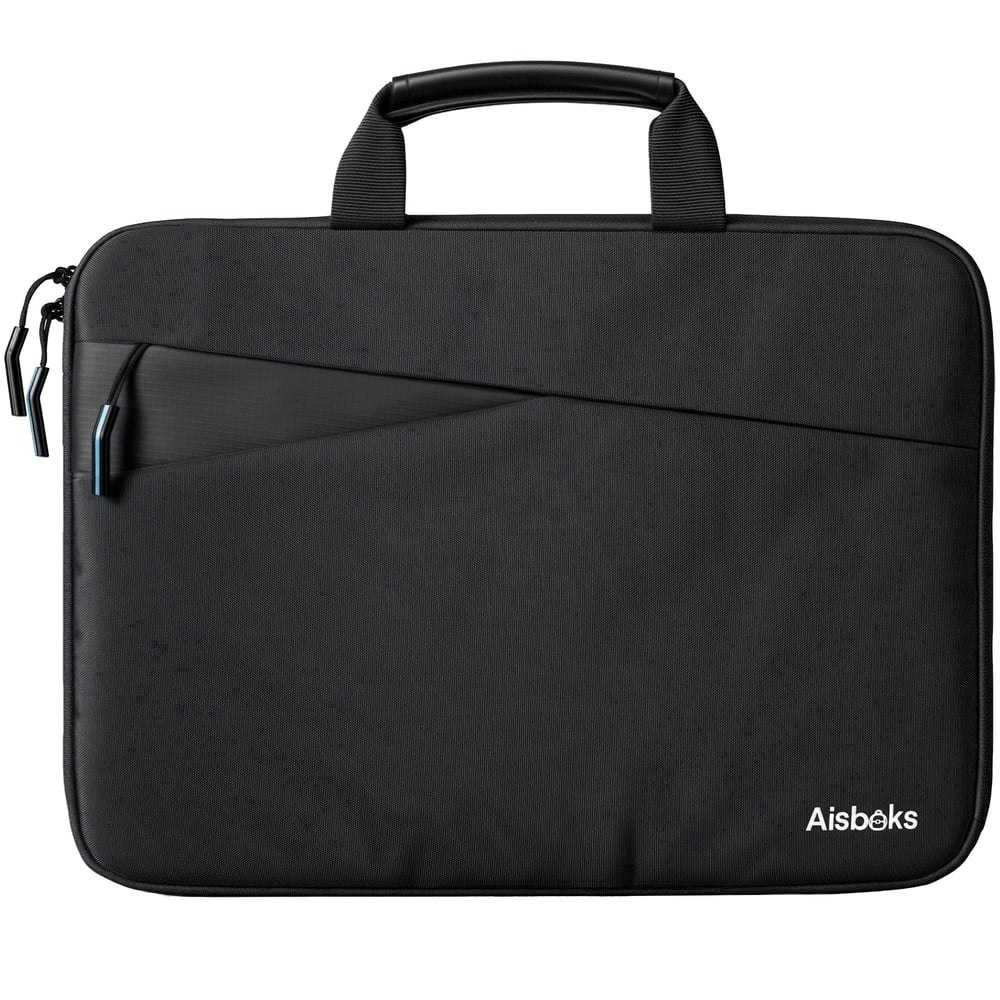
Fits laptops up to 17 inches and works well if you carry your machine in a bag without a dedicated padded compartment, at $18 off the $36 list price. Buy Now at Walmart
Features
- Fits 14-17 inch laptops including slim 17.3 inch models
- Dual-layered storage for organized device and accessory protection
- High-quality wear-resistant materials for premium durability
- Expandable handle for multiple convenient carrying styles
- Smooth zipper technology for hassle-free device access
Walmart · 17 hrs ago
$16 $36
free shipping w/ $35
more
↑ less
Sized to fit laptops from 14 to 16 inches, this sleeve is a straightforward option for anyone who wants basic scratch and bump protection without carrying a full bag. At $16, it's $20 off the $36 list price. Buy Now at Walmart
Features
- Universal fit for laptops up to 16 inches
Walmart · 17 hrs ago
$28 $32
free shipping w/ $35
more
↑ less
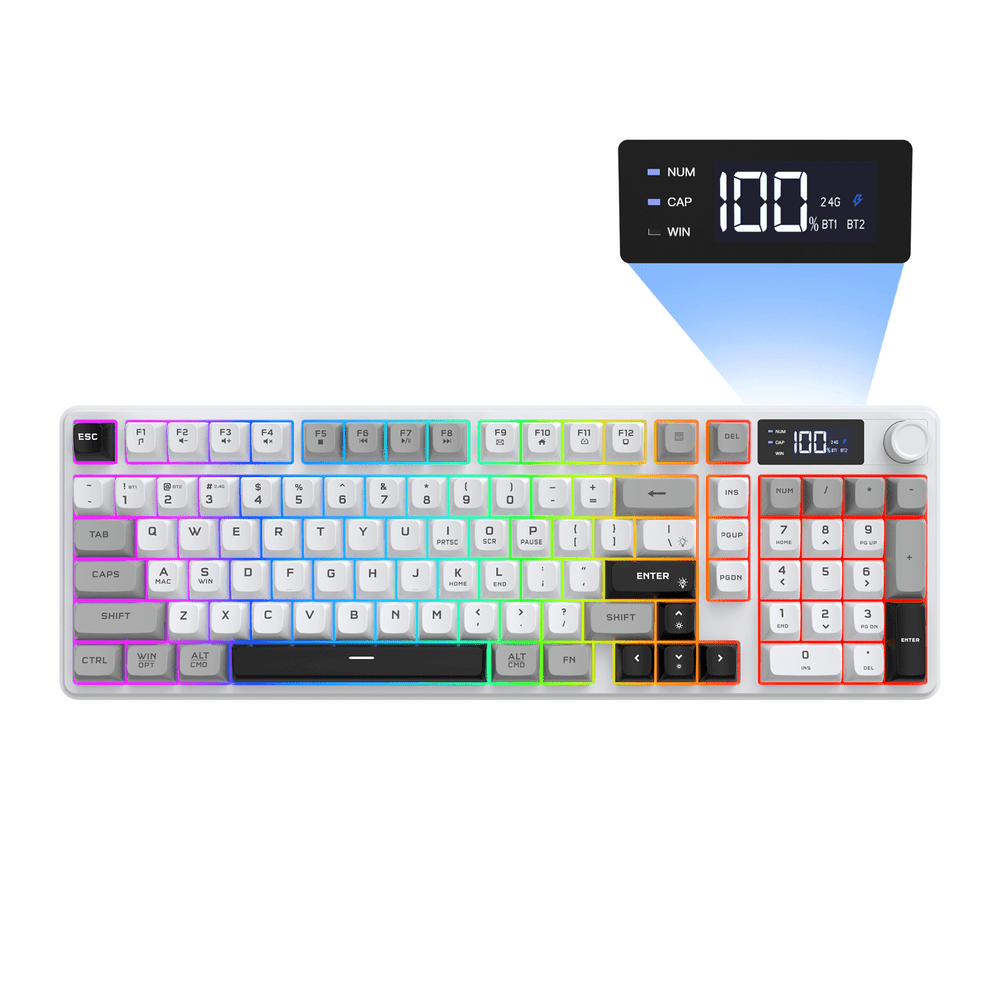
Designed for gamers who want quick access to media controls without alt-tabbing out of a game, the built-in smart display and knob give you volume and shortcut management at a glance. At $28, that's $4 off the $32 list price. Buy Now at Walmart
Features
- Customizable RGB backlighting
- Full-key anti-ghosting
- Ergonomic layout reduces fatigue
- Quiet wireless typing
- Sturdy, long-lasting frame
Walmart · 17 hrs ago
$200 $260
free shipping
more
↑ less
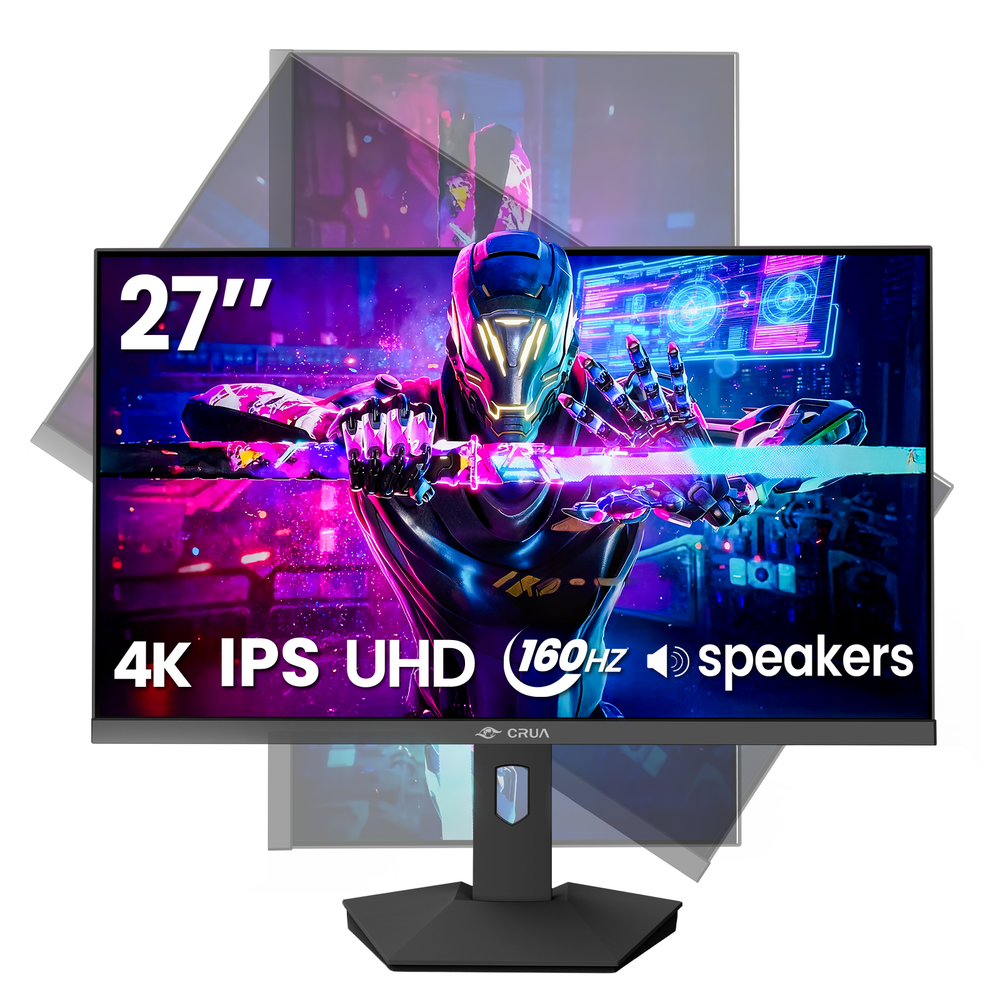
A 27-inch 4K IPS panel with FreeSync and HDR support is a solid option for anyone who wants sharper desktop visuals or smoother gaming without spending on a premium display, and at $200, it's $60 off the $260 list price. Buy Now at Walmart
Features
- AMD FreeSync
Walmart · 17 hrs ago
$198 $319
free shipping
more
↑ less
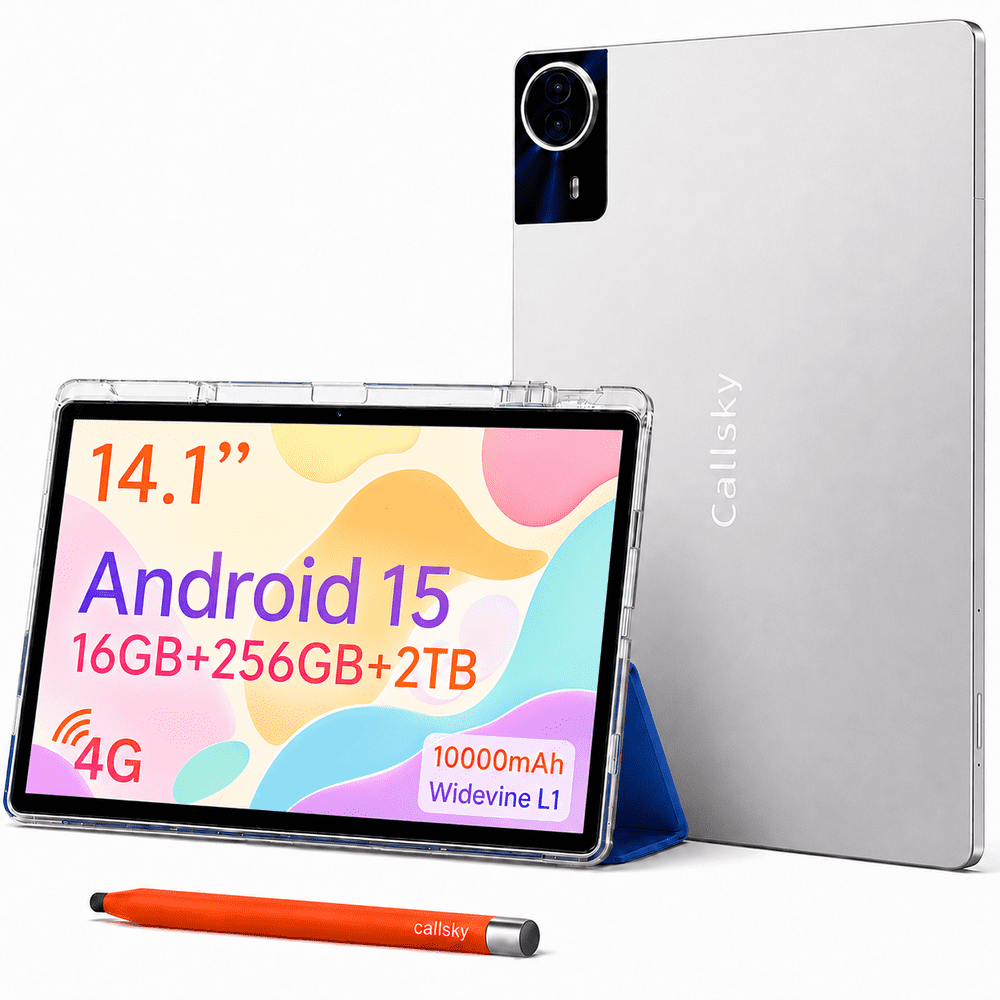
A budget-friendly option for anyone who wants a large-screen Android tablet without spending iPad money, this 14.1-inch Callsky runs Android 15 with 256GB of storage and is currently $121 off the $319 list price at Walmart. Buy Now at Walmart
Features
- 10,000mAh battery capacity
Walmart · 17 hrs ago
$20 $39
free shipping w/ $35
more
↑ less
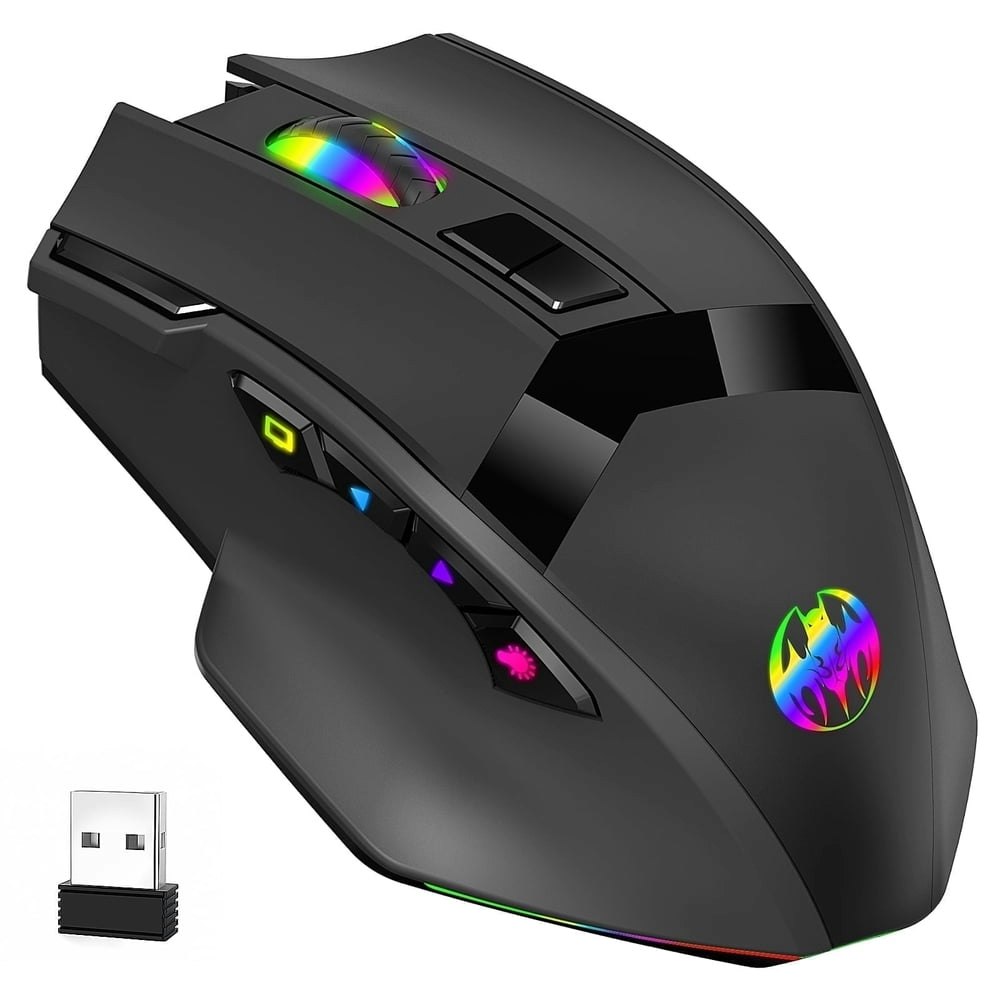
At $20, that's about $19 off the $39 list price for a wireless gaming mouse with a 16,000 DPI sensor and dual-mode connectivity (2.4GHz and Bluetooth). Reasonable pickup if you want a capable wireless mouse without spending much. Buy Now at Walmart
Features
- 16000 DPI high-end optical sensor
- 1ms 2.4G wireless and Bluetooth connectivity
- 46g ultra-lightweight design
- Ultra-quiet microswitches under 10dB
- 10 multi-function programmable keys

Walmart · 17 hrs ago
$100 $320
free shipping
more
↑ less
At $100, that's $220 off the $320 list price for a 10.1-inch Android 13 tablet with 64GB of storage, which suits anyone who needs a basic screen for browsing, streaming, or light app use without spending much. Buy Now at Walmart
Features
- Android 13 operating system
- 6000mAh all-day battery life
- 22-hour online video streaming
- 10.1-inch HD eye-protection display
- Lightweight 2-in-1 tablet design

Walmart · 17 hrs ago
$96 $190
free shipping
more
↑ less
At $96, that's roughly $94 (49%) off the $190 list price for an Android tablet with a 10-inch display, which suits anyone who wants a basic tablet for browsing, streaming, or light app use without spending close to $200. Buy Now at Walmart
Features
- 10-inch 1080p IPS display with Widevine L1
- 30GB RAM and 128GB expandable storage
- Octa-core processor for lag-free multitasking
- 6200mAh battery for 12 hours of use
- Android 15 OS with Google Play access
Walmart · 17 hrs ago
$40 $43
free shipping
more
↑ less
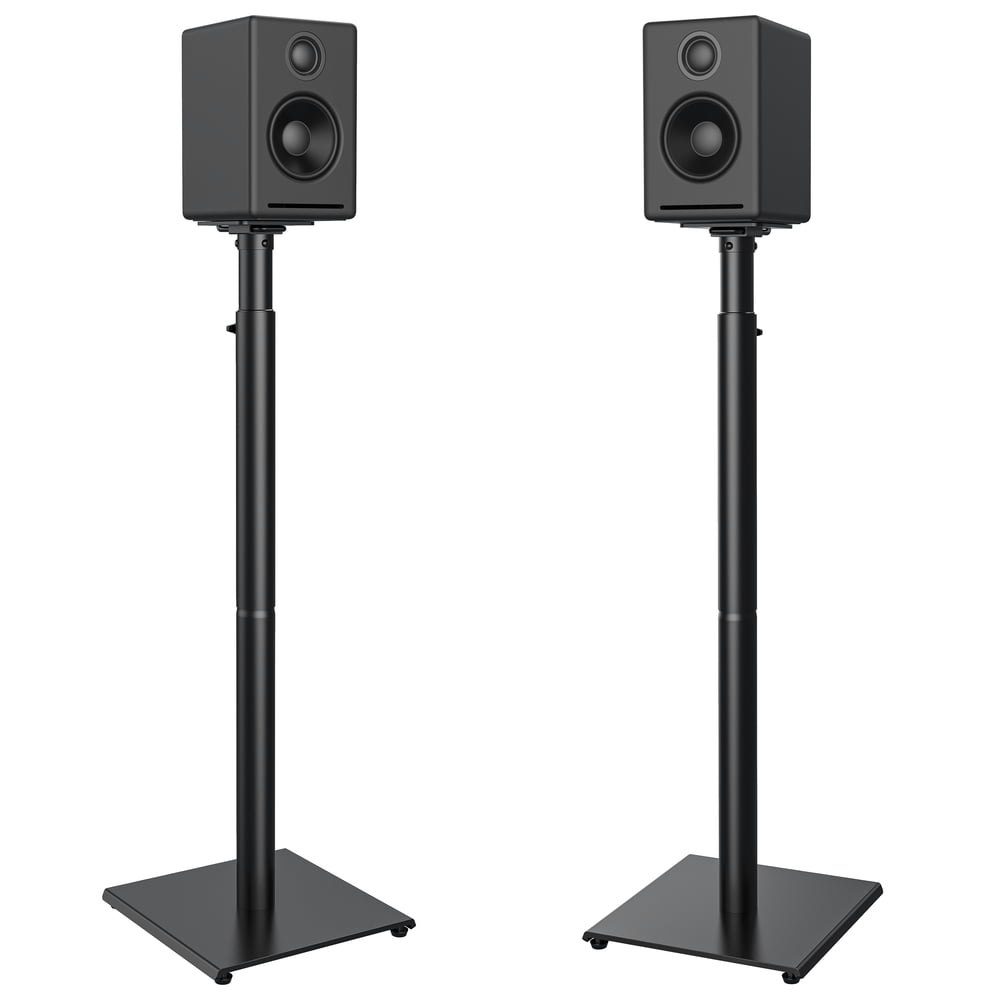
Adjustable height and a 2-pack make these a straightforward option for anyone setting up a home theater or desktop audio system without spending much, and at $40, you're saving about $3 off the list price. Buy Now at Walmart
Features
- Adjust height from 32.44 to 42.44 inches
- Supports speakers up to 11 lbs
- Wide base ensures balance and stability
- Integrated cable management system
- Includes adjustable feet and carpet nuts for leveling
Walmart · 17 hrs ago
$187 $300
free shipping
more
↑ less
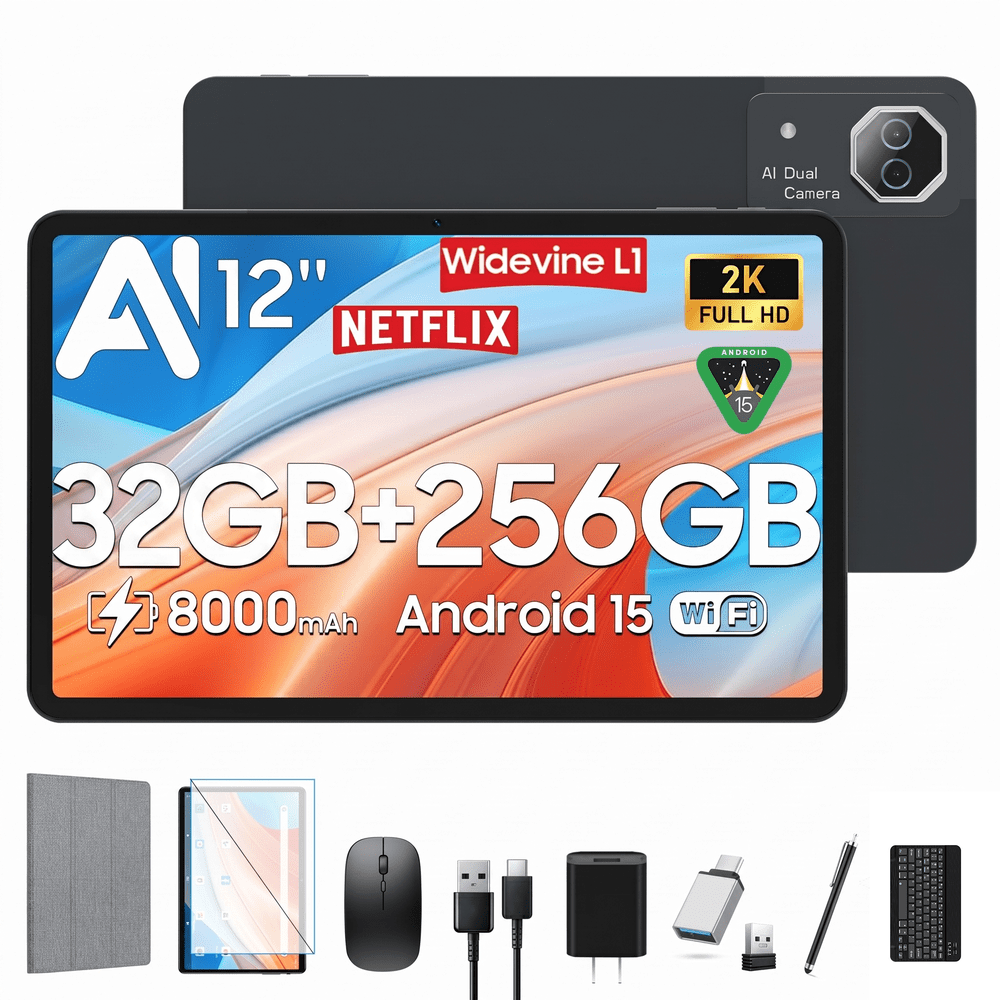
Comes with a keyboard included, which makes it a reasonable option for light productivity tasks like browsing, note-taking, or document editing without needing to buy accessories separately. At $187, that's $113 off the $300 list price. Buy Now at Walmart
Features
- MediaTek Helio G99 octa-core processor
- 12-inch display with auto-adjusting gravity sensor
- 8000mAh battery
- Quad speakers for immersive audio
- Split-screen multitasking feature
Computers: The Basics
Shopping for computers doesn’t have to drain your savings — if you know how to find the best prices. Our team of experts review the sales and publish the best computer deals so you don’t have to work half as hard.
How to Save on Streaming Services
Computers: The Basics
Shopping for computers doesn’t have to drain your savings — if you know how to find the best prices. Our team of experts review the sales and publish the best computer deals so you don’t have to work half as hard.
Basic Computer Terminology
You don’t have to be a tech wiz to buy your next computer. Make note of these common terms to help you when you’re shopping computer sales!
- Operating System (OS): This is the system that controls how your computer performs basic functions. The most common operating systems you’ll see right now are Windows 10 and Mac OS X. They perform comparably, so picking one relies on personal preference.
- Random-access memory (RAM): The short-term memory of your computer. Your RAM controls how quickly and efficiently your computer is able to switch between tasks. The higher the RAM, generally, the better the performance.
- Processor (CPU): The powerhouse or “brain” of the computer, your processor handles your computer’s basic instructions, such as using your mouse and keyboard, or running applications. The two most popular CPU manufacturers are AMD and Intel. You can read about which processor is right for you in this article from Digital Trends.
- Storage: There are two types of physical computer storage, hard drives (HD) and solid state drives (SSD). SSD storage is more common these days because they are more stable and faster. While it’s ideal to aim for greater storage space, a bigger drive will cost more money. Determine your storage needs based on how you plan to use your computer. Abt recommends starting with at least 500 GB of storage space.
Additionally, some providers, like Verizon, offer streaming perks with select plans, giving you months of access to services like Disney+, Hulu, and ESPN+ at no extra cost. Annual payment options can also help you save, as they often come with a discount equivalent to getting one or two months free. For those on a budget, ad-supported plans provide the same great content at a fraction of the cost. Visit our Disney+ Subscription Cost page to explore pricing and options.
What Deals Are Available on Disney+ Bundles?
Disney+ bundle deals provide significant savings when combining services. For example, the Verizon Disney Bundle offered six months of Disney+, Hulu, and ESPN+ for free with select Unlimited plans. Bundles like the Disney+ Premium annual plan ($159.99) save you the cost of two months compared to monthly payments. Bundle options like the ad-supported Duo Basic plan (Disney+ and Hulu) start at $10.99 per month, while ad-free Duo Premium is $19.99. Learn more on the Disney+ Bundle Deals page.
You can also explore seasonal and promotional deals during events like Black Friday to maximize your savings. Check out the Best Disney+ Deals page for current offers.
How Much Is a Disney+ Subscription?
Disney+ subscriptions currently start at $8 per month for the ad-supported Basic plan, while the Premium ad-free plan is priced at $13.99 per month or $139.99 annually. Prices will increase beginning October 17, 2024, with the Premium plan rising to $15.99 per month or $159.99 annually. Explore all pricing options on the Disney+ Subscription Costs page.
Best Disney+ Deals
Disney+ offers value-packed streaming bundles, such as the Disney+, Hulu, and Max bundle starting at $17 per month with ads or $30 per month ad-free. Disney+ also supports paid sharing, allowing you to add one extra member for $6.99 per month with Basic or $9.99 per month with Premium. Prices are increasing on October 17, 2024, so finding deals like these is more important than ever. For more information, visit our Best Disney+ Deals page.
Best Disney+ Deals
Disney+ offers value-packed streaming bundles, such as the Disney+, Hulu, and Max bundle starting at $17 per month with ads or $30 per month ad-free. Disney+ also supports paid sharing, allowing you to add one extra member for $6.99 per month with Basic or $9.99 per month with Premium. Prices are increasing on October 17, 2024, so finding deals like these is more important than ever. For more information, visit our Best Disney+ Deals page.
Annual Disney+ Subscription Costs
Disney+ Premium annual plans cost $139.99 but will rise to $159.99 on October 17, 2024. Opting for the annual plan saves you the equivalent of two months compared to monthly billing. Note that annual payments are only available for standalone Disney+ Premium plans and not for bundles. Customize your subscription to include ad-supported or ad-free options with Hulu, ESPN+, or Max. See all pricing details on the Disney+ Subscription Cost page.
Basic Computer Terminology
You don’t have to be a tech wiz to buy your next computer. Make note of these common terms to help you when you’re shopping computer sales!
- Operating System (OS): This is the system that controls how your computer performs basic functions. The most common operating systems you’ll see right now are Windows 10 and Mac OS X. They perform comparably, so picking one relies on personal preference.
- Random-access memory (RAM): The short-term memory of your computer. Your RAM controls how quickly and efficiently your computer is able to switch between tasks. The higher the RAM, generally, the better the performance.
- Processor (CPU) : The powerhouse or “brain” of the computer, your processor handles your computer’s basic instructions, such as using your mouse and keyboard, or running applications. The two most popular CPU manufacturers are AMD and Intel. You can read about which processor is right for you in this article from Digital Trends.
- Storage: There are two types of physical computer storage, hard drives (HD) and solid state drives (SSD). SSD storage is more common these days because they are more stable and faster. While it’s ideal to aim for greater storage space, a bigger drive will cost more money. Determine your storage needs based on how you plan to use your computer. Abt recommends starting with at least 500 GB of storage space.
Basic Software for Your PC
When you start using your new computer, you’ll want to install some basic software to get going. Most pre-built computers come with a suite of software pre-installed with the OS.
Productivity Tools
Whether you opt for a package like Microsoft Office or iWork, opt for freeware like Open Office, or choose an online software pack like G Suite, it’s always a good idea to install a productivity software to help you with tasks like making spreadsheets, word processing, and viewing PDFs.
Internet Browser
Microsoft Edge and Safari are the standard browsers that come with a new computer, but many shoppers rely on browsers like Google Chrome or Mozilla Firefox.
Cloud Storage
Not only does cloud storage give you more space than the limited physical storage on your PC, but it also gives you access to your files anywhere. Many companies like Google or Dropbox offer a limited amount of free cloud storage.
Antivirus Software
Antivirus tools do more than simply keep viruses at bay; they also protect against malware, phishing, adware, spyware, and more. Windows 10 comes with Microsoft Security Essentials as a default, and security options are built into Mac OS X (as opposed to a standalone program). That said, antivirus suites like Norton, McAfee, and Bitdefender may offer you more protection.
Media Player
Many laptops and desktops no longer include a physical media drive. If you plan on watching any videos locally (not streamed online), it’s useful to have a media player. Typically, this software is built in, but check out this list for some info on the best media players for Windows 10 and this one for Mac.
Music Player
Not to be confused with a media player, a good music application is worth installing on your computer. Spotify, iTunes, and Pandora are some common favorites that give you access to a practically limitless selection. The desktop versions make it easier to browse and build playlists.
Computer Deal Subcategories
DealNews offers the best deals on computers and computing accessories. You can browse our deals in different categories including, but not limited to:
Whether you’re looking for a new work laptop, or want to find a quality gaming system, check out our selection of the best laptop deals here.
Did you know you should replace your computer every 4 to 5 years to keep up with the latest performance and security updates? Check out the best computer deals for your next desktop here.
Did you know that DealNews first launched as a deal website for Apple Macintosh products? While we’ve grown significantly since then, we still know how to find the best Apple computer deals!
Maybe you’re in the market for a larger streaming device for your kids, or maybe you’d like a device to serve as your e-reader (with a few extra perks). Whatever you’re searching for, check out the best tablet and iPad deals here.
- Peripherals
Routers , monitors , input devices , and more! These devices make using your computer more comfortable and practical. Be sure you search our site to save big!
When shopping computer sales, check out DealNews before going anywhere else, so you know you’ll always find the best deals!
Frequently Asked Questions
Should I purchase a laptop or desktop?
It’s important to review your needs before buying a laptop or desktop computer.
- What’s your budget? Because they’re bigger and more modular, desktop computers tend to outperform laptops. A desktop’s customizability means your budget can go a lot further. However, laptops have other advantages over desktops.
- Do you need portability? High-end laptops are generally more expensive, but a laptop will always win the portability debate.
- How much power do you need? Desktops have more room to work with, so you can add more RAM, more storage, a bigger graphics card, and other performance improvements. But if you don’t need all that, then a mid-tier laptop may be the cheaper choice.
- Are you a gamer? Laptops that are built for gaming are among the most expensive on the market. That said, if you’re not comfortable selecting individual pieces to build a gaming desktop, you may be willing to pay a premium to get that performance.
- Don’t forget the repairs. If you’re handy, you can often repair or replace parts in a desktop computer with the help of online guides. Most laptops require specialized tools and skills to repair, so desktop fixes tend to be cheaper.
Overall, desktop computers have a lot of advantages, but the lack of portability can be a deal breaker. No matter what you decide, be sure to check out specs and buying guides from the DealNews Blog and other reputable sources like CNET or PCMag. Then shop DealNews for the best computer deals!
How do I get my external hard drive to show up?
Once you’ve ensured that your external drive is plugged in and powered on, check out these steps from PCMag:
- Try a different USB port.
- Try a different PC.
- Update your drivers.
- Format the drive.
What is a VPN?
VPN stands for “virtual private network.” A VPN protects your internet usage by routing your internet connection through a private server. Using a VPN keeps your online browsing more private and also grants you access to websites and content that may not be available in your country.
For more information about VPNs, visit our NordVPN Free Trial Guide and our NordVPN Subscription Cost Page.
How can I boost my WiFi signal?
When your internet connection seems impossibly slow, the cause isn’t your provider, but your WiFi signal strength. Check out these options to boost your WiFi signal:
- Update your router firmware. Each router is different, but you can typically use the steps found here to run updates.
- Place your router in the most optimal space. You want to place your wireless router away from walls or obstructions. If possible, put it in the most central place in your home.
- Pick a different frequency. If you have a dual-band router, try using the 5GHz band. This band offers higher speeds and may get an additional boost if fewer devices are connected to it.
- Change the channel. While most routers will automatically choose the channel with the least congestion, some cheaper routers may require you to manually update it.
- Upgrade your router. How old is your current router? If it's a previous-generation 802.11b model, upgrading could improve your wireless signal. If you already have a newer 802.11n or Wi-Fi 6 router, you're in good shape.
- Replace the antenna. You may boost your signal by adding or replacing an external antenna. PCMag recommends purchasing one marked “high-gain” and opting for a directional antenna rather than an omnidirectional one.
- Add a wireless range extender. If you only want to boost coverage in one or two rooms, a WiFi extender can help you eliminate dead spots. Check out this guide from the DealNews Blog.
Switch to a mesh WiFi system. Wireless mesh networking is becoming more popular because it can provide more complete coverage throughout the home. Mesh systems replace your router and work seamlessly to eliminate coverage gaps.
By: Kristen Harris, Manager
A Georgia girl with three years of experience in IP Law and grounded in understanding marketing and consumer motives. When she's not working with the fabulous staff of DealNews, you can find her whining at rowing practice and browsing the Hot Deals on the site.
Want to know the moment we post a great deal on Computers?
Create an Alert