Best Buy · May 4, 2026
Up to 53% off, from $80
free shipping
more
↑ less
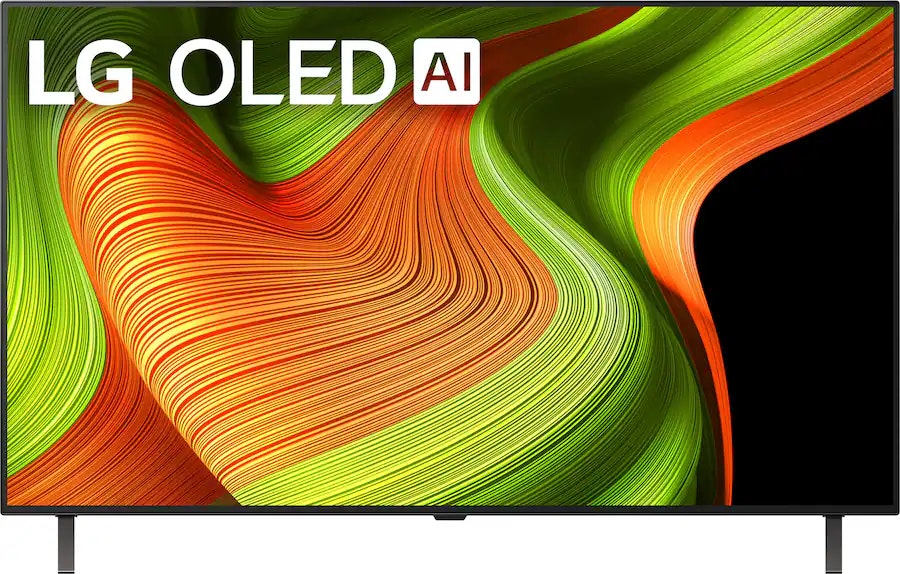
Save on TVs at Best Buy with prices starting as low as $80. Shop Samsung, LG, Sony, Hisense, and more. We've pictured the LG B5 Series OLED48B5PUA 48" 4K HDR OLED UHD Smart TV for $649.99 ($650 off). My Best Buy members get free shipping. (It's free to join. Shipping is free for everyone over $35.) Buy Now at Best Buy
Best Buy · Apr 30, 2026
From $188
free shipping
more
↑ less
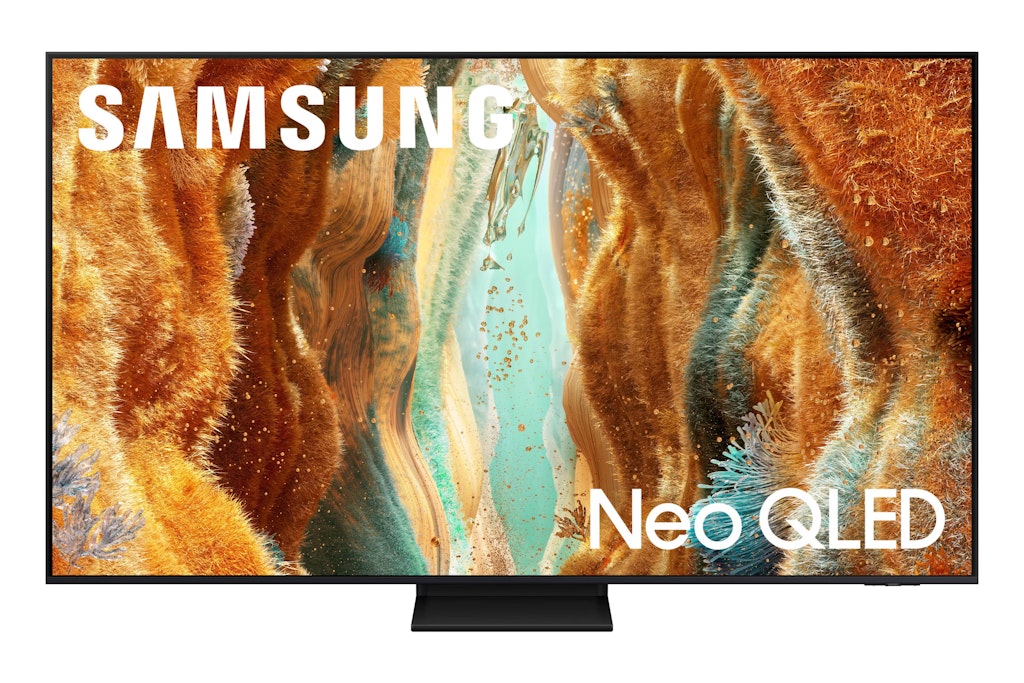
Shop Samsung models including Crystal UHD, QLED, Neo QLED, OLED, and The Frame. We've pictured this Samsung QN70F Series QN65QN70FAFXZA 55" 4K HDR 120Hz Vision AI Neo QLED UHD Smart TV for $558.99 ($141 savings.) They're all brand-new, but just won't ship in their original packaging. Warranty information can be found on the individual product pages, and they all ship for free Buy Now at Best Buy
Amazon · Apr 21, 2026
$1,298 $1,698
free shipping
more
↑ less
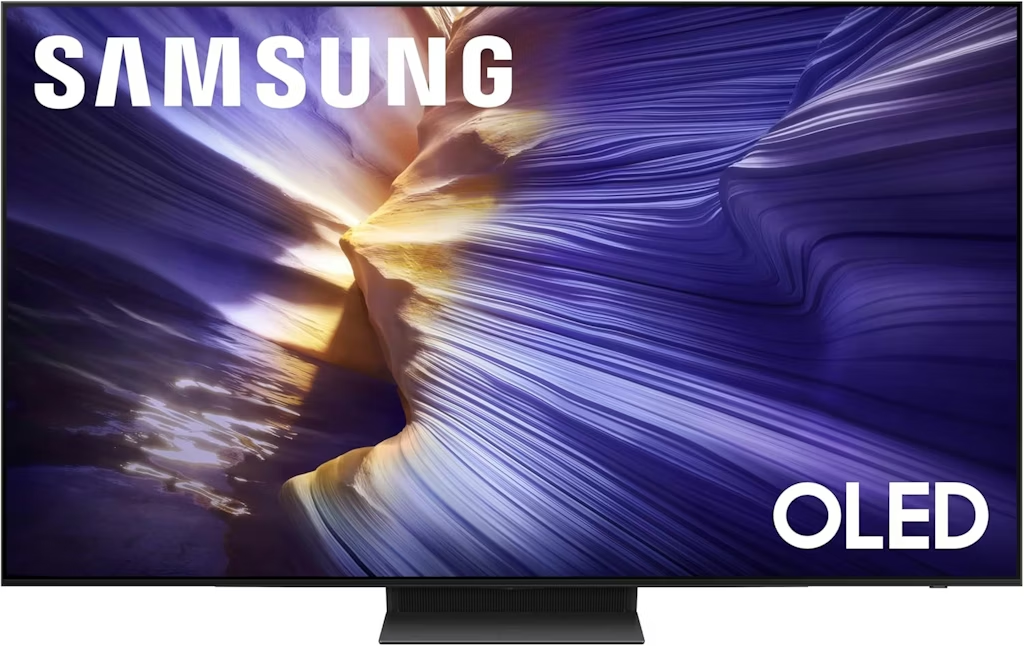
Amazon offers the Samsung S90F QN65S90FAFXZA 65" OLED 4K UHD Smart TV for $1,297.99. Most merchants charge $100 more. Shipping is free. Buy Now at Amazon
Features
- 3840x2160 (4K) resolution, Motion Xcelerator 144 Hz refresh rate
- HDR10+, HLG, OLED HDR+
- Tizen OS Smart TV w/ Samsung Vision AI, Alexa built-in
- 4x HDMI ports, USB, Wi-Fi, Bluetooth, Ethernet
- Model: QN65S90FAFXZA
Amazon · Apr 9, 2026
$1,400 $2,000
free shipping
more
↑ less
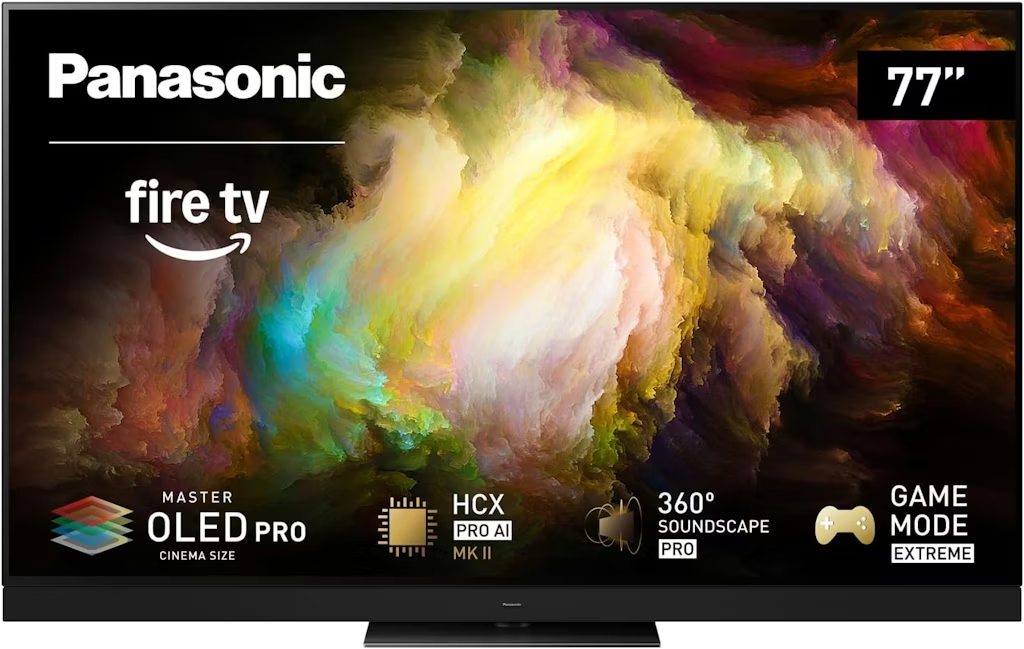
Amazon offers this Panasonic TV for its lowest price yet. It's $600 off and $100 less than what you'd pay elsewhere now. Shipping is free. Buy Now at Amazon
Features
- Dolby Vision IQ, HDR10+ Adaptive
- Alexa built in
- AMD FreeSync Premium, NVIDIA G-SYNC
- Model: 77Z8BAP
Walmart · Apr 14, 2026
$977 $2,000
free shipping
more
↑ less
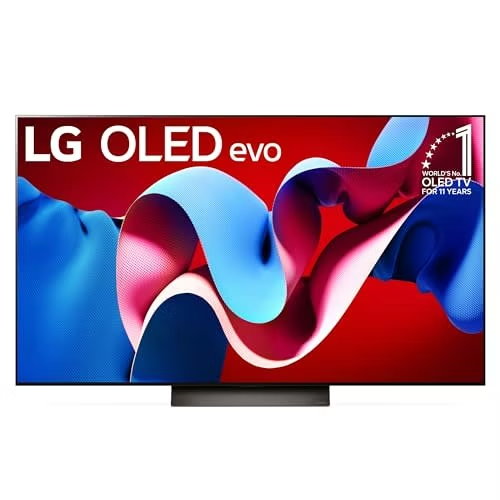
Walmart has the best price we've seen on the LG C4 Series OLED55C4PUA 55" 4K UHD OLED Web OS Smart TV, and $102 less than Best Buy is charging now. Buy Now at Walmart
Features
- 4K resolution
- Dolby vision
- WebOS
- HDR
- Model: OLED55C4PUA
Best Buy · Apr 14, 2026
$1,500 $3,000
free shipping
more
↑ less
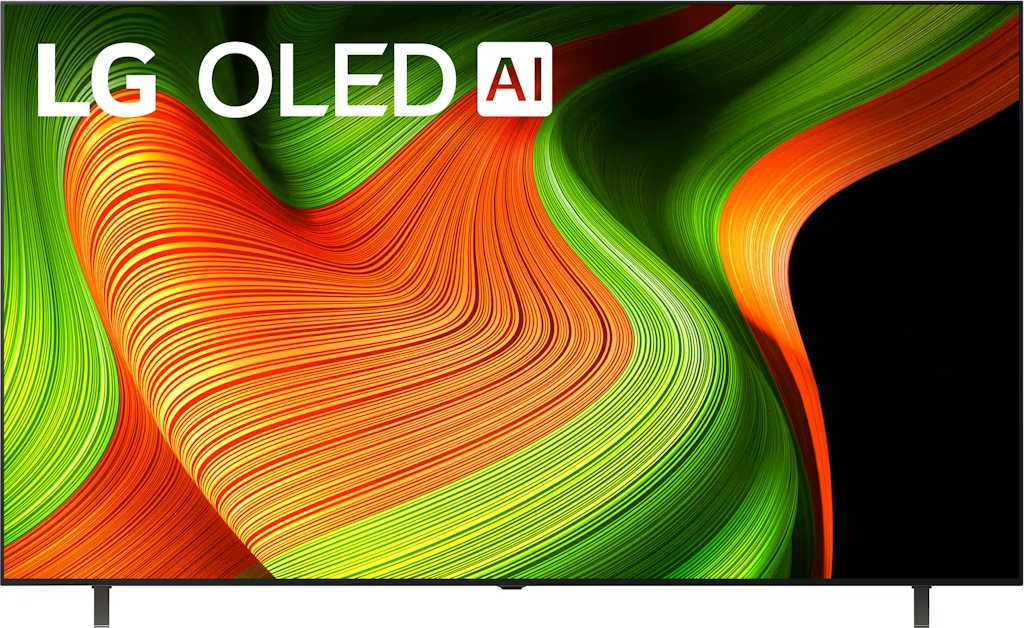
That's half off at a savings of $1,500. Buy Now at Best Buy
Features
- 3840x2160 (4K) resolution
- Dolby Vision
- HDR 10
- 4 HDMI
Samsung · Apr 6, 2026
Up to $2,100 off
free shipping
more
↑ less
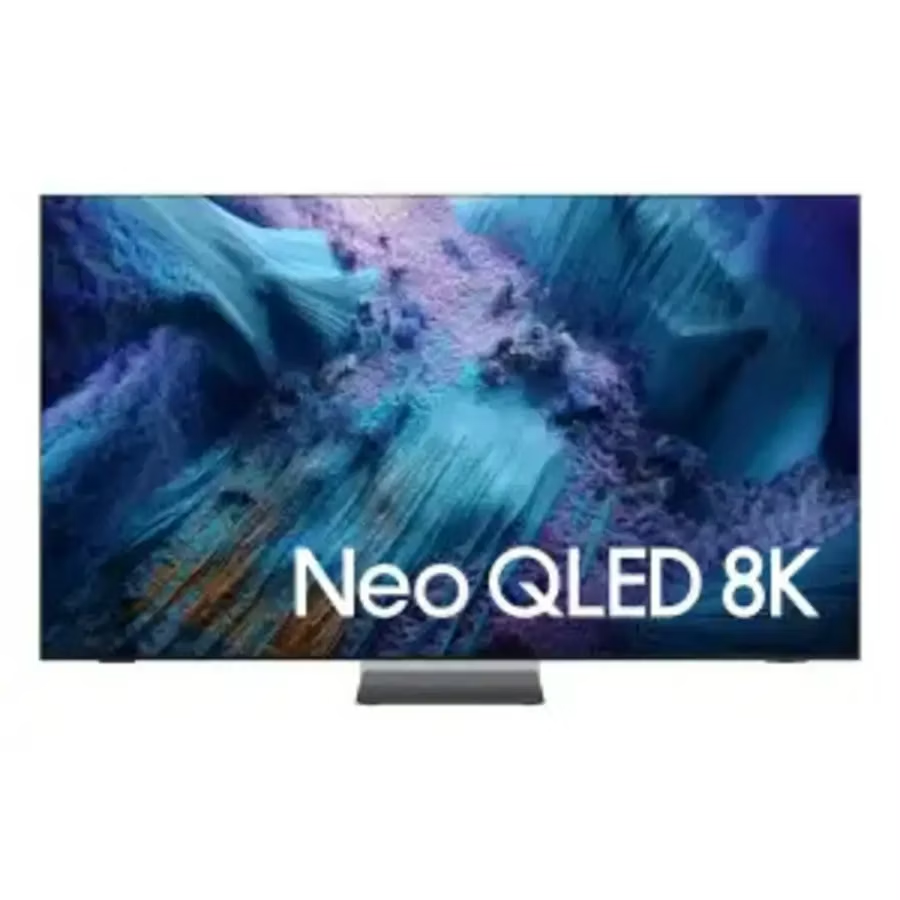
Save on Samsung's OLED, QLED, and Frame TVs, and more. We've pictured the Samsung QN990F 4K Neo QLED Vision AI Smart TV, discounted by up to $2,100. Shop Now at Samsung
Best Buy · Mar 31, 2026
Up to $1,500 off
free shipping
more
↑ less
Save on 30 models from the brand, with prices from $250. We've pictured the LG B5 Series OLED77B5PUA 77" 4K HDR OLED UHD Smart TV for $1,599.99 ($1,400 savings). My Best Buy members get free shipping on all orders, too (it's free to join). Shop Now at Best Buy
Ends Today
Walmart · May 9, 2026
$358 $378
free shipping
more
↑ less
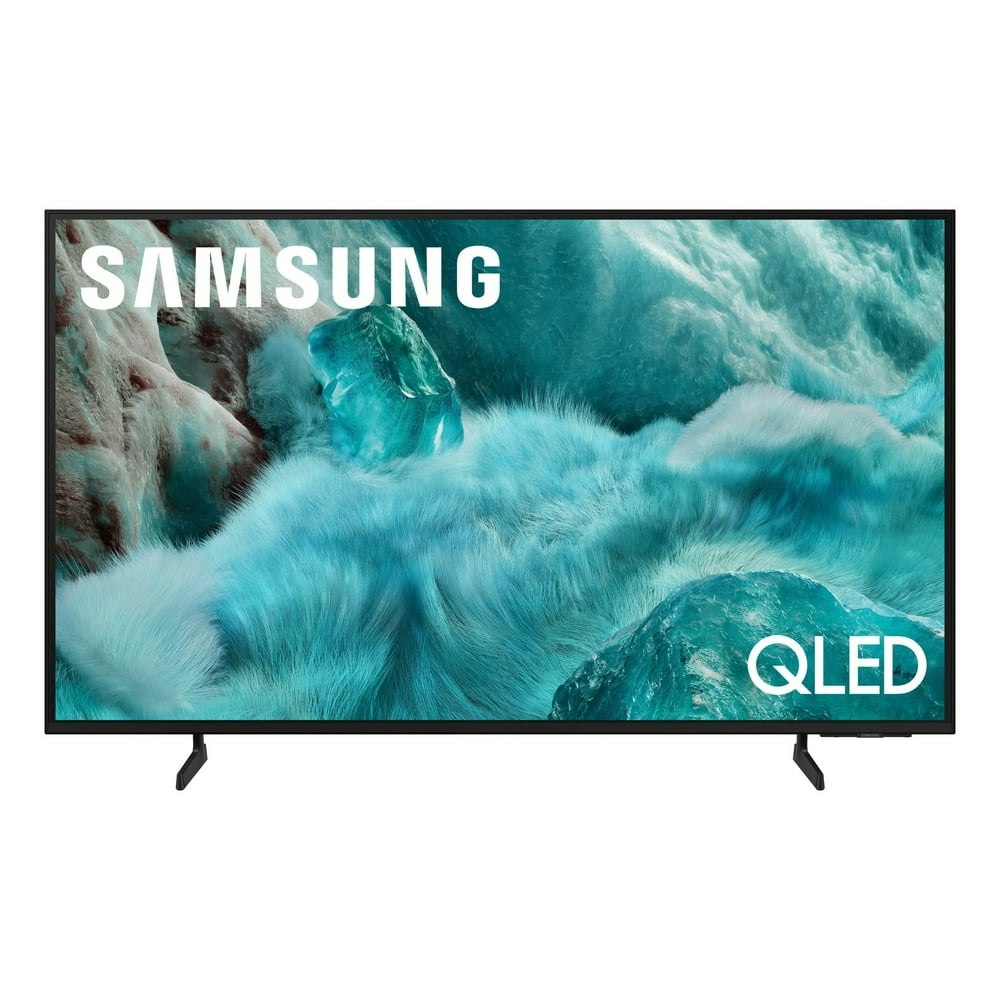
QLED panels handle color and contrast better than standard LED sets, which makes this a reasonable pick for a living room TV where you want richer visuals without stepping up to OLED pricing. At $358, it's $20 off the $378 list price. Buy Now at Walmart
Features
- Control your device via Things app (latest software required)
Computers: The Basics
Shopping for computers doesn’t have to drain your savings — if you know how to find the best prices. Our team of experts review the sales and publish the best computer deals so you don’t have to work half as hard.
Basic Computer Terminology
You don’t have to be a tech wiz to buy your next computer. Make note of these common terms to help you when you’re shopping computer sales!
- Operating System (OS): This is the system that controls how your computer performs basic functions. The most common operating systems you’ll see right now are Windows 10 and Mac OS X. They perform comparably, so picking one relies on personal preference.
- Random-access memory (RAM): The short-term memory of your computer. Your RAM controls how quickly and efficiently your computer is able to switch between tasks. The higher the RAM, generally, the better the performance.
- Processor (CPU): The powerhouse or “brain” of the computer, your processor handles your computer’s basic instructions, such as using your mouse and keyboard, or running applications. The two most popular CPU manufacturers are AMD and Intel. You can read about which processor is right for you in this article from Digital Trends.
- Storage: There are two types of physical computer storage, hard drives (HD) and solid state drives (SSD). SSD storage is more common these days because they are more stable and faster. While it’s ideal to aim for greater storage space, a bigger drive will cost more money. Determine your storage needs based on how you plan to use your computer. Abt recommends starting with at least 500 GB of storage space.
What Deals Are Available on Disney+ Bundles?
Disney+ bundle deals provide significant savings when combining services. For example, the Verizon Disney Bundle offered six months of Disney+, Hulu, and ESPN+ for free with select Unlimited plans. Bundles like the Disney+ Premium annual plan ($159.99) save you the cost of two months compared to monthly payments. Bundle options like the ad-supported Duo Basic plan (Disney+ and Hulu) start at $10.99 per month, while ad-free Duo Premium is $19.99. Learn more on the Disney+ Bundle Deals page.
You can also explore seasonal and promotional deals during events like Black Friday to maximize your savings. Check out the Best Disney+ Deals page for current offers.
How Much Is a Disney+ Subscription?
Disney+ subscriptions currently start at $8 per month for the ad-supported Basic plan, while the Premium ad-free plan is priced at $13.99 per month or $139.99 annually. Prices will increase beginning October 17, 2024, with the Premium plan rising to $15.99 per month or $159.99 annually. Explore all pricing options on the Disney+ Subscription Costs page.
Best Disney+ Deals
Disney+ offers value-packed streaming bundles, such as the Disney+, Hulu, and Max bundle starting at $17 per month with ads or $30 per month ad-free. Disney+ also supports paid sharing, allowing you to add one extra member for $6.99 per month with Basic or $9.99 per month with Premium. Prices are increasing on October 17, 2024, so finding deals like these is more important than ever. For more information, visit our Best Disney+ Deals page.
Annual Disney+ Subscription Costs
Disney+ Premium annual plans cost $139.99 but will rise to $159.99 on October 17, 2024. Opting for the annual plan saves you the equivalent of two months compared to monthly billing. Note that annual payments are only available for standalone Disney+ Premium plans and not for bundles. Customize your subscription to include ad-supported or ad-free options with Hulu, ESPN+, or Max. See all pricing details on the Disney+ Subscription Costs page.
Frequently Asked Questions
What is a VPN?
VPN stands for “virtual private network.” A VPN protects your internet usage by routing your internet connection through a private server. Using a VPN keeps your online browsing more private and also grants you access to websites and content that may not be available in your country.
For more information about VPNs, visit our NordVPN Free Trial Guide and our NordVPN Subscription Cost Page.
Want to know the moment we post a great deal on TVs?
Create an Alert