Best Buy · 1 wk ago
$2,349.99 $2,350
more
↑ less
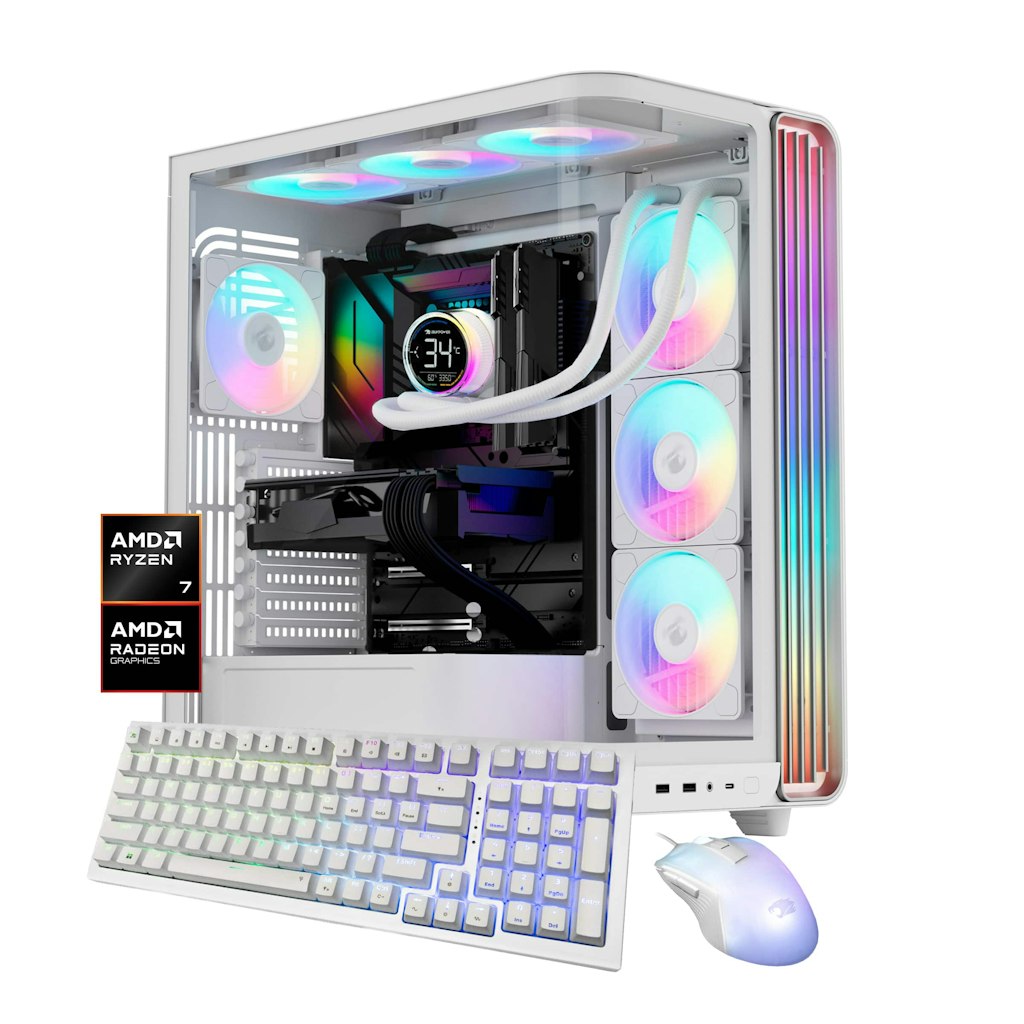
The Ryzen 7 9800X3D paired with an RX 9070 XT is a capable combination for 1440p and 4K gaming, and the 32GB RAM plus 2TB SSD means you're not immediately constrained on memory or storage. At $2,350, this is at list price with no discount applied. Buy Now at Best Buy
Features
- AMD Ryzen 7 9800X3D processor
- AMD Radeon RX 9070XT 16GB graphics card
- 2TB NVMe solid-state drive
- 32GB DDR5 RGB RAM
- Model: TWRA7R97XT01
Amazon · 14 hrs ago
$229 $279
free shipping
more
↑ less
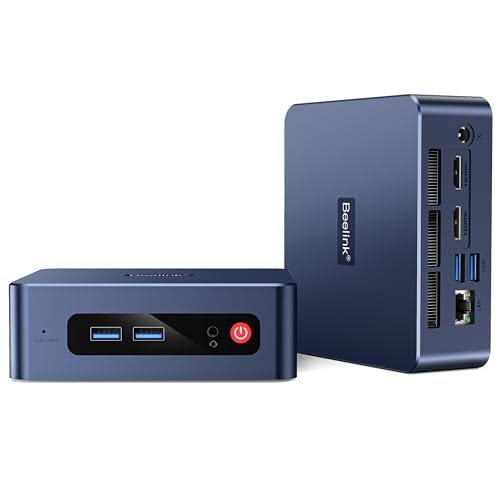
Compact enough to tuck behind a monitor, this mini PC suits basic office work, browsing, or a secondary home computer rather than gaming or heavy multitasking. It's $50 off the $279 list price, bringing it to $229. Buy Now at Amazon
Features
- AMD Ryzen 3 processor with Radeon Vega 3 graphics
- Expandable storage up to 2TB via M.2 or HDD
- Dual 4K at 60Hz HDMI display support
- Compact VESA mountable design with efficient cooling
- 3-year manufacturer warranty with lifetime technical support
Best Buy · 1 wk ago
$800 $800
more
↑ less
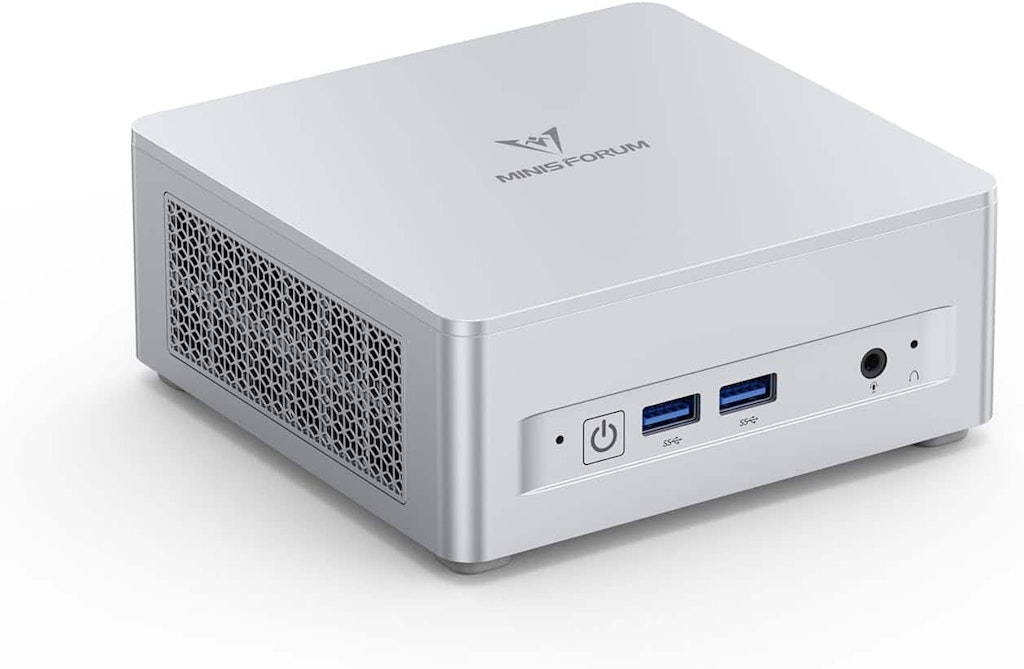
The UM870 Slim packs an AMD Ryzen 7 8745H processor into a compact form factor that works well as a home office machine or media center where desk space is limited, and at $800 it's in line with the current list price so there's no discount to factor in. Buy Now at Best Buy
Features
- 16GB DDR5 RAM for rapid multitasking
- 512GB PCIe 4.0 SSD storage
- Supports up to 4TB expandable storage
- USB4 connectivity for high-speed peripherals
- Silent efficiency engineering
Walmart · 3 days ago
$2,529.99
free shipping
more
↑ less
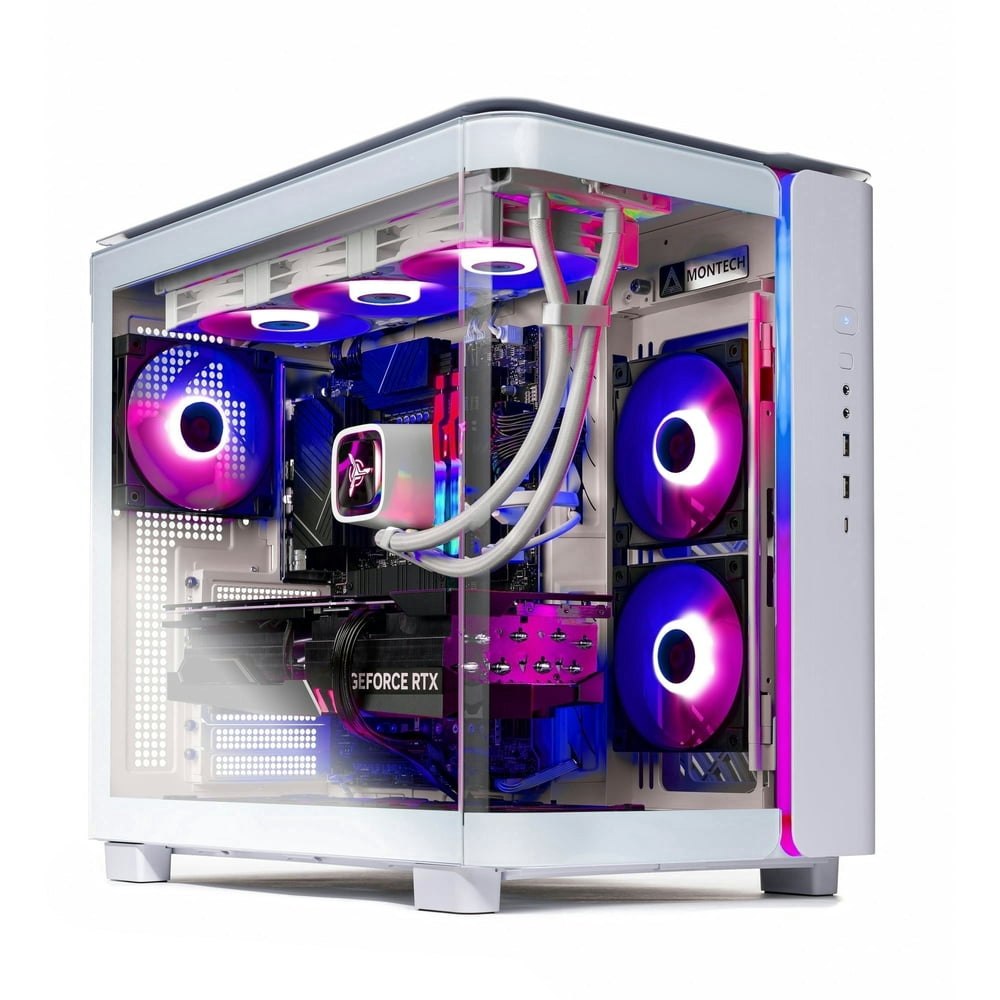
A mid-to-high-tier gaming desktop built around AMD's Ryzen 7 7800X3D and the RTX 5070 Ti, which puts it in a strong position for 1440p and 4K gaming without needing to source and assemble components yourself. The 32GB of DDR5 and 1TB SSD are reasonable starting specs for the build, so you're not immediately upgrading out of the box. Buy Now at Walmart
Features
- AMD Ryzen 7 7800X3D 5.0GHz processor
- 1TB Gen4 NVMe M.2 SSD
- 360mm AIO liquid cooling
- NVIDIA GeForce graphics
- High-performance gaming architecture
Computers: The Basics
Shopping for computers doesn’t have to drain your savings — if you know how to find the best prices. Events like Prime Day at Amazon can mean finding truly great deals when you least expect them. Wondering "when is Prime Day this year?" We've got all the info you need to get the best offers. Our team of experts reviews the sales and publishes the best computer deals so you don’t have to work half as hard.
Desktop Computers: The Basics
Desktop computers are practically essential. This staple allows you to work from home, play games, or simply surf the web. The market is saturated with options, so it might feel like a challenge to find the right desktop for you. DealNews is here to help you find the best desktop deals for you!
Basic Computer Terminology
You don’t have to be a tech wiz to buy your next computer. Make note of these common terms to help you when you’re shopping computer sales!
- Operating System (OS): This is the system that controls how your computer performs basic functions. The most common operating systems you’ll see right now are Windows 10 and Mac OS X. They perform comparably, so picking one relies on personal preference.
- Random-access memory (RAM): The short-term memory of your computer. Your RAM controls how quickly and efficiently your computer is able to switch between tasks. The higher the RAM, generally, the better the performance.
- Processor (CPU): The powerhouse or “brain” of the computer, your processor handles your computer’s basic instructions, such as using your mouse and keyboard, or running applications. The two most popular CPU manufacturers are AMD and Intel. You can read about which processor is right for you in this article from Digital Trends.
- Storage: There are two types of physical computer storage, hard drives (HD) and solid state drives (SSD). SSD storage is more common these days because they are more stable and faster. While it’s ideal to aim for greater storage space, a bigger drive will cost more money. Determine your storage needs based on how you plan to use your computer. Abt recommends starting with at least 500 GB of storage space.
What Deals Are Available on Disney+ Bundles?
Disney+ bundle deals provide significant savings when combining services. For example, the Verizon Disney Bundle offered six months of Disney+, Hulu, and ESPN+ for free with select Unlimited plans. Bundles like the Disney+ Premium annual plan ($159.99) save you the cost of two months compared to monthly payments. Bundle options like the ad-supported Duo Basic plan (Disney+ and Hulu) start at $10.99 per month, while ad-free Duo Premium is $19.99. Learn more on the Disney+ Bundle Deals page.
How Much Is a Disney+ Subscription?
Disney+ subscriptions currently start at $8 per month for the ad-supported Basic plan, while the Premium ad-free plan is priced at $13.99 per month or $139.99 annually. Prices will increase beginning October 17, 2024, with the Premium plan rising to $15.99 per month or $159.99 annually. Explore all pricing options on the Disney+ Subscription Costs page.
Best Disney+ Deals
Disney+ offers value-packed streaming bundles, such as the Disney+, Hulu, and Max bundle starting at $17 per month with ads or $30 per month ad-free. Disney+ also supports paid sharing, allowing you to add one extra member for $6.99 per month with Basic or $9.99 per month with Premium. Prices are increasing on October 17, 2024, so finding deals like these is more important than ever. For more information, visit our Best Disney+ Deals page.
Annual Disney+ Subscription Costs
Disney+ Premium annual plans cost $139.99 but will rise to $159.99 on October 17, 2024. Opting for the annual plan saves you the equivalent of two months compared to monthly billing. Note that annual payments are only available for standalone Disney+ Premium plans and not for bundles. Customize your subscription to include ad-supported or ad-free options with Hulu, ESPN+, or Max. See all pricing details on the Disney+ Subscription Costs page.
What is a VPN?
VPN stands for “virtual private network.” It encrypts your internet usage and routes it through private servers, enhancing your online privacy and security. With a VPN, you can access region-locked content or ensure your data is safe on public networks. It’s an especially helpful tool for laptops, where public Wi-Fi is commonly used. For details, check out our NordVPN Free Trial Guide and NordVPN Subscription Cost Page.
Want to know the moment we post a great deal on Desktops?
Create an Alert