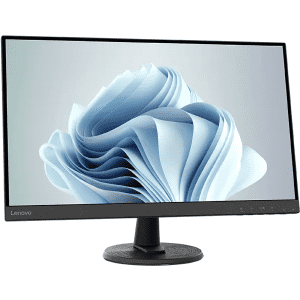
Save on these Lenovo monitors – you'll get up to 53% off using the coupon codes listed near the prices. For any monitors without a coupon? Try code "EXTRAFIVE", for an extra 5% off. We've pictured the Lenovo D27-40 27" 1080p LED Monitor for $108.79 via code "DADGRADS20" (low by $28). Shop Now at Lenovo
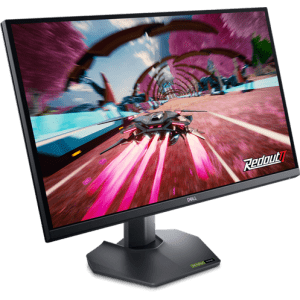
Get this price via coupon code "MONITORS10". Plus, Dell Rewards Members get a $50 Dell Gift Card with this. (It's free to join.) Regardless of the gift card, this is the best offer we've seen on this. Buy Now at Dell Technologies
- 2560x1440 (1440p) resolution
- HDR 400
- HDMI port
- two DisplayPorts
- Model: G2724D
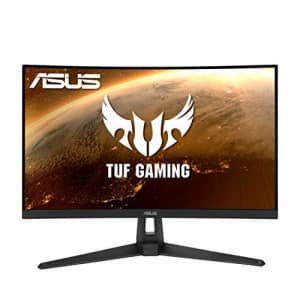
That's a savings of $30. Buy Now at Amazon
- 165Hz refresh rate
- 1920x1080 (1080p) native resolution
- AMD FreeSync
- Asus Extreme Low Motion Blur
- HDMI, D-Sub
- Model: VG27VH1B
- UPC: 192876691151
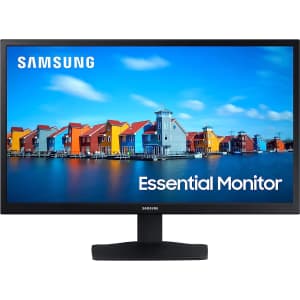
Save on a selection of about a dozen. We've pictured the Samsung S33A 22" 1080p 60Hz LCD Gaming Monitor for $85 ($30 off and the lowest price we've seen). Shop Now at Amazon
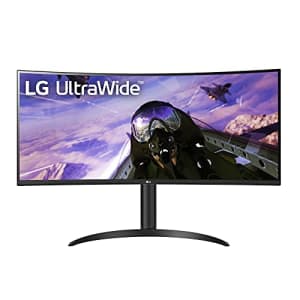
That's $100 less than Walmart and the best price we've seen. Buy Now at Amazon
- 3440x1440 VA panel
- HDR 10 support
- AMD FreeSync Premium
- Model: 34WP65C-B
- UPC: 195174007686
- UPC: 195174051658
You'd pay more than double elsewhere. Buy Now at LG
- 3840x2160 (4K resolution)
- HDR
- USB and HDMI port
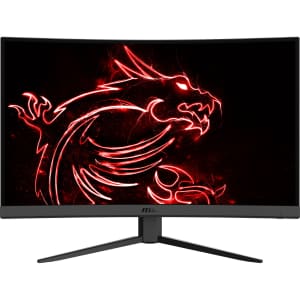
It's $70 off and listed as a popular pick at Walmart. Buy Now at Walmart
- 1920x1080 (1080p) resolution
- two HDMI 1.4 ports
- Model: G32C4W
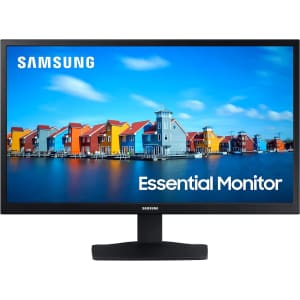
Shop a range of monitors from $84.99. We've pictured the Samsung S33A 22" 1080p LCD Gaming Monitor for $84.99 (low by $5). Shop Now at Amazon
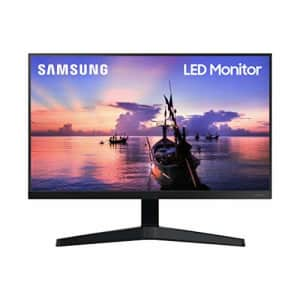
That's $45 off and the lowest price we've ever seen. Buy Now at Amazon
- 1920x1080 native resolution
- 75Hz refresh rate
- 5ms response time
- AMD FreeSync
- HDMI
- Model: LF22T350FHNXZA
- UPC: 887276450803
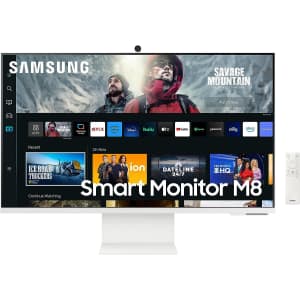
You'd pay $450 at Samsung direct. Buy Now at Amazon
- 3840x2160 (4K) resolution
- HDR
- Tizen OS
- one micro HDMI port
- one USB 3.0 port
- Model: LS27CM801UNXZA
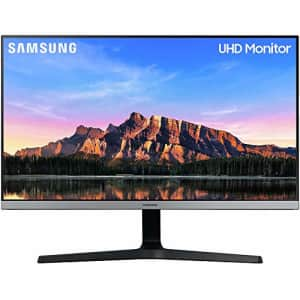
That's a savings of $150. Buy Now at Amazon
- 3840 x 2160 resolution
- HDR10
- HDMI 2.0, DisplayPort 1.2
- Model: LU28R550UQNXZA
- UPC: 887276374888
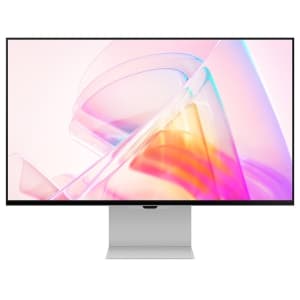
That's a $700 savings. Buy Now at Samsung
- 5120x2880 (5K) resolution
- HDR
- 3 USB ports
- Thunderbolt & Mini-Display ports
- Model: S27C900PAN
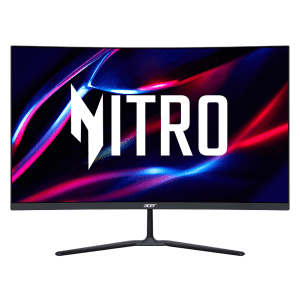
Apply coupon code "MDADSA4337" to get the best price we could find by $30. Buy Now at Newegg
- 2560x1440 resolution
- 170Hz refresh rate
- 1ms response time
- Model: UM.HE0AA.202
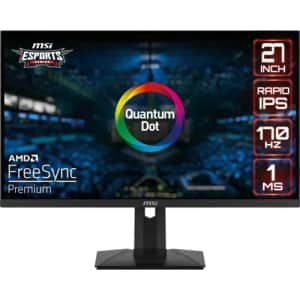
That's the best price we could find by $11. Buy Now at eBay
- 27" (2560 x 1440 QHD)
- 170 Hz Refresh Rate
- G-Sync Compatible
- 1ms response time
- Rapid IPS
- Model: G274QPF-QD
- UPC: 824142296516
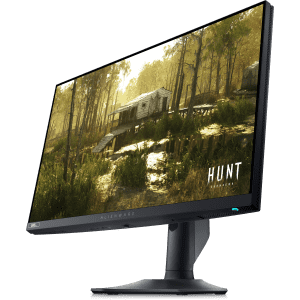
The most basic 22" starts at $80, 24" at $175, Alienware 34" curved start at $330, Ultrasharp 38" at $1,150, and plenty more. We highlighted this Alienware 24.5" 1080p HDR 500Hz IPS NVIDIA G-SYNC Gaming Monitor for $499.99 ($200 off.) Shop Now at Dell Technologies
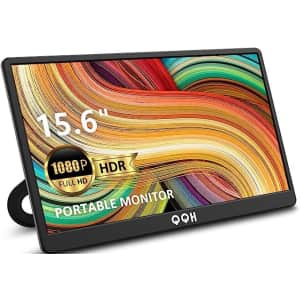
Get this deal via a Prime discount and on-page clip coupon. Buy Now at Amazon
- 1920x1080 (1080p) resolution
- two USB-C ports
- mini HDMI port
- HDR
- Model: Z1-9
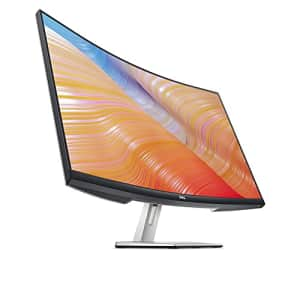
It's the best price we've seen and $70 less than what you'd pay for a sealed unit elsewhere. Buy Now at eBay
- 1920x1080 (1080p) native resolution
- AMD FreeSync variable sync
- 2 HDMI inputs
- Model: S3222HN
- UPC: 884116404057
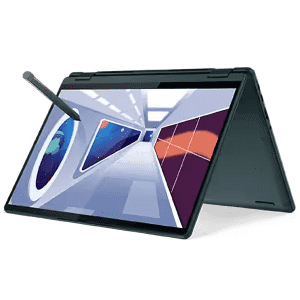
Mice start from $4.74, laptop bags from $10.44, monitors from $101.99, and laptops from $199, among other discounts. (Some deals require coupon codes, listed alongside their prices at Lenovo. If no coupon is required, code "EXTRAFIVE" may take an extra 5% off – it's responsible for some of the starting prices above.) We've pictured the Lenovo Yoga 6 4th-Gen. Ryzen 5 13.3" 2-in-1 Laptop for $517.74 via code "EXTRAFIVE" ($342 off). Shop Now at Lenovo
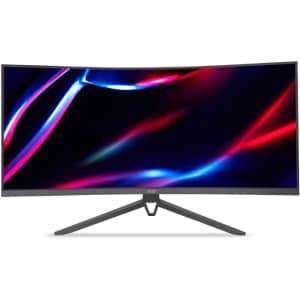
The extra 9% off applies in cart. Save on more than 400 Acer computers, monitors, laptops, and more. We've pictured the Acer 34" Widescreen Gaming Monitor for $209 in cart ($116 off). Shop Now at eBay
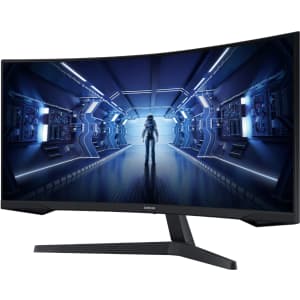
Prices start at $129.99 with a 24" monitor – and at 1080p and 165Hz with Freesync, it's a bargain, too. We've pictured the Samsung 34" Ultrawide 1440p HDR Curved 165Hz IPS FreeSync Monitor for $359.99 ($190 off). Shop Now at Best Buy
Computer Monitors: The Basics
You’ve found your perfect computer, but now you need a display. The type of monitor you should buy (and how much you’ll spend) depends on what you’re using it for. A gamer has different needs from someone who will only use their monitor for watching YouTube. No matter what you’re shopping for, DealNews has the monitor deals you need.
Common Terms
When you’re shopping for a monitor, it’s important to understand some basic terminology:
- Aspect Ratio
This measurement, expressed as two numbers separated by a colon, is a proportional representation of the monitor’s height and width. The three most common aspect ratios are 4:3, 16:9, and 21:9, with higher-end monitors available in more extreme ratios.
- Viewable Screen Area
The viewable screen is the part of a monitor that displays content, as opposed to the parts that may be covered by a border. You might see this measurement listed after the size, such as: 24’’(23.6” Viewable). Many monitors are now borderless.
- Resolution
Resolution is how many pixels make up a screen, and is described as length x width. For example, a 1080p monitor has a resolution of 1920x1080 pixels.
- Response Time
The response time is how long it takes for a monitor to change individual pixels from black to white (or in some technologies, gray to gray). This determines how sharp an image is. When viewing a monitor’s response time, the lower the number, the better.
- Refresh Rate
The refresh rate is how many times the image updates each second. This is measured in Hertz (Hz). In general, you should buy a monitor with at least a 60Hz refresh rate, but higher numbers are generally better. (Note that not all manufacturers include specs regarding refresh rate.)
-
Display Panel Types
- Twisted Nematics (TN): These panels are the fastest and most inexpensive panels on the market. But what you make up for in speed and price, you lose in color and viewing angles. TN panels are an especially good choice for gamers who need higher refresh rates, and low response time.
- Vertical Alignment (VA): Considered the middle ground between TN and IPS panels, VA monitors have good color and contrast and a mid-tier price. These panels have some of the slowest response times, so they’re best suited to general use.
- In-Plane Switching (IPS): These panels have great color and viewing angles with a response time that falls between TN and VA panels. IPS panels are the most expensive, and are best suited for professional design use.
Frequently Asked Questions
What features should I consider when purchasing a monitor?
First, think about how you’ll use the monitor. The screen size, resolution, panel type, and response time you’ll need are all heavily dependent on your use case. It’s also important to make sure your monitor has the correct inputs for your computer — if not, you should look into purchasing an adapter. Once you’ve decided on the specs you’ll need, check out DealNews for the best deals on cheap monitors.
What is a curved monitor?
Curved monitors are growing in popularity, as they can help your eyes take in more of the screen at once. If you tend to use dual monitors, a single curved monitor can typically fulfill the same role. Unfortunately, the technology is still relatively new and curved monitor prices tend to be higher.
What brands have the best monitor deals?
When it comes to monitors, finding the right brand is less important than finding the right combination of features. To help you find exactly what you need, DealNews publishes deals from many different monitor manufacturers. You can see all the monitor sales here, or you can check out monitors on our brand- and store-specific pages, including Acer , Alienware , Asus , Dell , Lenovo , LG , Samsung and more!
A Georgia girl with three years of experience in IP Law and grounded in understanding marketing and consumer motives. When she's not working with the fabulous staff of DealNews, you can find her whining at rowing practice and browsing the Hot Deals on the site.